All Courses
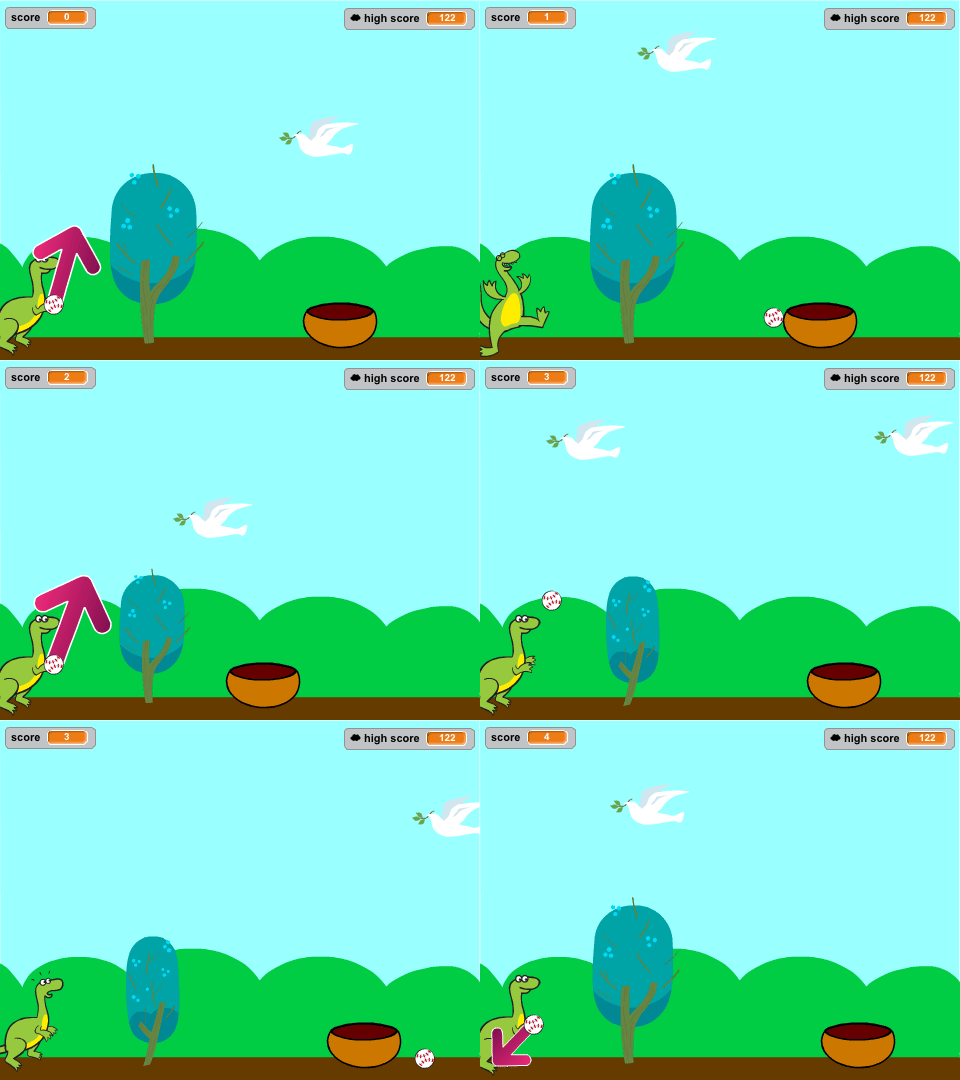
Through this course, kids learn essential programming concepts such as sequencing, loops, conditionals, arithmetical operations, logical operations and variables. They develop computational thinking skills as they break down problems into smaller steps, plan the execution of actions, and control the behavior of their programs.
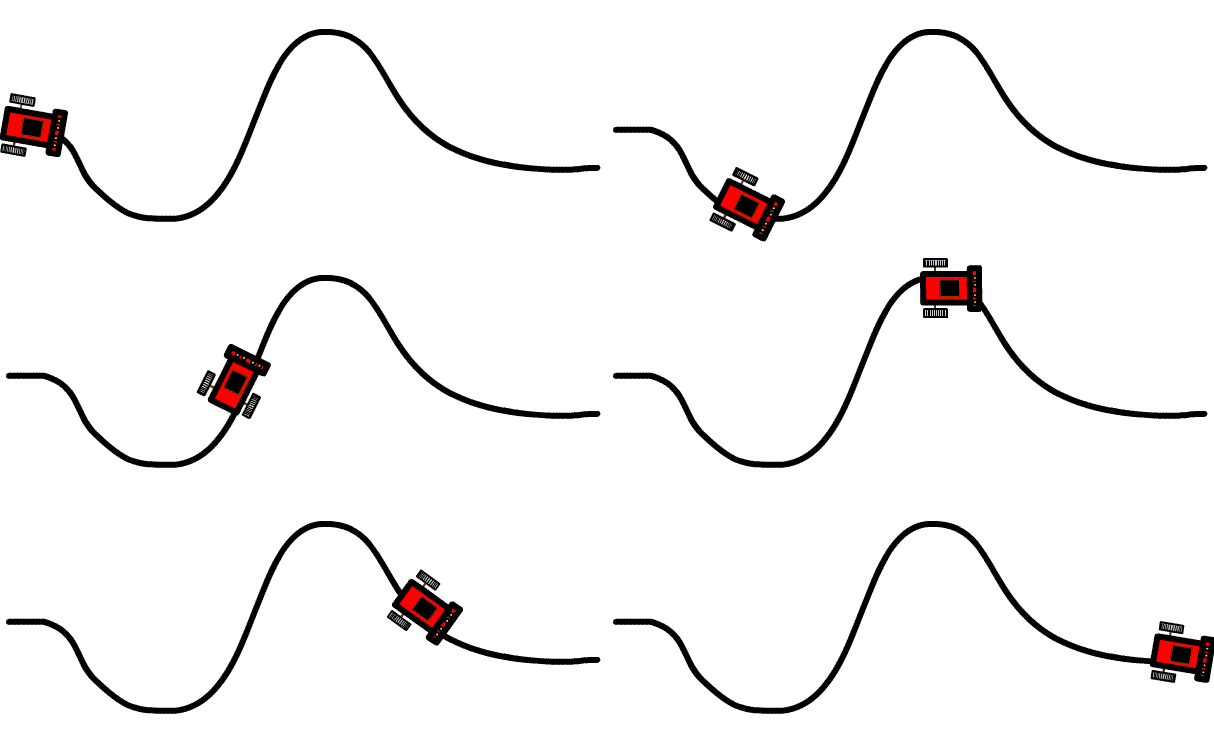
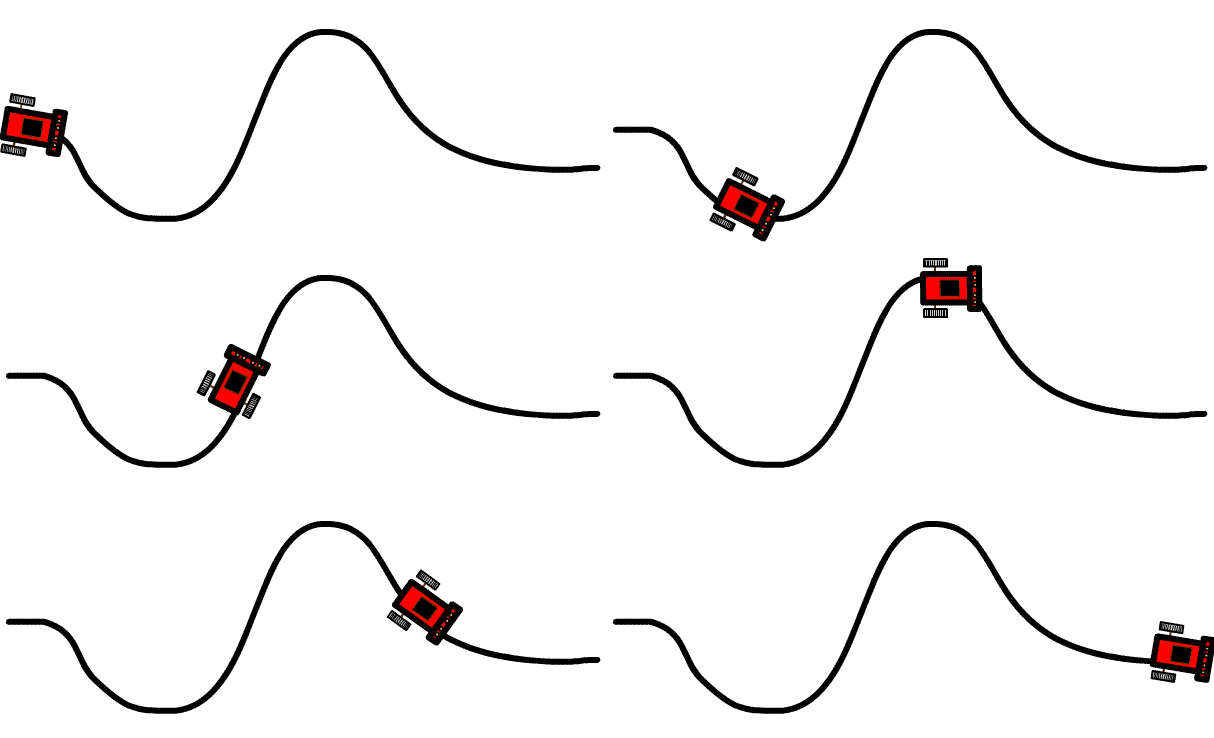
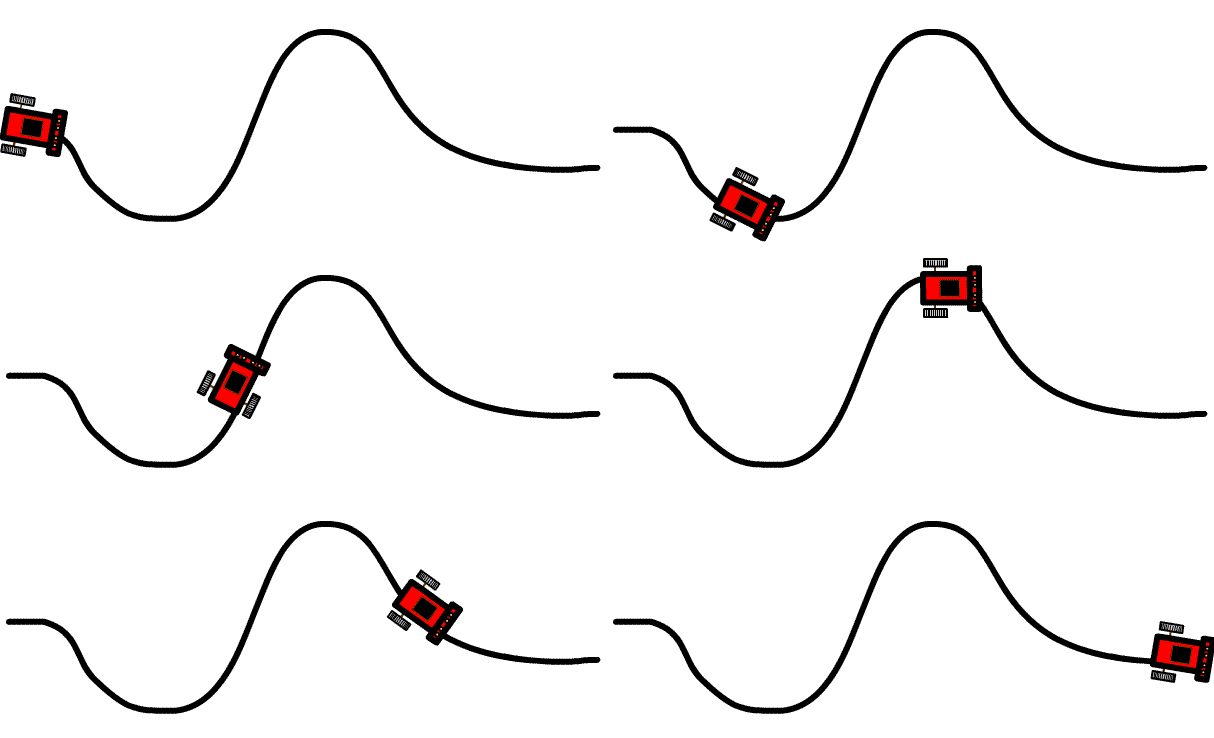
A line follower robot is a fun and educational project for kids that introduces them to the world of robotics and programming. This small robot is designed to follow a line on the ground using sensors and motors. Here's a brief description of a line follower robot for kids:
In this course, They learn to write code that controls electronic components like sensors, and Actuators. This allows them to translate the voltage signals to code responding to the inputs, display information, and control movement which makes them able to design and create the following Projects:
- Irrigation System Project
- Lightening System Project
- Laser security system project
- Fish Feeder
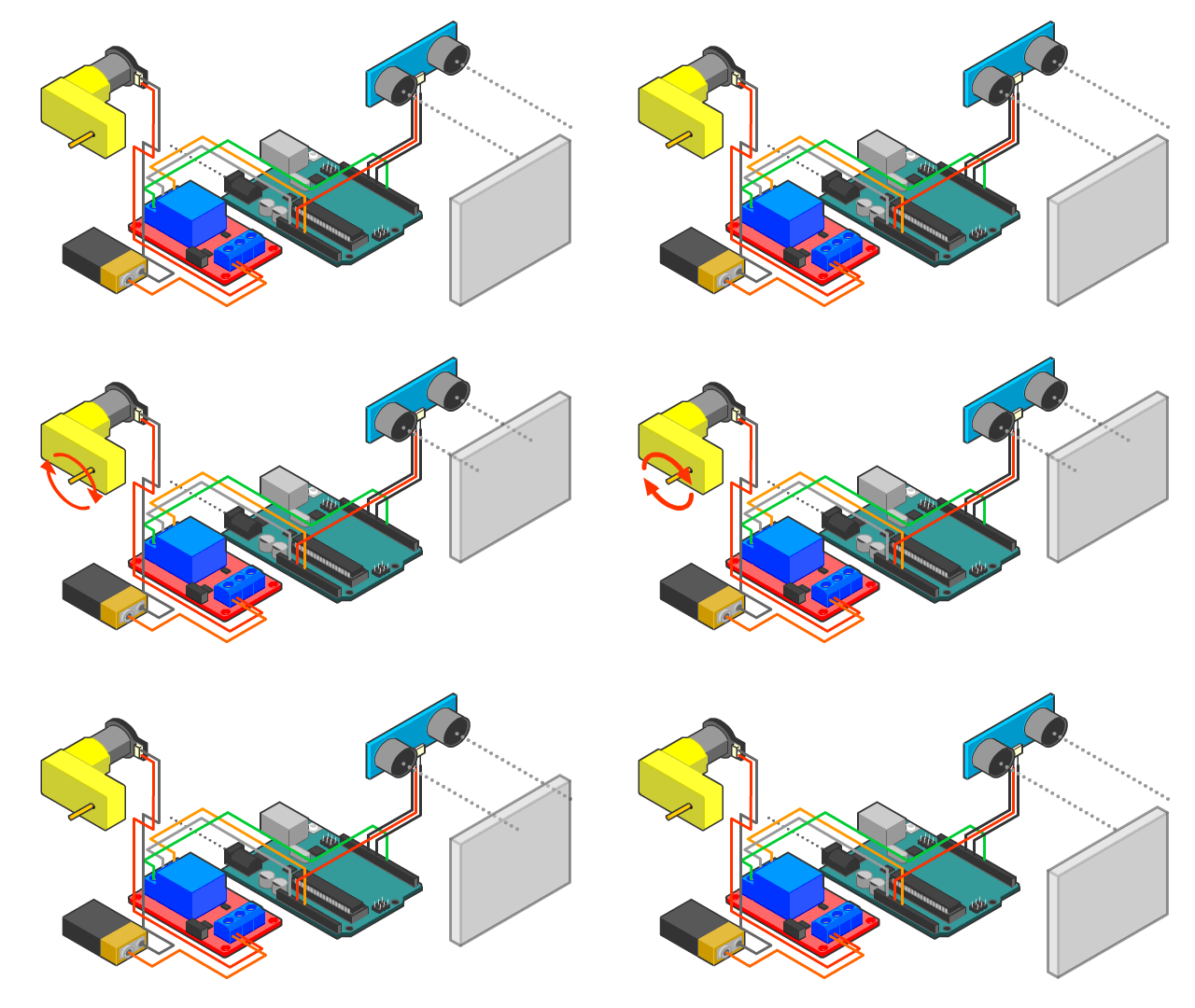
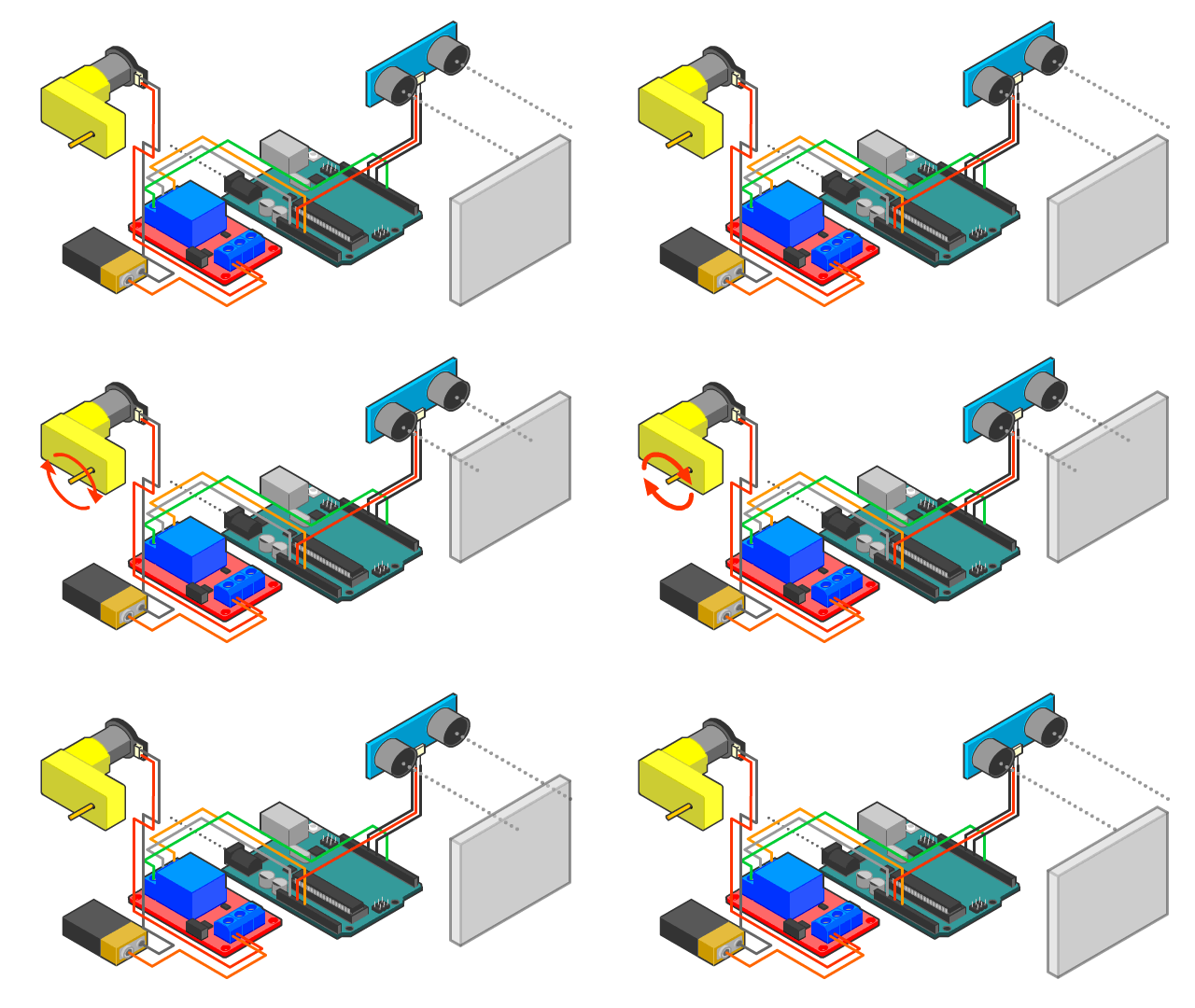
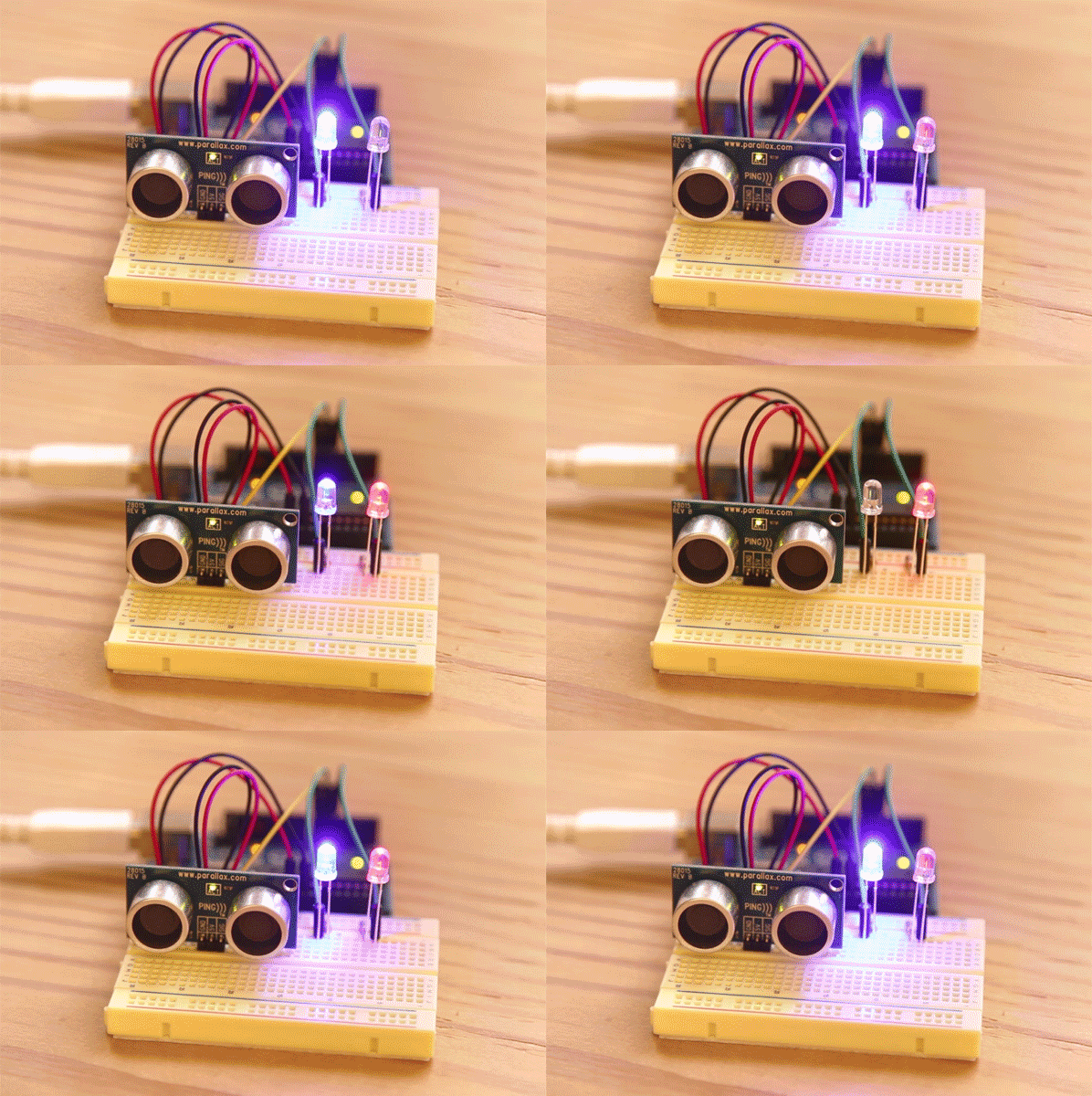
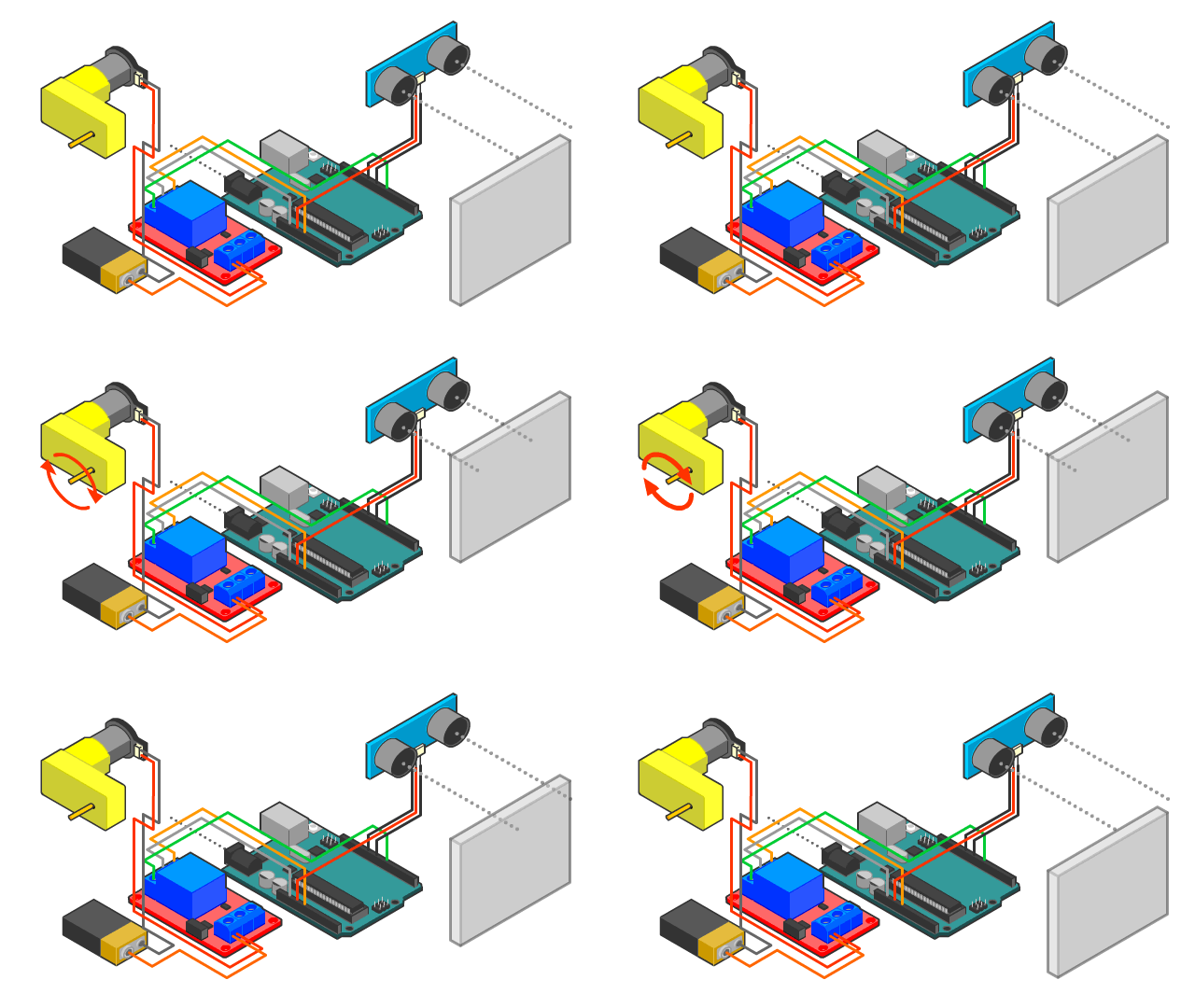
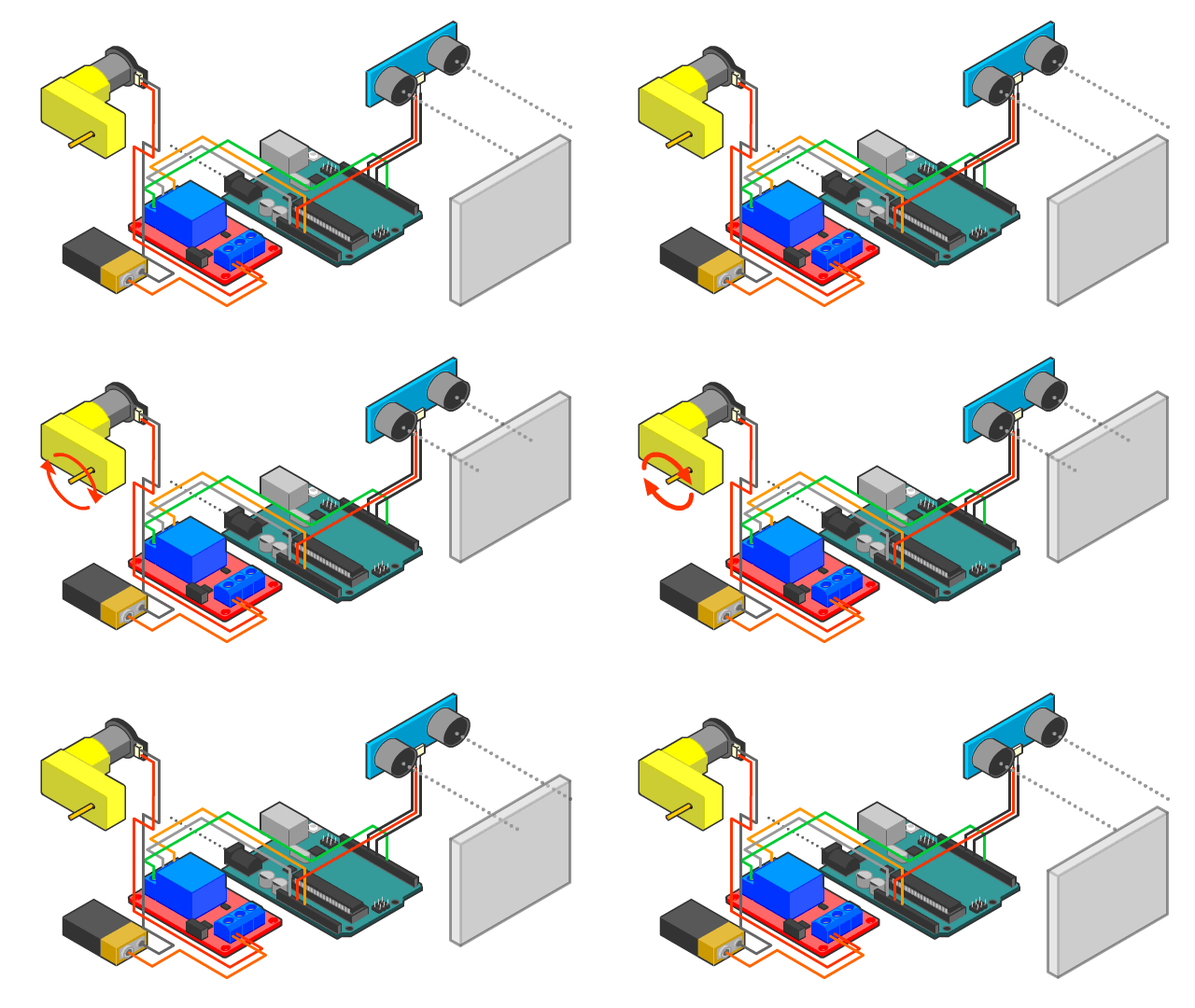
- Radar Project
- Smart Dustbin Project
- Smart Water Dispenser Project
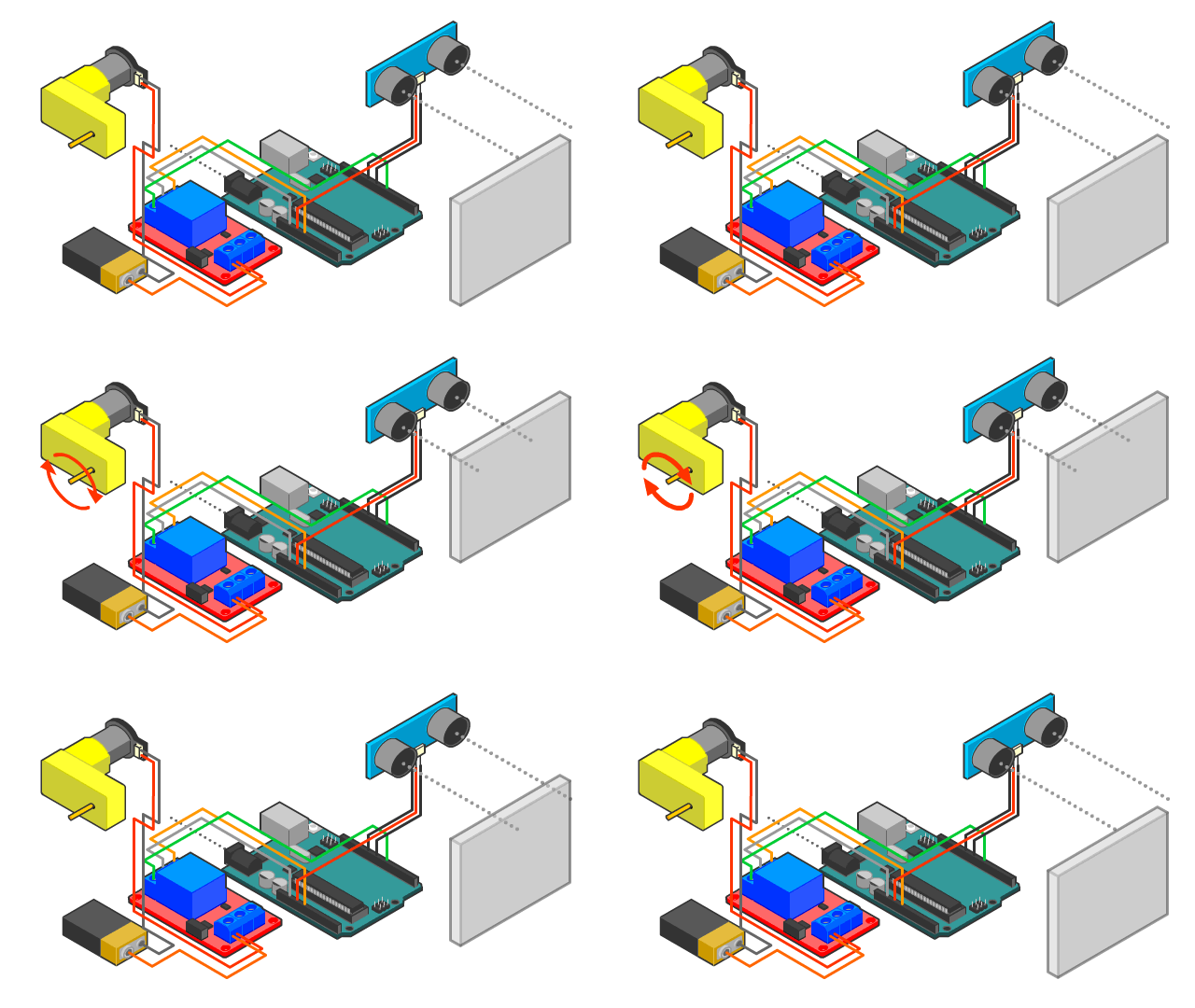
- Smart Train Gate Project
Introductory Programming Courses
This course is designed to introduce students to the basics of programming using C++. It is aimed at beginners with little to no programming experience, providing a solid foundation in C++ syntax, semantics, and programming techniques. By the end of the course, students will be able to write simple to moderately complex programs in C++.
In this course, They learn to write code that controls electronic components like sensors, and Actuators. This allows them to translate the voltage signals to code responding to the inputs, display information, and control movement.
They learn problem-solving skills by testing and improving the robot's performance. It fosters creativity and critical thinking as they experiment with designs, features, and behavior modifications to navigate obstacles.
Learn programming tools and fundamentals to be able to write codes for future STEM projects
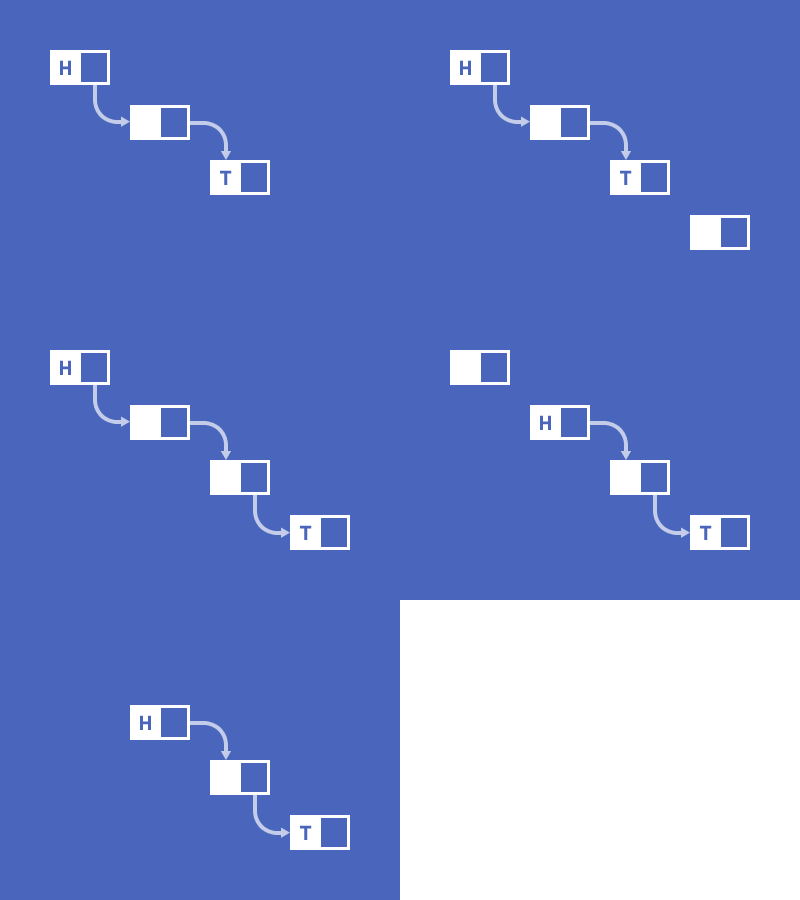
Data structure programming focuses on organizing and managing data efficiently using structures like arrays, lists, stacks, queues, and graphs. It helps optimize algorithms for tasks like searching, sorting, and mapping, forming the foundation for solving complex problems in computer science and software development.
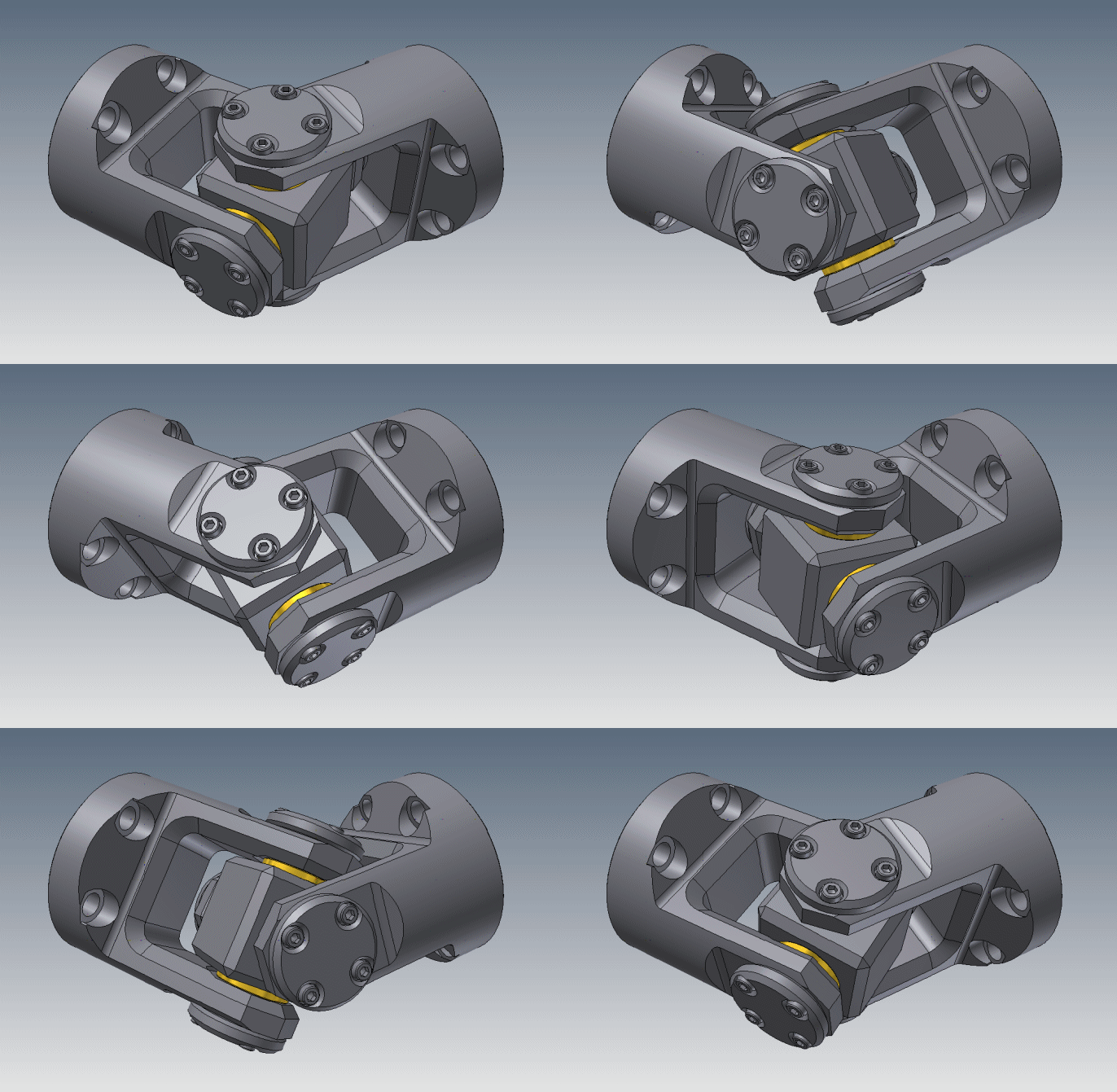
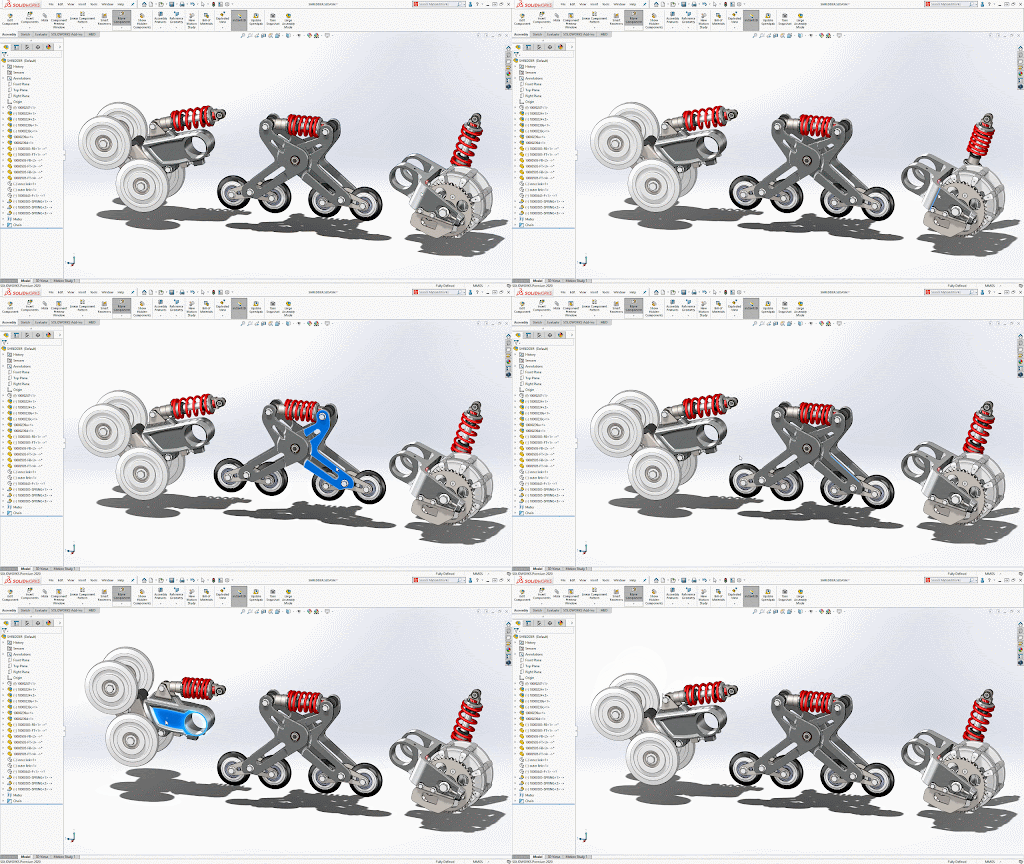
Mechanical designing using SolidWorks involves creating 3D models of mechanical parts and assemblies.
SolidWorks is CAD software that allows designers to visualize, simulate, and refine their designs with precision.
It supports creating detailed components, analyzing strength and movement, and generating engineering drawings, making it a powerful tool for developing mechanical systems, prototypes, and product designs.
These projects for kids are introducing them to advanced robotics and control systems:
- Voice-Controlled Actuators: Kids use voice commands to control motors or LEDs, learning automation.
- Bluetooth-Controlled Robot: A mobile app controls a 4-wheeled robot via Bluetooth, teaching wireless communication.
- Lifter and Gripper for the Robot: Kids add a lifter and gripper to the robot, learning about robotics and motor control.
Description:
Students are introduced to Arduino as the “brain” of a smart system.
Instead of controlling projects manually, students discover how sensors allow machines to understand their surroundings and how simple programs allow the system to decide what action to take.
Many projects intentionally revisit ideas from Electronics Projects and transform them from manual systems into intelligent automated systems.
Learning Objectives
By the end of the course, students will be able to:
- Understand Arduino as a programmable controller.
- Understand the relationship between Input → Processing → Output.
- Write and modify simple Arduino programs.
- Control LEDs, buzzers, motors, and servos using code.
- Understand digital inputs and outputs at an introductory level.
- Read information from simple sensors.
- Understand the purpose of different sensors.
- Use conditions to make simple decisions.
- Understand the concept of If this happens → Do that.
- Replace manual controls with sensor-based automatic control.
- Combine a sensor, Arduino, and actuator into a complete system.
- Observe sensor readings and relate them to the physical world.
- Troubleshoot basic Arduino projects.
- Explain why a smart system behaves in a particular way.
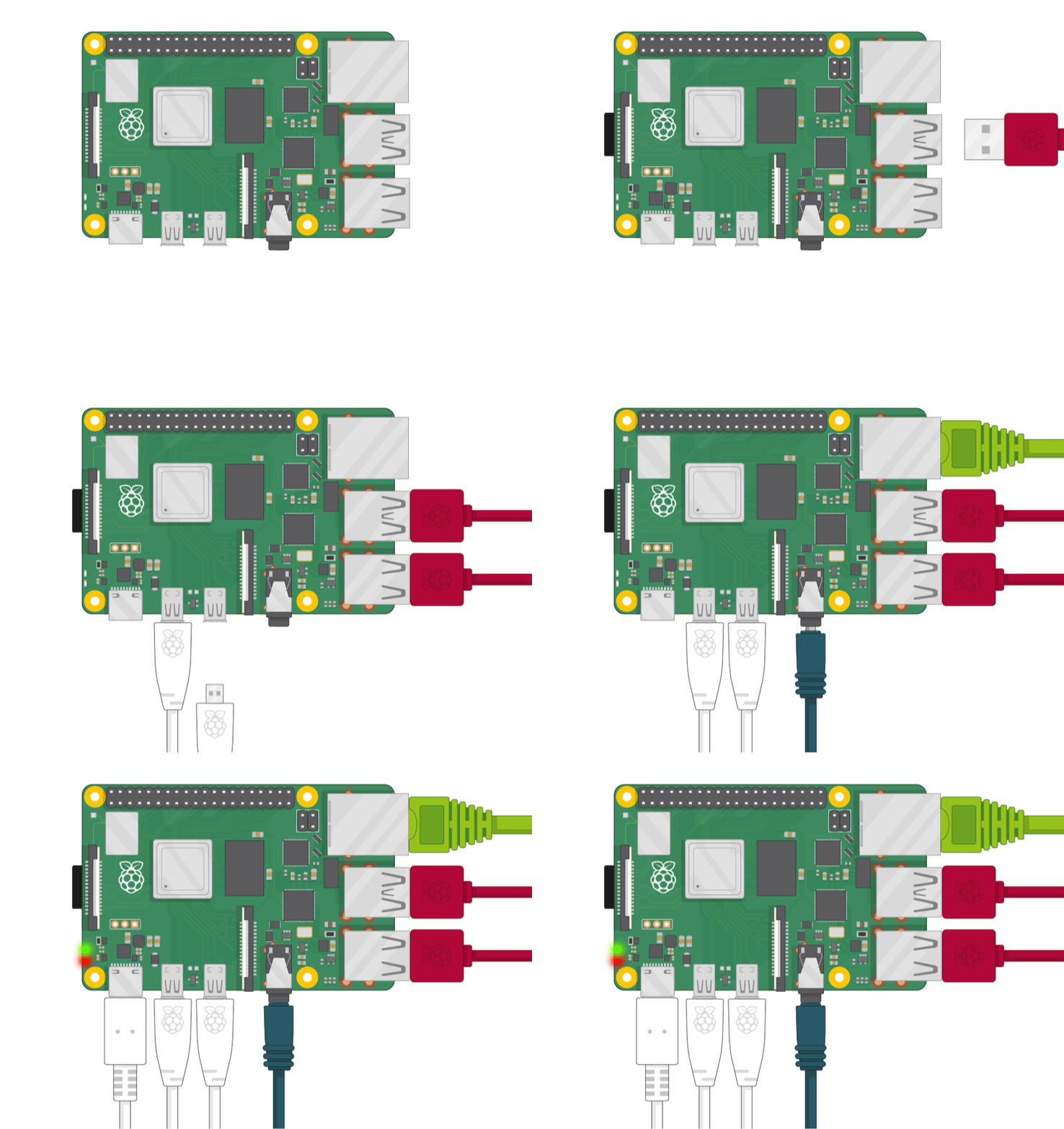
This course introduces students to Python programming basics and how to use it with a Raspberry Pi to control electronics. They'll learn about data types, loops, and conditions, and then apply these concepts to interact with components like LEDs, sensors, and motors. By the end, students will be able to create fun, interactive projects that combine software and hardware.
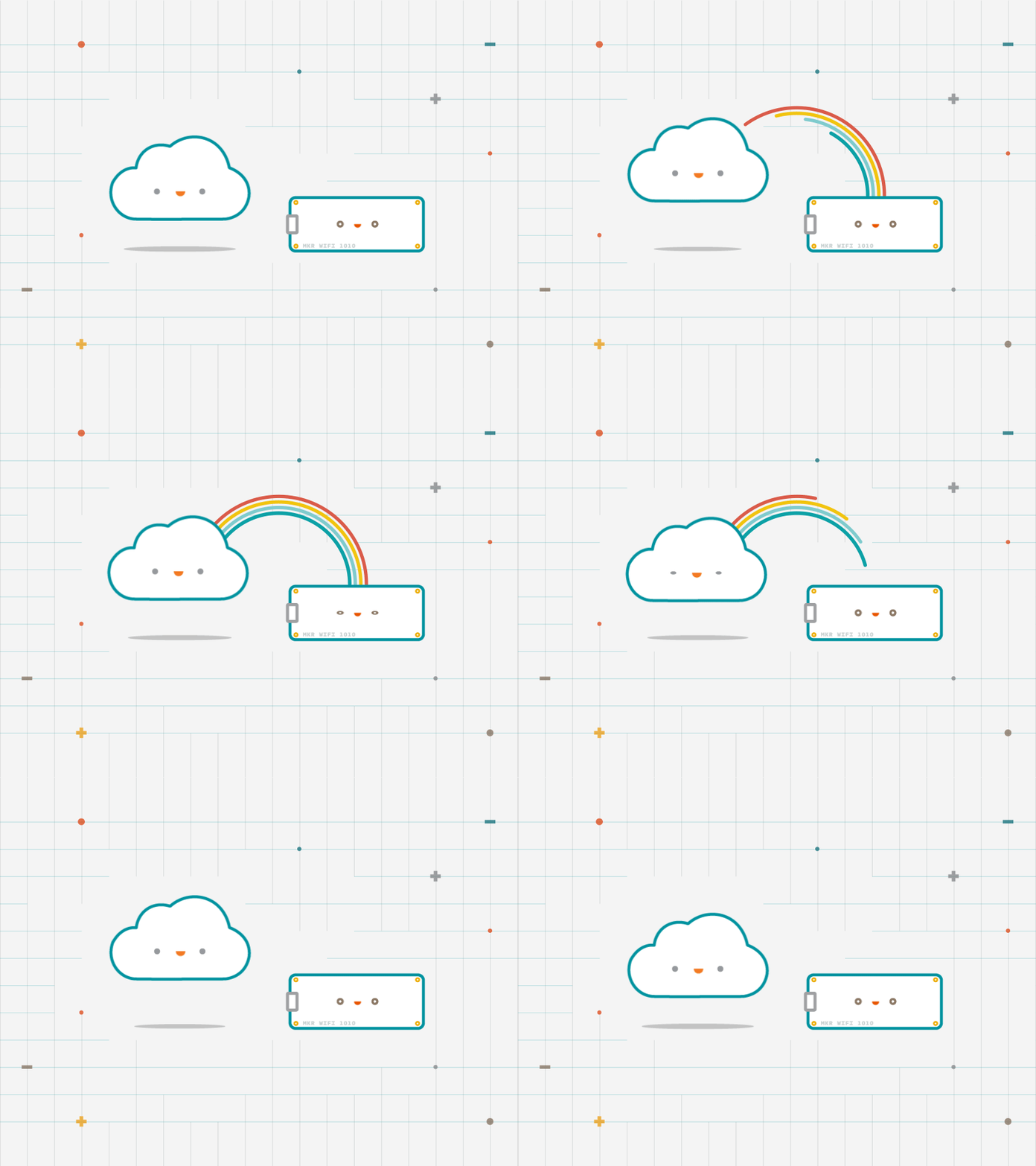
This course, "Internet of Things (IoT) using Arduino Nano RP2040 & ESP32 on Arduino Cloud," is designed to introduce you to the world of IoT by leveraging popular microcontrollers and the Arduino Cloud platform. You'll learn how to set up, connect, and program Arduino Nano RP2040 and ESP32 to create smart devices that communicate over the internet. The course will guide you through cloud connectivity, data acquisition, and remote monitoring and control using the Arduino Cloud. You'll also work with a variety of sensors and actuators to build real-world IoT projects such as smart home automation, weather monitoring systems, and more. By the end of the course, you'll have hands-on experience with building, deploying, and managing IoT solutions, providing you with the knowledge and skills needed for IoT projects and applications.
A Python course for kids introduces them to coding in a fun and easy-to-understand way. Kids will learn the basics of Python, including variables, loops, and conditionals, through interactive projects like games and simple programs. The course focuses on hands-on learning, helping kids develop problem-solving and logical thinking skills while making coding enjoyable and engaging. Python's simplicity makes it perfect for young beginners.
An electronics course for kids introduces them to the basics of circuits and programming. Kids will use Tinkercad to design and simulate circuits with components like LEDs, resistors, and Arduino without needing physical parts. They will learn how to connect components, write simple code, and see their projects come to life.
Powertrain: Converts energy into movement using motors and gears, enabling the robot to move
Electronics: Provides the control system, including sensors, power management, and communication modules to handle signals and power distribution.
Arduino Interface: Acts as the main controller that processes inputs from sensors and controls the motors, allowing easy interaction between all hardware components.
Together, they create an intelligent and controllable system capable of interacting with the environment.
Intermediate Programming Courses
Design programming and algorithms focus on creating efficient solutions to problems. It involves structuring code and selecting the best algorithms to achieve optimal performance. Algorithms are step-by-step procedures used to process data, solve problems, or perform computations, while good design ensures clarity, efficiency, and scalability in the program's structure. Together, they form the foundation for building reliable, efficient software solutions.
Intermediate Programming Courses
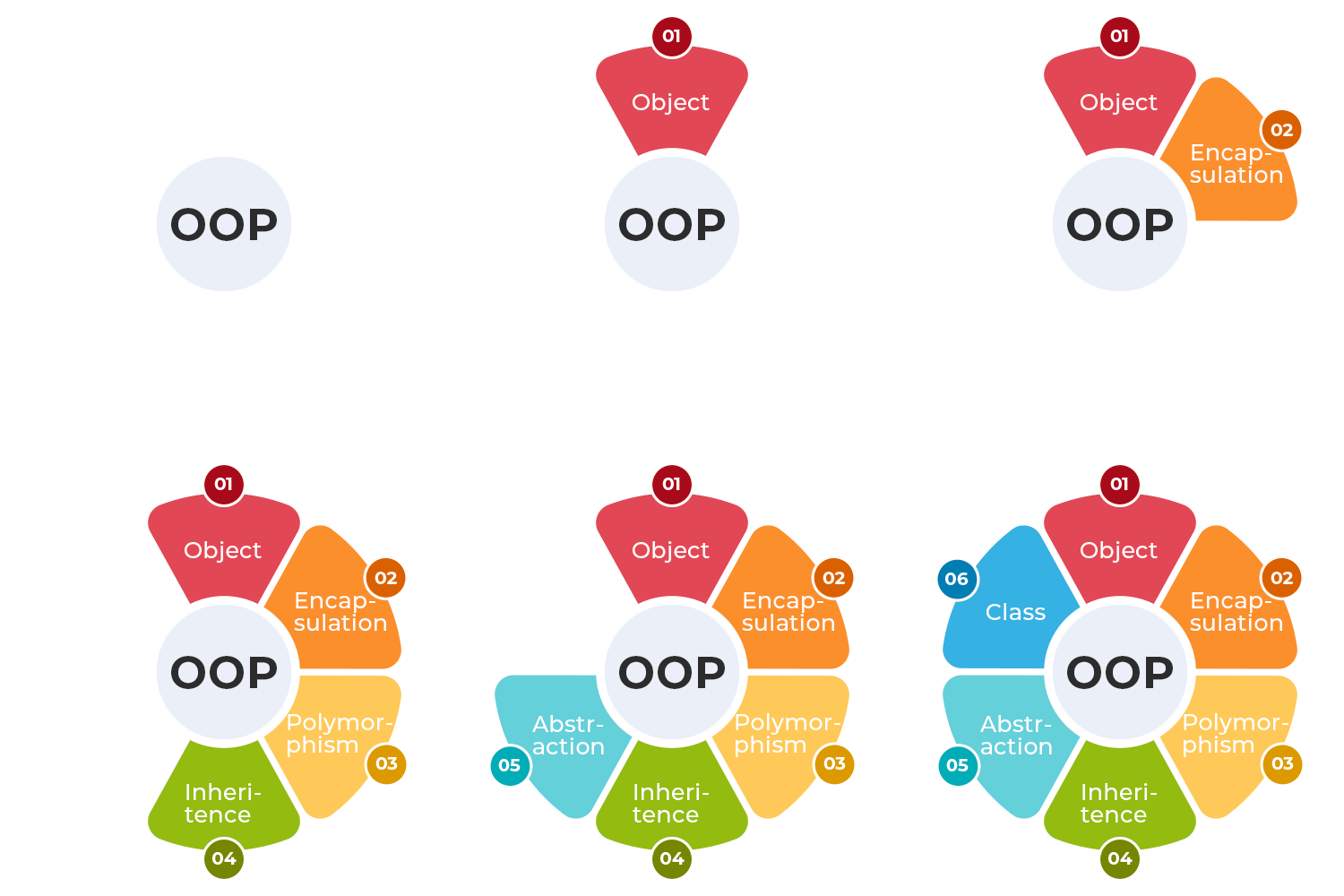
This course provides an in-depth exploration of Object-Oriented Programming (OOP) principles and practices using C++ and other object-oriented languages. It is designed for students with basic programming knowledge who want to deepen their understanding of OOP concepts and apply them to real-world problems.
Build, Code, and Innovate with Sensor-Based Robots, Mastering Real-World Problem-Solving like front collision avoidance system.
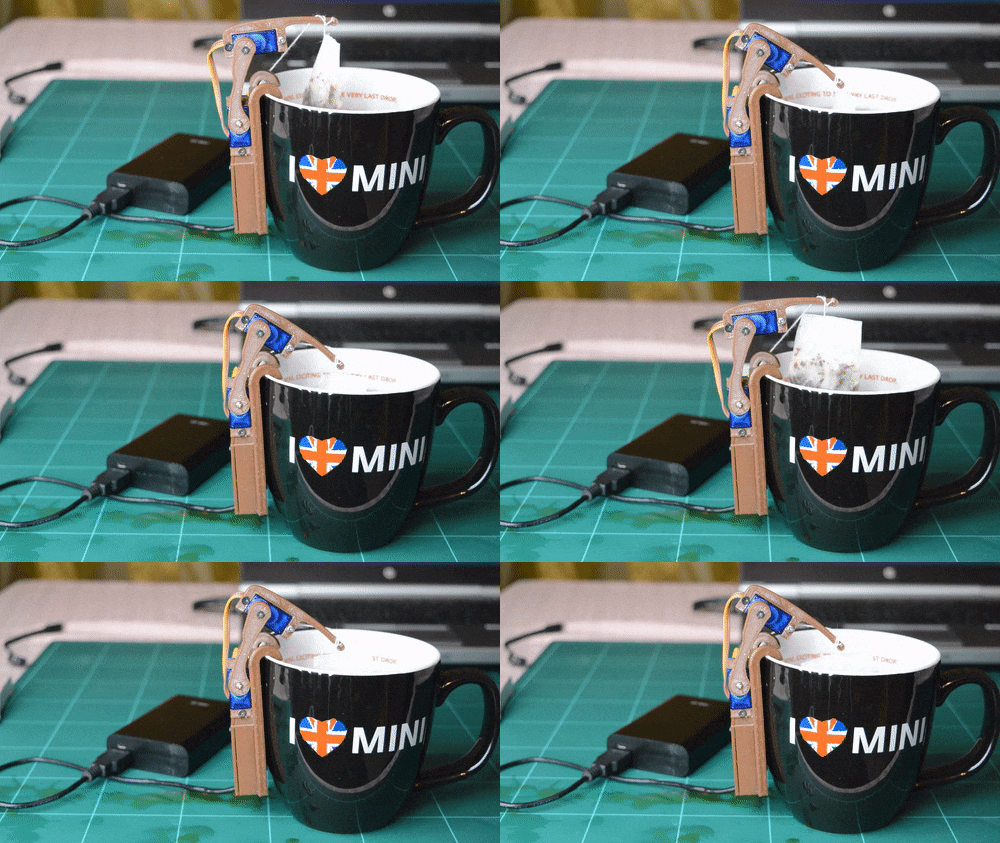
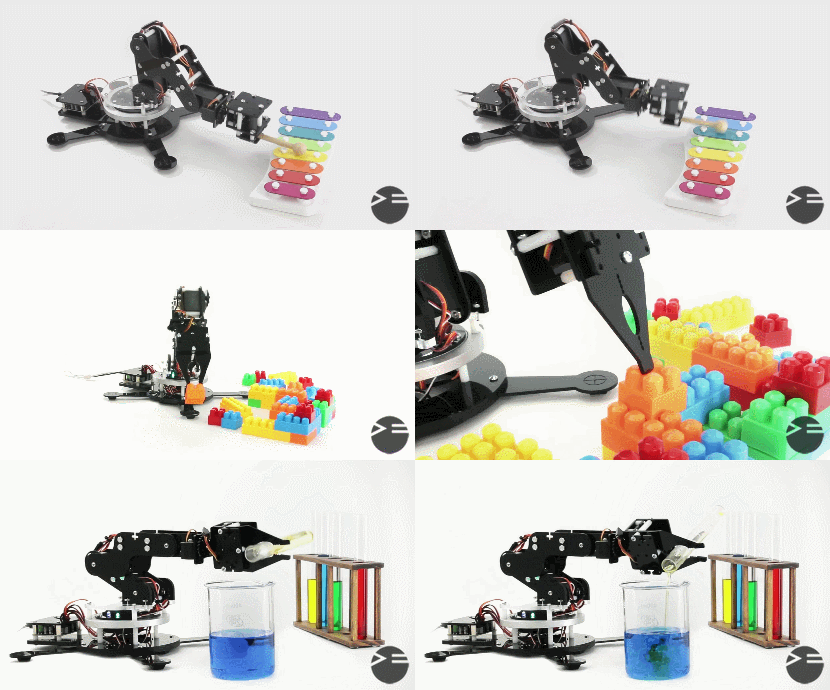
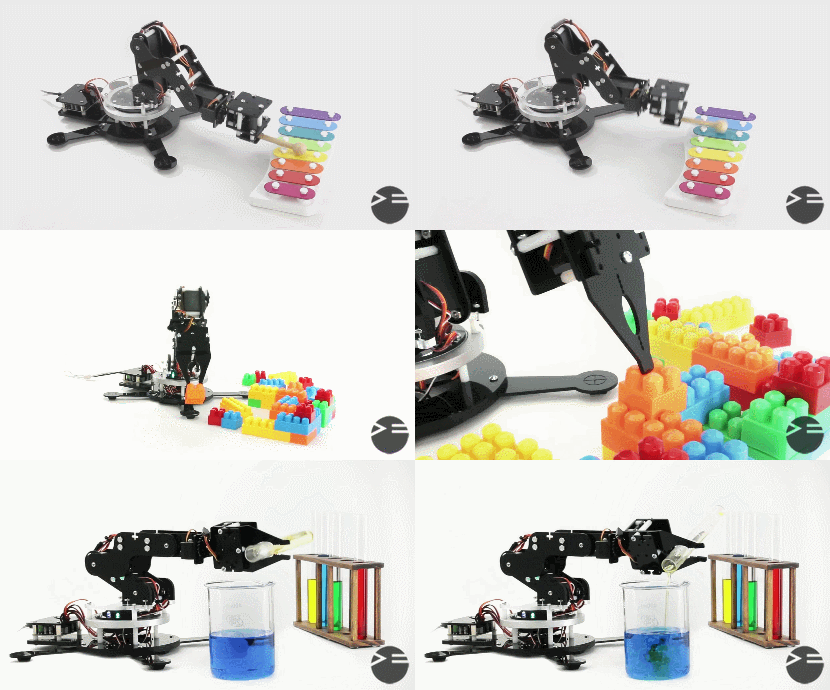
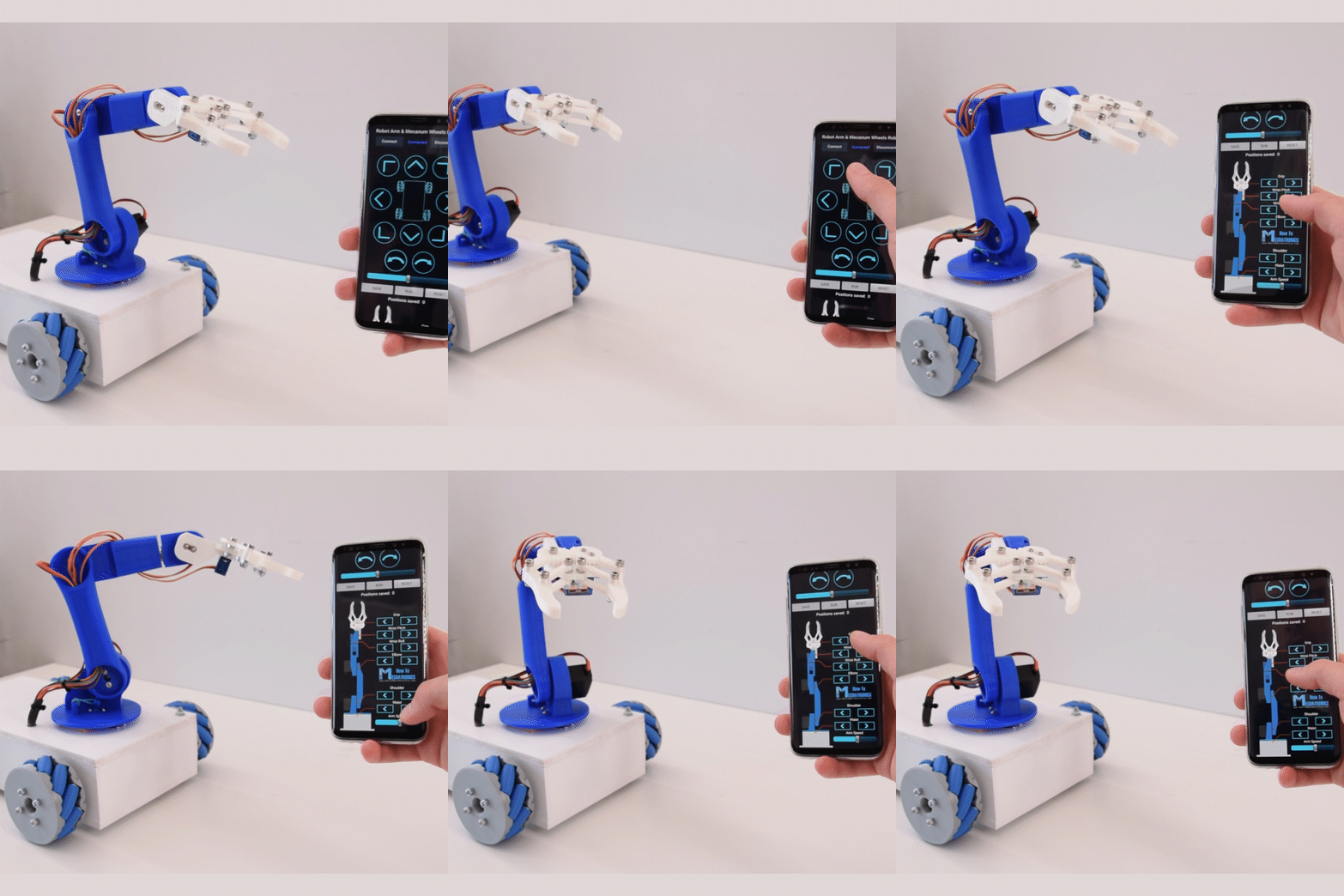
Students will explore the mechanical design of a robot arm and the electronic components needed to control it, learn how to connect and use these components for controlling the arm and how to program the robotic arm to perform tasks
Learn the foundations of modern electronics and embedded systems through our Digital Electronics & Microcontrollers course.
In this program, students start by understanding number systems, logic gates, Boolean algebra, and digital circuit design. Then we move into practical microcontroller development using AVR, ATmega, PIC, and communication protocols such as UART, I²C, and SPI.
By the end of the course, students will be able to design, code, and build real embedded systems projects and control sensors, motors, and digital circuits with confidence.
Linear algebra is essential in machine learning for representing data as vectors and matrices. It helps perform operations like matrix multiplication, which is key in algorithms like linear regression, neural networks, and PCA. Understanding linear algebra allows better handling of data transformations and optimizations in machine learning models.
Probability and statistics are crucial in machine learning for understanding data patterns and making predictions. Probability helps model uncertainty in predictions, while statistics provides tools to summarize and interpret data. Concepts like distributions, mean, variance, and hypothesis testing are used to train models, evaluate performance, and handle uncertainty, ensuring more reliable machine learning outcomes.
Calculus is vital in machine learning for optimizing algorithms. It helps in understanding how model parameters should change to minimize errors. Concepts like derivatives and gradients are used in gradient descent to adjust weights in models like neural networks, improving performance through learning and optimization.
MIT App Inventor teaches kids how to create their own mobile games in a user-friendly, visual programming environment. Kids will learn the basics of game design, including graphics, sound, and interactive elements, by dragging and dropping blocks to code their games.
These projects for kids are introducing them to advanced robotics and control systems:
- Voice-Controlled Actuators: Kids use voice commands to control motors or LEDs, learning automation.
- Bluetooth-Controlled Robot: A mobile app controls a 4-wheeled robot via Bluetooth, teaching wireless communication.
- Lifter and Gripper for the Robot: Kids add a lifter and gripper to the robot, learning about robotics and motor control.
هذه المشاريع للأطفال تعرفهم على الروبوتات المتقدمة وأنظمة التحكم:
- المحركات التي يتم التحكم فيها بالصوت: يستخدم الأطفال الأوامر الصوتية للتحكم في المحركات أو مصابيح LED .
- روبوت يتم التحكم فيه بواسطة بلوتوث: يتحكم تطبيق الموبايل في روبوت ب 4 عجلات عبر البلوتوث ، لتعليم الاتصال اللاسلكي.
- رافع وقابض للروبوت: يضيف الأطفال رافعا وقابضا إلى الروبوت ، و يتعلمون كيفية التحكم في المحركات.
Description:
Junior Robotics brings together everything students have learned throughout the Junior journey.
Students explore robot movement, navigation, remote control, sensing, autonomous behavior, and task-based robotics.
Instead of treating robots as toys, students begin understanding robots as machines that receive information, make decisions, move, and perform useful tasks.
Learning Objectives
By the end of the course, students will be able to:
- Understand the basic structure of a robot.
- Identify a robot's controller, sensors, actuators, and mechanical structure.
- Control robot movement and direction.
- Understand Forward, Backward, Left, Right, and Stop commands.
- Understand basic robot navigation.
- Plan simple paths for a robot.
- Remotely control a robot.
- Use sensors for autonomous navigation.
- Understand obstacle detection and avoidance.
- Understand basic line sensing and line-following behavior.
- Build robots designed for specific tasks.
- Compare manually controlled and autonomous robots.
- Test and improve robot behavior.
- Solve simple navigation and movement challenges.
- Integrate electronics, programming, sensors, and mechanics into one robotic system.
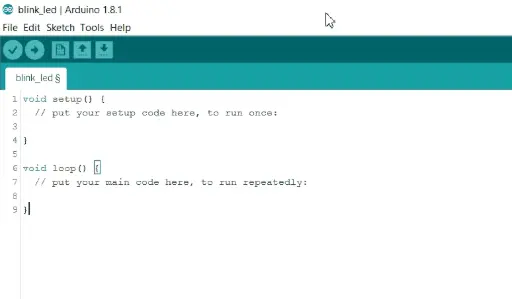

Arduino programming involves using an Arduino board, which is a small electronic device, to create interactive projects. With Arduino, students learn how to write and upload code that controls various electronic components such as lights, sensors, motors, and more. This enables them to create programs that respond to input from sensors, display information on screens, or control the movement of motors.
Description
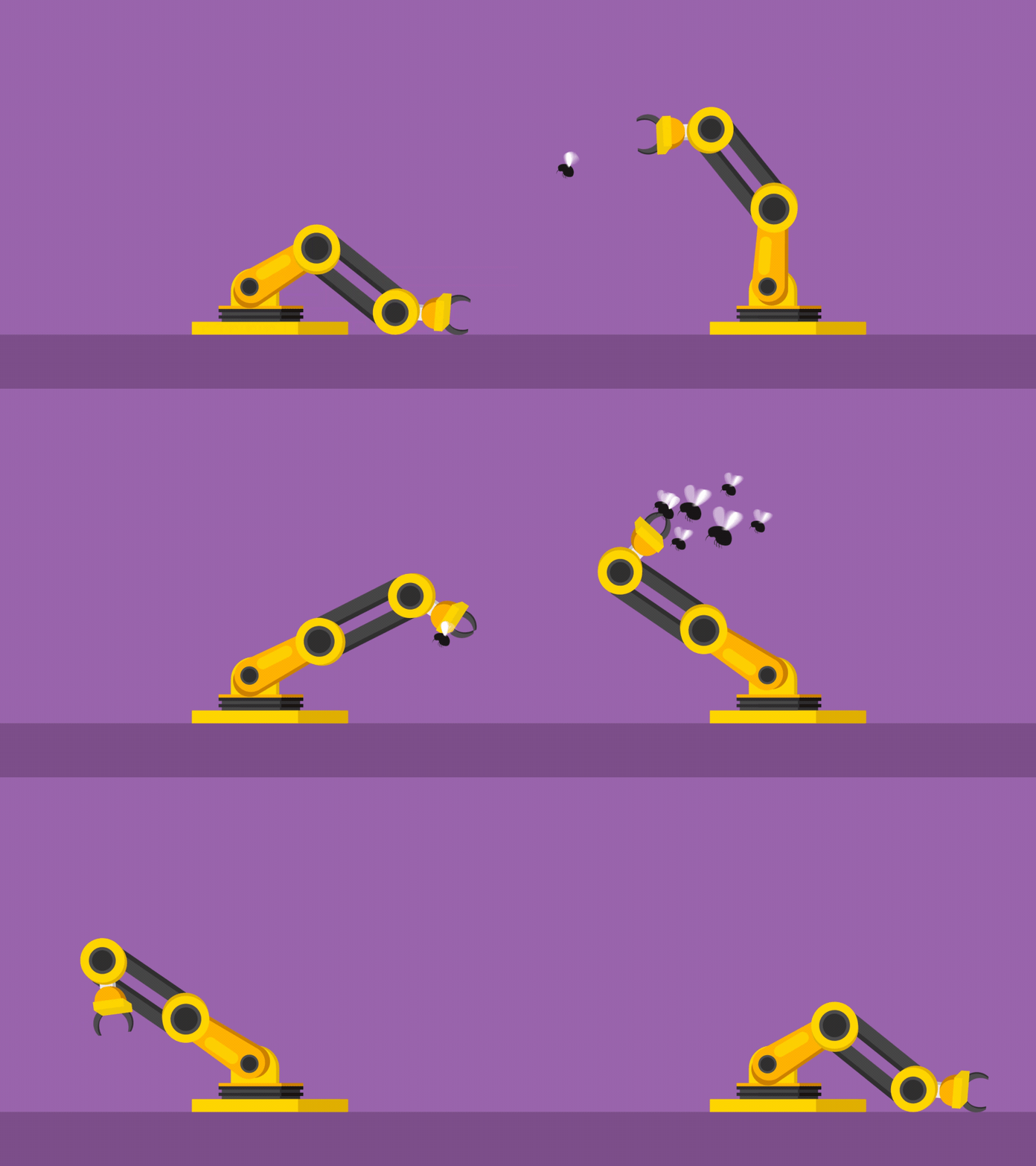
Students complete the StarTec journey by bringing mechanics, electronics, programming, and motion control together to build a complete robotic arm.
They explore how robotic arms are constructed using Links and Joints, how Servo Motors create controlled movement, and how a Gripper allows a robot to interact with physical objects.
Students assemble the mechanical structure, install the Servo Motors, connect the electronic system, and program individual joints before coordinating them to perform complete movements.
They progress from Manual Control to programmed Automatic Motion Sequences, ultimately enabling their robot arm to perform tasks such as Pick and Place.
The course introduces students to the foundations of Robotic Manipulation, giving them a first understanding of the engineering principles behind industrial robotic arms and automated manipulation systems.
Learning Objectives
By the end of the course, students will be able to:
- Understand the basic structure of a Robotic Arm.
- Identify the Base, Links, Joints, and End Effector.
- Understand the role of each Joint in producing movement.
- Understand the concept of Degrees of Freedom at an introductory level.
- Understand the purpose of a robotic Gripper.
- Assemble the mechanical structure of a Robot Arm.
- Install Servo Motors within mechanical joints.
- Connect multiple Servo Motors to the electronic control system.
- Control Servo Motor angles using Arduino.
- Control individual Robot Arm joints.
- Coordinate multiple joints to create complete movements.
- Understand basic Motion Sequences.
- Define safe movement ranges for different joints.
- Create a Manual Control Mode.
- Control the Robot Arm through user inputs.
- Create an Automatic Control Mode.
- Program predefined sequences of robotic movements.
- Control the opening and closing of a Gripper.
- Perform basic Pick and Place operations.
- Understand how a robot physically interacts with objects.
- Test and improve Robot Arm movement.
- Troubleshoot mechanical, electronic, and programming problems.
- Integrate Mechanical Design + Electronics + Programming + Motion Control into one system.
- Understand the foundations of Robotic Manipulation.
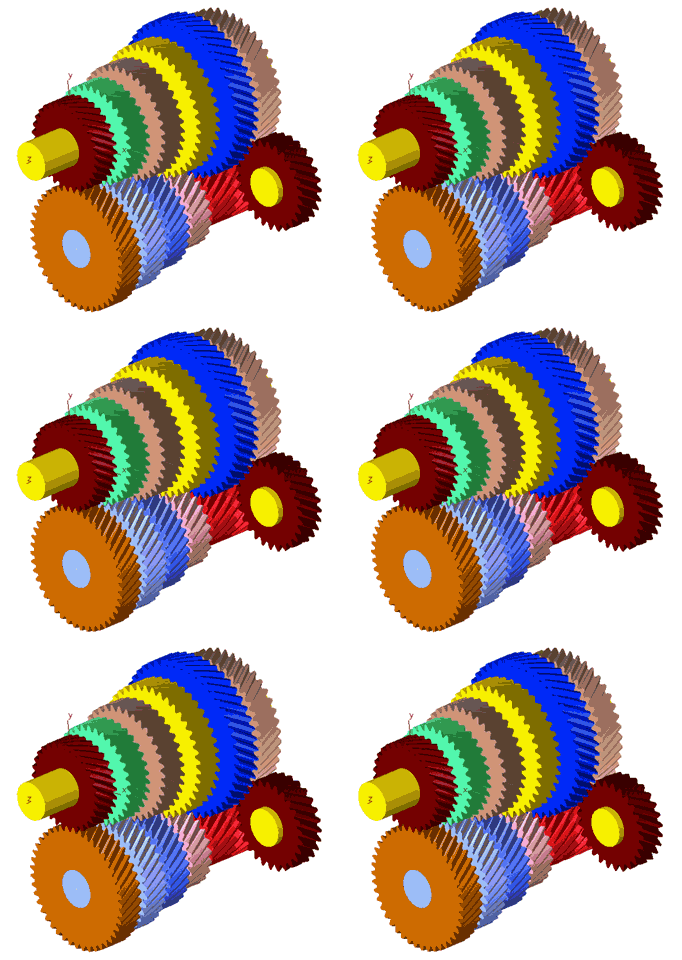
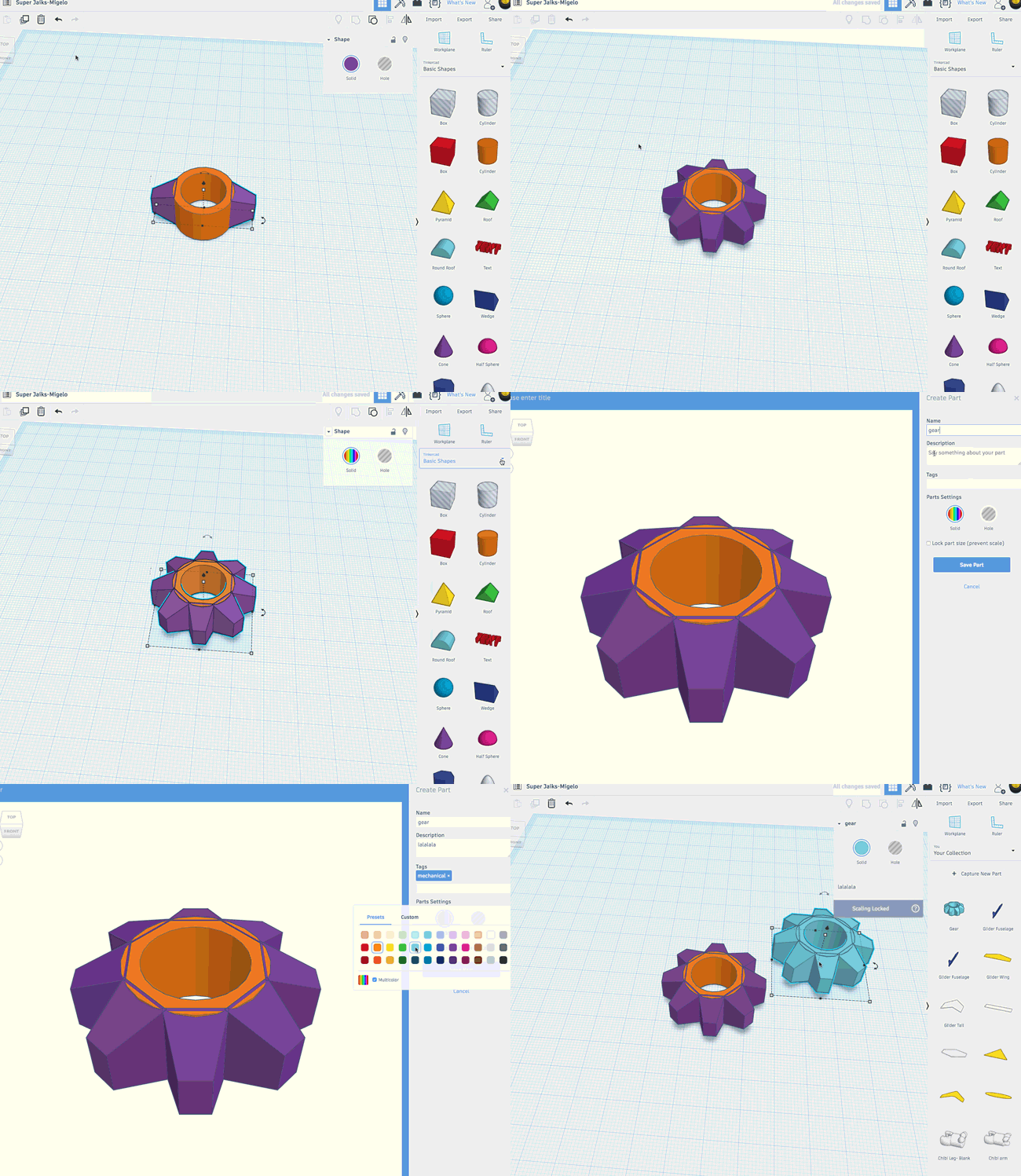
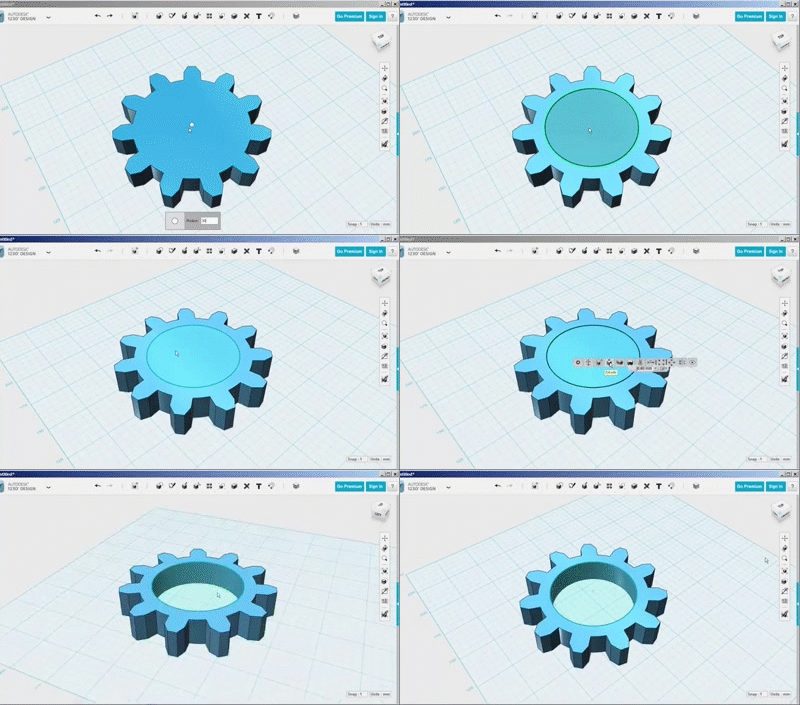
A mechanical design course using Tinkercad for kids introduces them to 3D modeling and design, allowing them to create mechanical parts like gears and simple machines. Kids learn how to design in a virtual environment, and then use a 3D printer or laser cutting machine to manufacture their designs in real life and assembling the parts together.
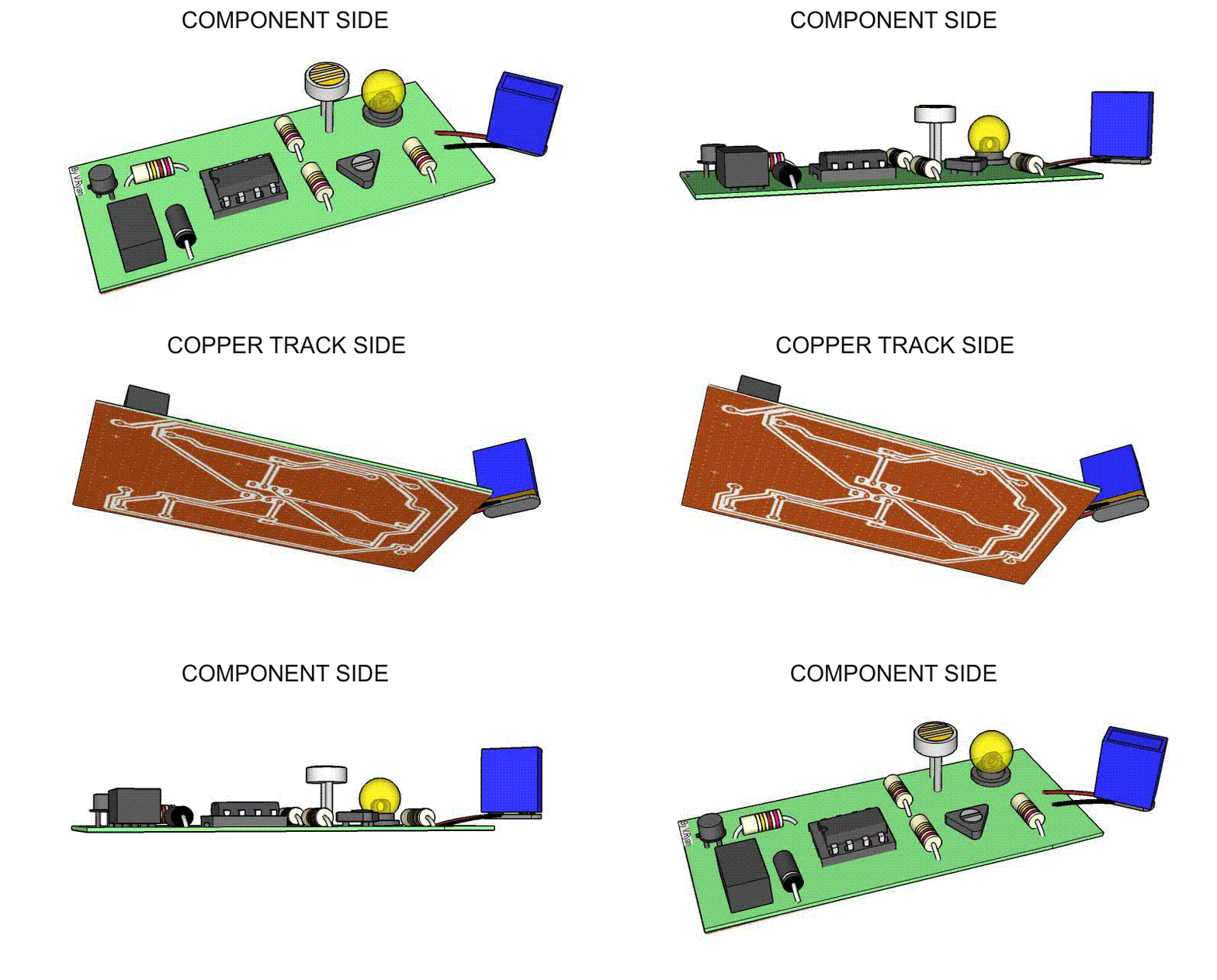
Introduces kids to the basics of creating printed circuit boards (PCBs) in a fun and interactive way. Students will learn how to design circuits, arrange components, and create PCB layouts using Fritzing's user-friendly interface. The course covers essential concepts like electrical connections and soldering, allowing kids to bring their designs to life by fabricating real PCBs.
A mechanical design course using Tinkercad for kids introduces them to 3D modeling and design, allowing them to create mechanical parts like gears and simple machines. Kids learn how to design in a virtual environment, and then use a 3D printer or laser cutting machine to manufacture their designs in real life and assembling the parts together.
Students will learn C++ programming to interface sensors, motors, and controllers to create a UGV that can navigate its environment. They will also program a robot arm to perform tasks like picking and placing objects.
Students will learn how to create and manipulate 3D shapes, design mechanical parts, and assemble them into complex models. Through hands-on projects, they will explore concepts like dimensions, tolerances, and design aesthetics. This course encourages creativity and critical thinking while providing a solid foundation in engineering principles, making mechanical design engaging and accessible for young learners.
Students learn AC and DC circuits and know the electronic components such as transistors, capacitors, diodes and inductors which students use in manufacturing advanced circuits
and learn to manufacture digital cirدcuits
A mechanical design course using Tinkercad for kids introduces them to 3D modeling and design, allowing them to create mechanical parts like gears and simple machines. Kids learn how to design in a virtual environment, and then use a 3D printer or laser cutting machine to manufacture their designs in real life and assembling the parts together.
Back-end developers ensure the website performs correctly, focusing on databases, back-end logic, application programming interface (APIs), architecture, and servers.
A mechanical design course using Tinkercad for kids introduces them to 3D modeling and design, allowing them to create mechanical parts like gears and simple machines. Kids learn how to design in a virtual environment, and then use a 3D printer or laser cutting machine to manufacture their designs in real life and assembling the parts together.
This course is designed to introduce you to the fundamentals of C#, a versatile and powerful programming language developed by Microsoft. C# is widely used in various applications, such as desktop software, web services, and game development. Known for its simplicity, readability, and robustness, C# is an excellent choice for both beginners and experienced developers.
The course typically covers everything from basic interface navigation to advanced modeling, texturing, lighting, animation, and rendering techniques. It also includes sculpting for organic shapes, rigging for character animation, and applying special effects like particle systems and physics.
Students learn how to use Blender's powerful tools to model objects, create realistic textures, add dynamic lighting, animate characters, and render high-quality scenes. With hands-on projects, students gain practical experience, making the course ideal for aspiring 3D artists, animators, game developers, or anyone looking to explore 3D design.
This course guides you from beginner to intermediate level in Unity for both game and VR development. You'll learn the basics of Unity's interface, game objects, and C# scripting. Key topics include creating 2D/3D environments, animations, user interfaces, and handling physics. You’ll also explore VR setup, interactions, and performance optimization. By the end, you'll be able to create and publish your own games and VR projects using Unity's powerful features.
This hands-on course is designed to introduce students to the exciting world of game development and 3D design using PictoBlox. Students will learn how to design, build, and program interactive game environments starting with block-based coding and progressing to text-based Python programming within the PictoBlox 3D Design Studio.
Throughout the course, learners will create their own fully functional 3D game field – from laying the ground tiles to placing characters, objects, and rules. They'll gain practical coding experience, learn the fundamentals of logic, and see how games come to life both visually and technically.
Description:
Students progress from individual sensor experiments to complete smart machines.
Projects now combine multiple engineering concepts such as sensing, movement, timing, decision-making, mechanisms, and user interaction.
Students are encouraged to understand the complete system rather than simply copying connections or code.
Learning Objectives
By the end of the course, students will be able to:
- Design larger Arduino-based projects.
- Combine multiple inputs and outputs.
- Use sensors to trigger physical actions.
- Control motors and servo mechanisms.
- Apply simple automated decision-making.
- Understand sequences and multi-step machine behavior.
- Break a complex machine into smaller subsystems.
- Integrate electronics, programming, and mechanical structures.
- Test individual subsystems before combining them.
- Identify and fix simple hardware and programming problems.
- Modify project behavior through code.
- Develop simple solutions for real-world problems.
- Explain a complete smart system from sensing to action.
Introductory Programming Courses
This course is designed to introduce students to the basics of programming using C++. It is aimed at beginners with little to no programming experience, providing a solid foundation in C++ syntax, semantics, and programming techniques. By the end of the course, students will be able to write simple to moderately complex programs in C++.
Introductory Programming Courses
This course is designed to introduce students to the basics of programming using C++. It is aimed at beginners with little to no programming experience, providing a solid foundation in C++ syntax, semantics, and programming techniques. By the end of the course, students will be able to write simple to moderately complex programs in C++.
Introductory Programming Courses
This course aims to advance practical knowledge of programming and Arduino systems, focusing on communication protocols, navigation and positioning systems, and wireless technologies. It also covers the use of Inertial Measurement Units (IMU) and their practical application through projects that simulate modern intelligent systems.
Description
Students begin their StarTec journey by exploring the foundations of programming, electronics, and computational thinking using Arduino and TinkerCAD Blocks Coding.
They learn how electronic systems receive information through inputs, process that information using programmed logic, and control outputs to produce a physical response.
Starting with LEDs, Push Buttons, Slider Switches, and Potentiometers, students gradually explore Digital and Analog concepts while developing essential programming skills such as Variables, Conditions, Logical and Arithmetic Operations, Functions, Flowcharts, and Serial Communication.
Rather than learning coding as an isolated subject, students immediately use their programs to control real electronic systems and make them respond intelligently to different inputs.
Learning Objectives
By the end of the course, students will be able to:
- Understand the basic architecture of Input → Processing → Output systems.
- Distinguish between Digital and Analog signals.
- Configure and control Digital Inputs and Outputs using Arduino.
- Read Push Buttons and Slider Switches.
- Read variable Analog values using a Potentiometer.
- Control LED brightness using PWM.
- Use Variables to store and manipulate information.
- Apply Arithmetic Operations within programs.
- Use if conditions to create decision-making systems.
- Combine multiple conditions using Logical Operations.
- Design simple Flowcharts before building a program.
- Create and use Functions to organize programs.
- Send information through Serial Communication.
- Receive simple commands through Serial Communication.
- Combine multiple Inputs and Outputs within one system.
- Test, troubleshoot, and improve simple Arduino programs.
- Translate a simple real-world problem into programmable logic.
- Build a strong foundation in Programming Logic and Electronic Control.
Introductory Programming Courses
This course is designed to introduce students to the basics of programming using C++. It is aimed at beginners with little to no programming experience, providing a solid foundation in C++ syntax, semantics, and programming techniques. By the end of the course, students will be able to write simple to moderately complex programs in C++.
Description:
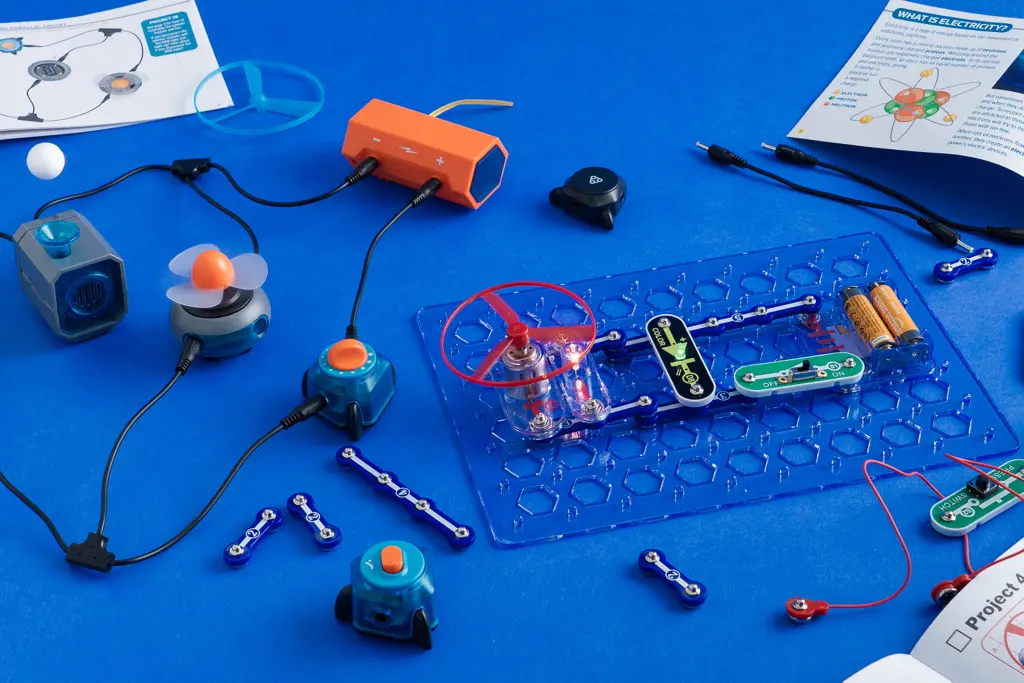
Students take their first step into electronics by exploring electricity, electronic components, motors, switches, and simple control circuits.
Through experiments and mini-projects, students discover how individual components behave and gradually learn how multiple components can be combined to create useful circuits.
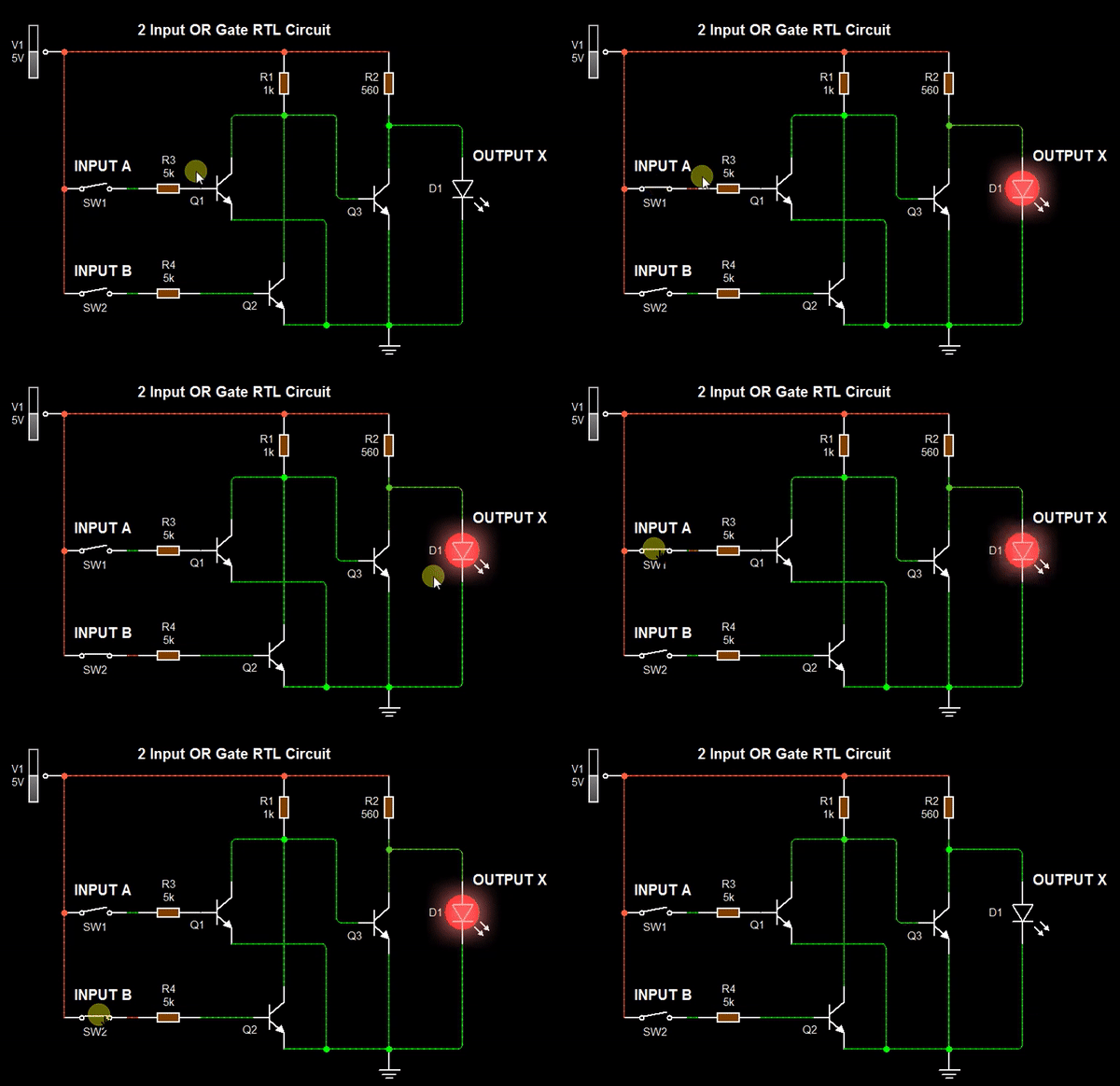
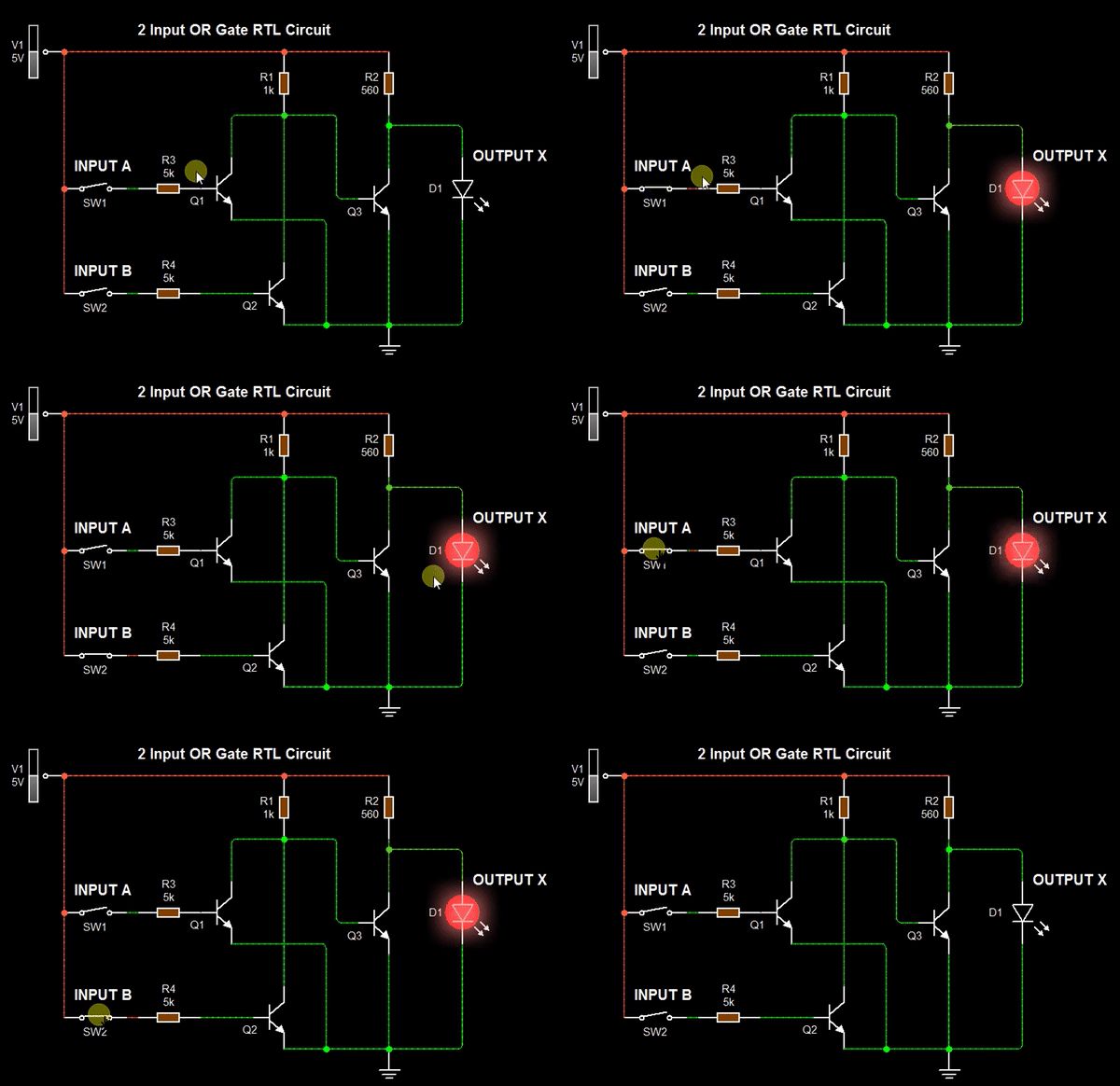
The course also introduces simple logic and decision-making using AND, OR, NOT, and combined logic circuits before students encounter programming.
Learning Objectives
By the end of the course, students will be able to:
- Recognize common electronic components and explain their basic purpose.
- Understand the idea of a simple electrical circuit and current path.
- Identify basic component polarity where required.
- Connect LEDs, RGB LEDs, buzzers, and DC motors.
- Use resistors appropriately with electronic components.
- Control circuits using Push Buttons, Slider Switches, and ON/OFF Switches.
- Understand the difference between an input and an output.
- Control motor speed using a Potentiometer and Motor Driver.
- Understand the basic purpose of the L293 Motor Driver.
- Understand simple decision-making using AND, OR, and NOT logic.
- Combine multiple logic gates to create simple control conditions.
- Read and build simple circuit diagrams.
- Troubleshoot basic circuits when they do not work.
- Combine components creatively to build mini-projects.
Description
Students expand their Arduino knowledge by learning how electronic systems sense and interact with the physical world.
They explore a wide range of Sensors for measuring distance, light, temperature, soil conditions, movement, gases, and other environmental variables.
Students then learn how Arduino uses this information to control Actuators such as DC Motors, Servo Motors, Relays, and other electrical loads.
The course also introduces Motor Drivers, Transistors, Relays, and Bluetooth communication, allowing students to progress from individual component experiments to complete Smart Systems.
Through projects such as Smart Greenhouses, Irrigation Systems, Fire Fighting Systems, Radars, and Railway Crossing Gates, students begin understanding the foundations of Sensing, Control, Automation, and System Integration.
Learning Objectives
By the end of the course, students will be able to:
- Understand the role of Sensors and Actuators in electronic systems.
- Understand the concept of converting physical conditions into electrical data.
- Interface different Sensors with Arduino.
- Measure distance using an Ultrasonic Sensor.
- Detect objects using IR Sensors.
- Measure light intensity using an LDR.
- Read Temperature Sensors.
- Monitor soil conditions using a Soil Moisture Sensor.
- Use Tilt and Gas Sensors.
- Process Sensor data and use it to make decisions.
- Control DC Motors using Arduino.
- Control Servo Motor position.
- Understand why Motor Drivers are required.
- Use Motor Drivers to control motor direction and movement.
- Understand the basic operation of a Transistor as an electronic switch.
- Understand the purpose and operation of Relays.
- Control external loads through Relays.
- Use HC-05 Bluetooth communication.
- Control electronic systems through Mobile Applications.
- Combine multiple Sensors and Actuators within one project.
- Develop basic Sensing and Decision-Making Systems.
- Build complete automated systems based on environmental conditions.
- Troubleshoot Sensors, Actuators, and electronic connections.
- Understand the basic architecture of a Smart System: Sense → Process → Decide → Act.
Description:
Students move from learning individual electronic components to using them as building blocks for complete real-world systems.
Each project represents a familiar machine or everyday application. Students learn that complex-looking devices can often be understood as combinations of simple inputs, outputs, motors, switches, and control circuits.
Programming and sensors are intentionally avoided at this stage so students develop a strong understanding of the physical system first.
Learning Objectives
By the end of the course, students will be able to:
- Transform a real-world problem into a simple electronic system.
- Select suitable components for a project.
- Combine switches, motors, pumps, LEDs, buzzers, and motor drivers.
- Use potentiometers for variable control.
- Apply logic gates inside practical projects.
- Understand basic Input → Decision → Output system thinking.
- Build projects containing multiple electronic components.
- Understand basic motor and pump control.
- Follow an engineering project from idea to working prototype.
- Diagnose simple project failures.
- Modify an existing project to change its behavior.
- Explain how their project works using simple engineering language.
Description:
Students are introduced to Arduino as the “brain” of a smart system.
Instead of controlling projects manually, students discover how sensors allow machines to understand their surroundings and how simple programs allow the system to decide what action to take.
Many projects intentionally revisit ideas from Electronics Projects and transform them from manual systems into intelligent automated systems.
Learning Objectives
By the end of the course, students will be able to:
- Understand Arduino as a programmable controller.
- Understand the relationship between Input → Processing → Output.
- Write and modify simple Arduino programs.
- Control LEDs, buzzers, motors, and servos using code.
- Understand digital inputs and outputs at an introductory level.
- Read information from simple sensors.
- Understand the purpose of different sensors.
- Use conditions to make simple decisions.
- Understand the concept of If this happens → Do that.
- Replace manual controls with sensor-based automatic control.
- Combine a sensor, Arduino, and actuator into a complete system.
- Observe sensor readings and relate them to the physical world.
- Troubleshoot basic Arduino projects.
- Explain why a smart system behaves in a particular way.