TechnoX Junior Program
Age Group: 5–7 Years
Where Young Minds Start Building Technology
A hands-on engineering journey where children discover electronics, build real machines, explore coding and sensors, and take their first steps into robotics.
Discover → Build → Sense → Invent → Robot
By the end of the journey, students should begin looking at everyday technology and asking:
How does it work — and can I build it myself?
Select Your Course
1
Basic Electronics
"Discover How Electronics Work"
Student Mindset: I understand what these electronic components do
5 Months - 400 Points
Core Components
Resistor • LED • RGB LED • Buzzer • DC Motor • Push Button • Slider Switch • ON/OFF Switch • Potentiometer • AND/OR/NOT Logic • Combined Logic Circuits • L293 Motor Driver
2
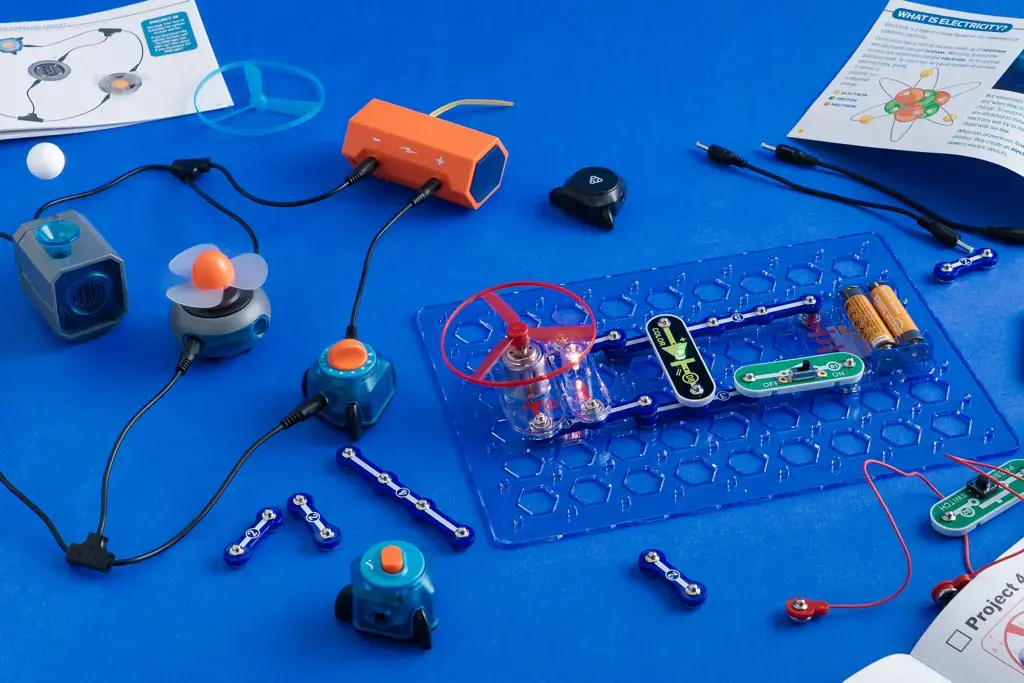
Simple Electronics Projects
"Build Real-World Machines"
Student Mindset: I can use simple components to build a real machine
5 Months - 400 Points
Core Projects
- Irrigation system
- Variable-Speed Fan
- Traffic Light System
- Security System
- Dual-Nozzle Water Dispenser
- Coffee Maker Model
- RC Car
3
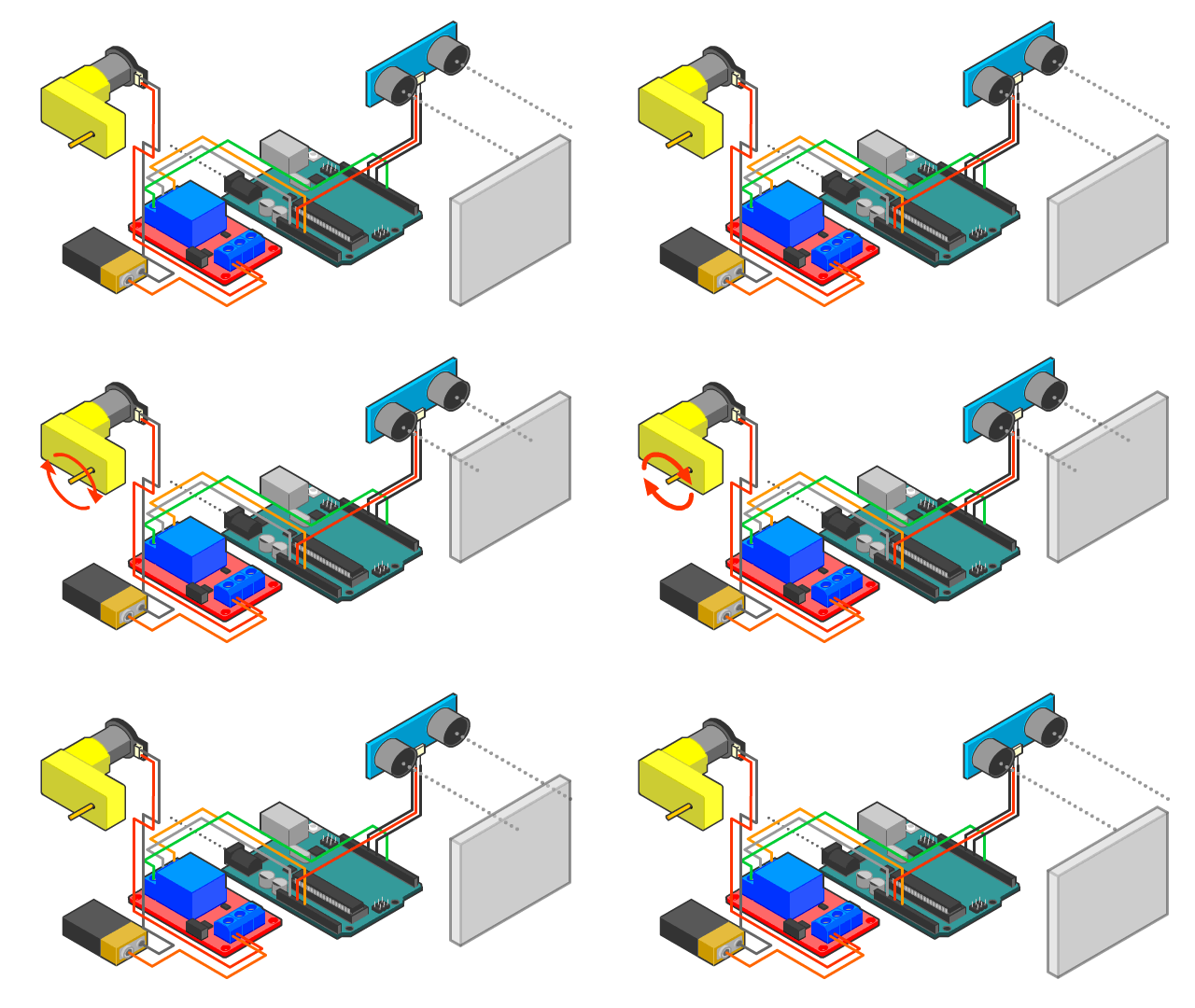
Arduino & Sensors Discovery
"Teach Machines to Sense and Decide"
Student Mindset: My machine can sense what is happening and decide what to do
4 Months - 400 Points
Core Projects
- Smart Irrigation System
- Coded Traffic Lights
- Laser gate Security System
- Dual-Nozzle Automatic Water Dispenser
- Automatic Train Gate
4
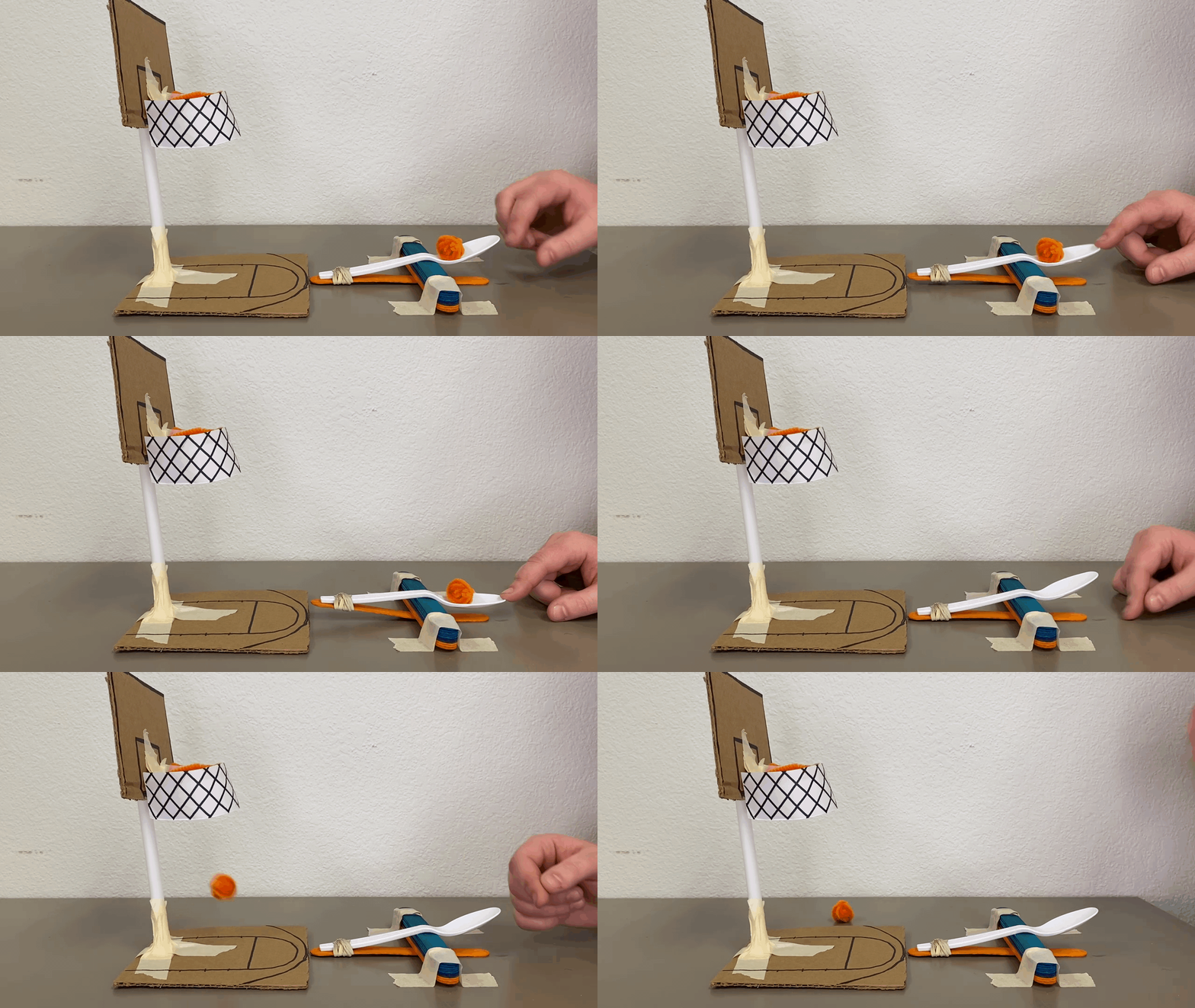
Advanced Arduino projects
"Invent Smart Systems"
Student Mindset: I can combine electronics, coding and mechanisms to invent a smart machine
6 Months - 400 Points
Core Projects
- Arduino Radar
- Smart Waste Sorting Bin
- Smart Street Lighting
- Firefighting System
- Water Tank Level Indicator
- Automatic Cat Feeder
- Floor Cleaner Stick
- Mini Washing Machine
- Automatic Fish Feeder
5
Robotics
"Build Machines That Move, Sense & Act"
Student Mindset: I can build a robot that senses, moves, decides and performs a task
6 Months - 400 Points
Core Projects
By the End of Junior, Your Child Can...
A Clear Foundation for the Next Step in Technology
By the end of the TechnoX Junior Program, your child will not only have completed a number of projects. They will have developed a clear foundation in how electronic systems, smart machines, and robots work.
The goal is not for children to memorize connections or copy code. The goal is for them to understand what they are building, why it works, and how different parts of a system work together.
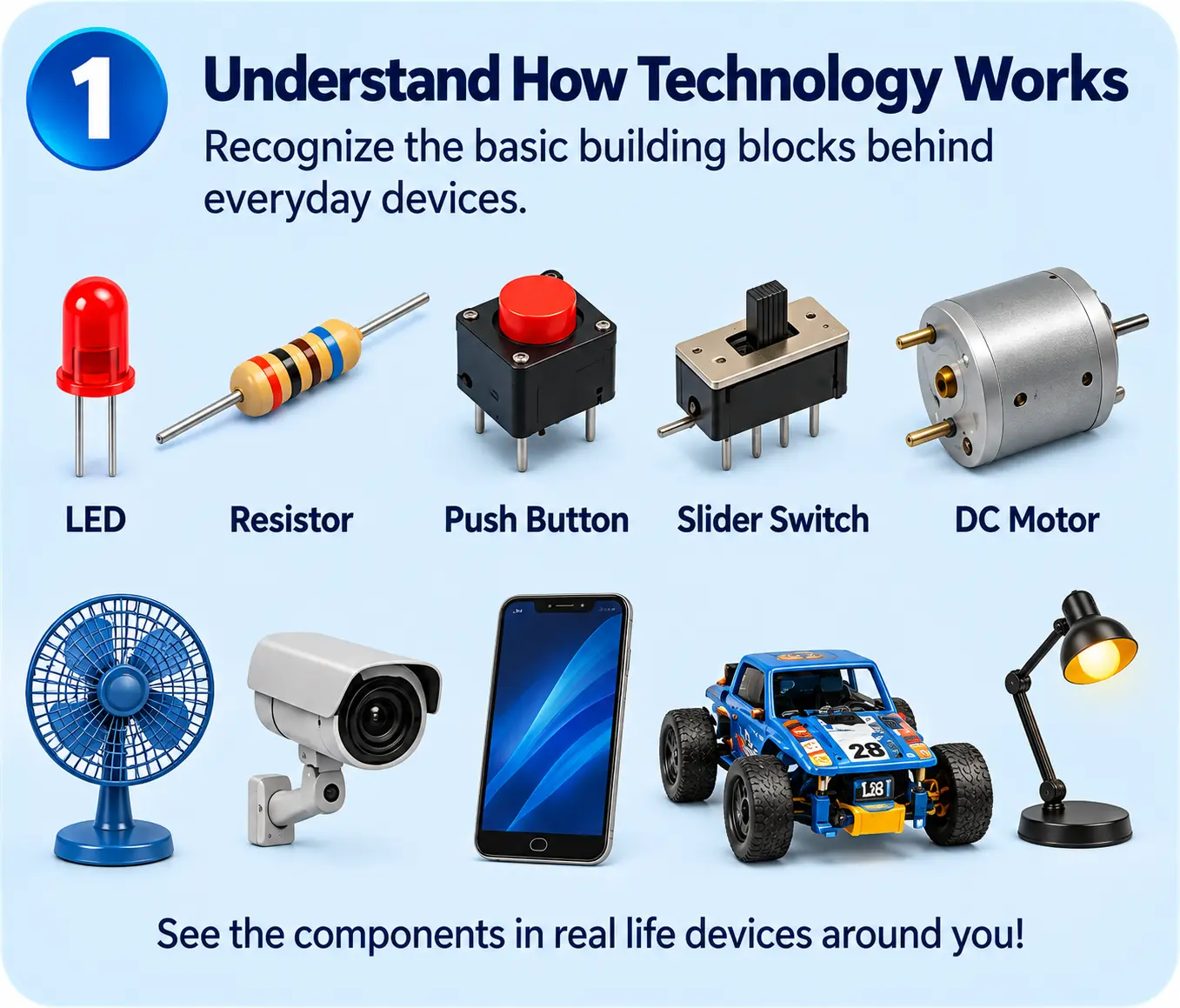
Understand How Technology Works
Your child will begin to recognize the basic building blocks behind everyday devices.
They will understand that most systems can be broken down into:
Inputs → Decisions → Outputs → Mechanical Action
This means that when they see a fan, security system, automatic door, dispenser, smart light, or robot, they can begin to understand what is happening inside it rather than seeing it as a “magic box.”
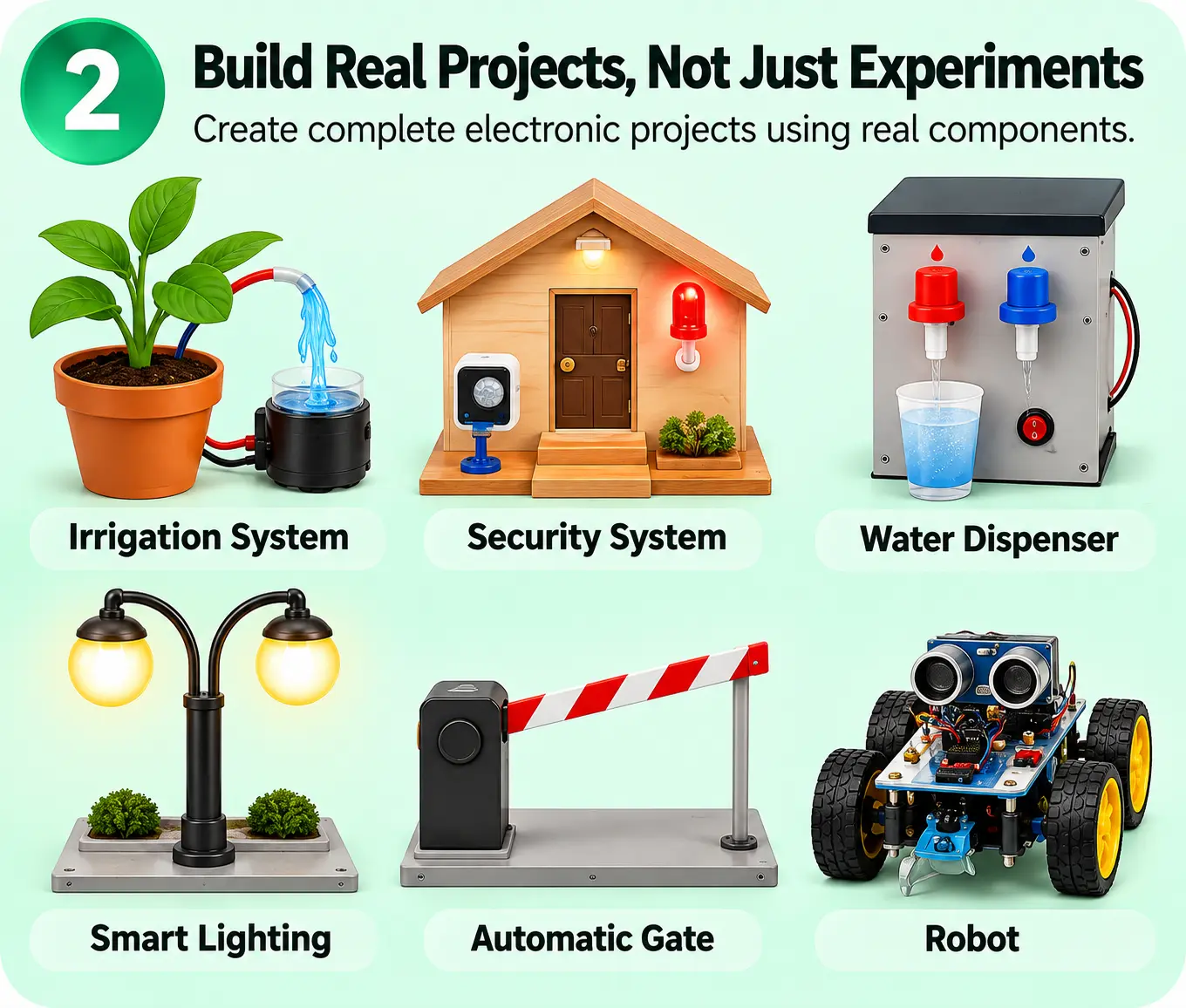
Build Real Projects, Not Just Classroom Experiments
Your child will be able to build complete electronic projects using components such as:
LEDs, buzzers, motors, switches, potentiometers, motor drivers, Arduino, sensors, and servos.
More importantly, they will learn how these components work together inside a complete system.
They move from simple circuits to real projects such as:
Irrigation Systems • Security Systems • Water Dispensers • Smart Lighting • Automatic Gates • Feeders • Robots
So the child begins to understand the difference between connecting a component and building a complete machine.
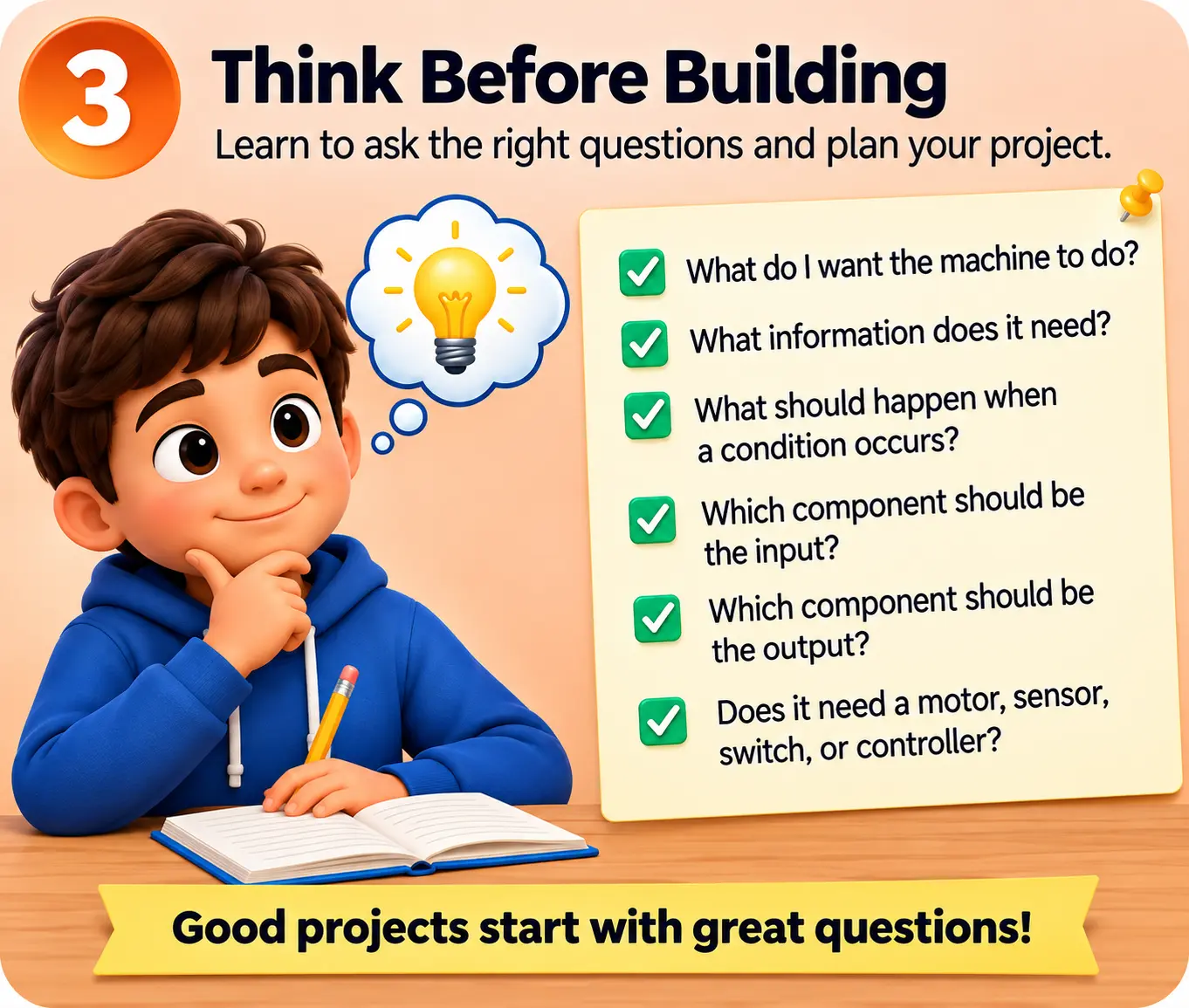
Think Before Building
One of the most important outcomes of the program is that students begin to think about a project before connecting components.
They learn to ask:
- What do I want the machine to do?
- What information does it need?
- What should happen when a certain condition occurs?
- Which component should act as the input?
- Which component should produce the output?
- Does the project need a motor, sensor, switch, or controller?
This develops early engineering thinking and problem-solving skills.
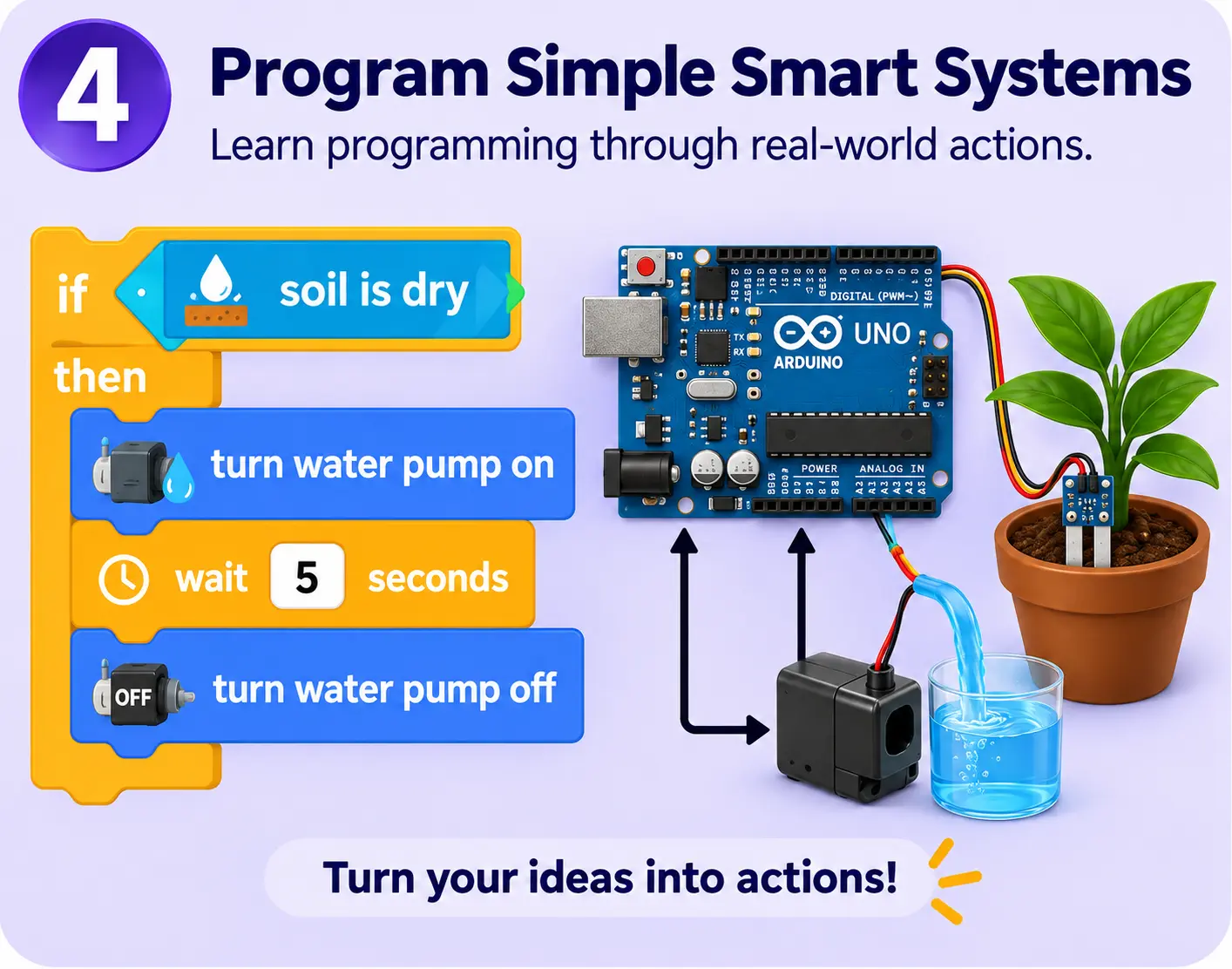
Program Simple Smart Systems
Your child will begin to understand programming as a way of giving instructions to a machine.
Instead of seeing coding as complicated text, students learn it through physical results.
For example:
If the soil is dry → turn the water pump on.
If an object comes close → open the gate.
If the security beam is interrupted → activate the alarm.
This helps children understand the relationship between code and the real world.
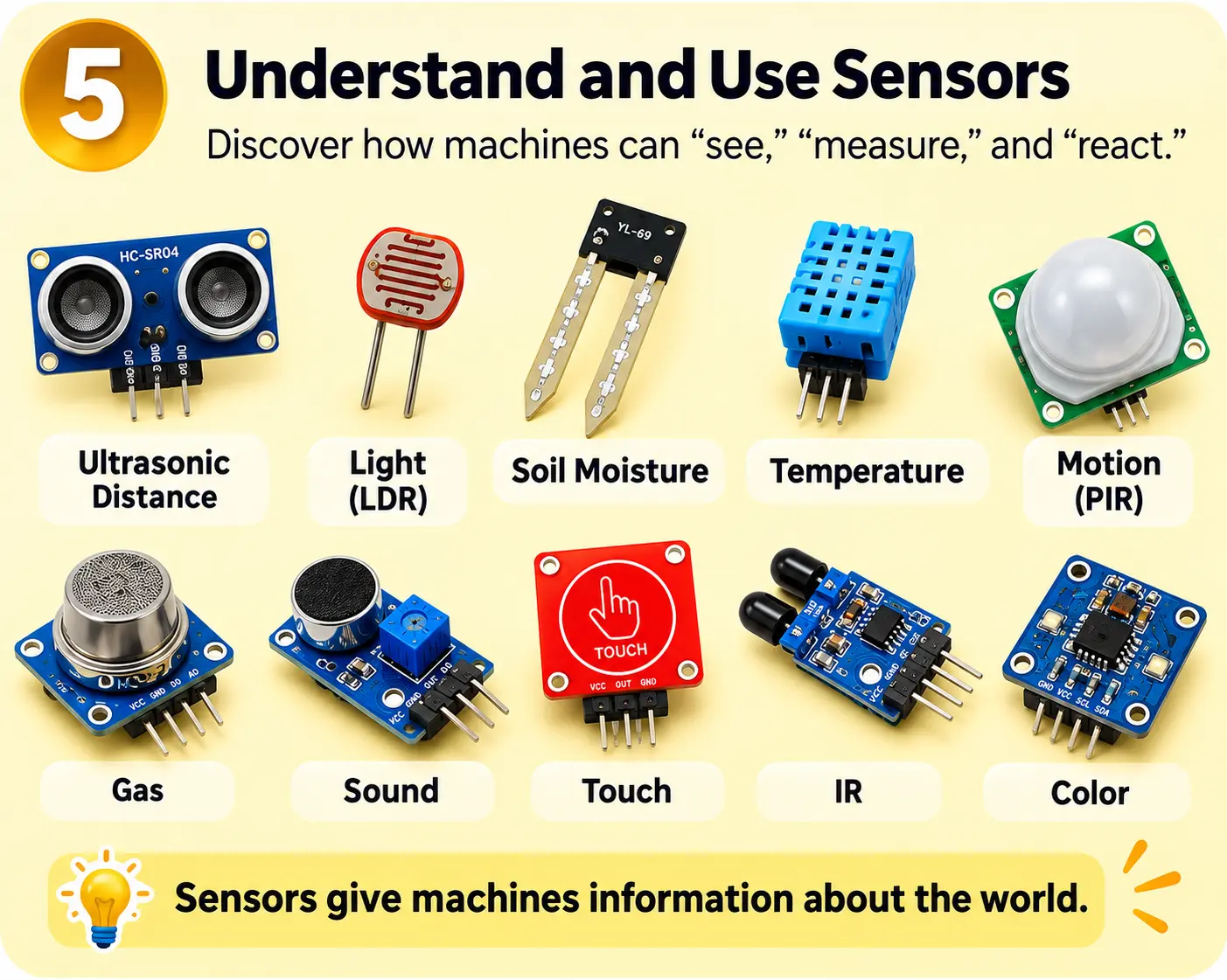
Understand and Use Sensors
Your child will discover how machines can “see,” “measure,” and “react” to the world around them.
They will work with sensors that can detect things such as:
Distance • Light • Moisture • Objects • Movement
They begin to understand that sensors provide information, while the controller decides what the machine should do with that information.
This is one of the first foundations of smart systems and robotics.
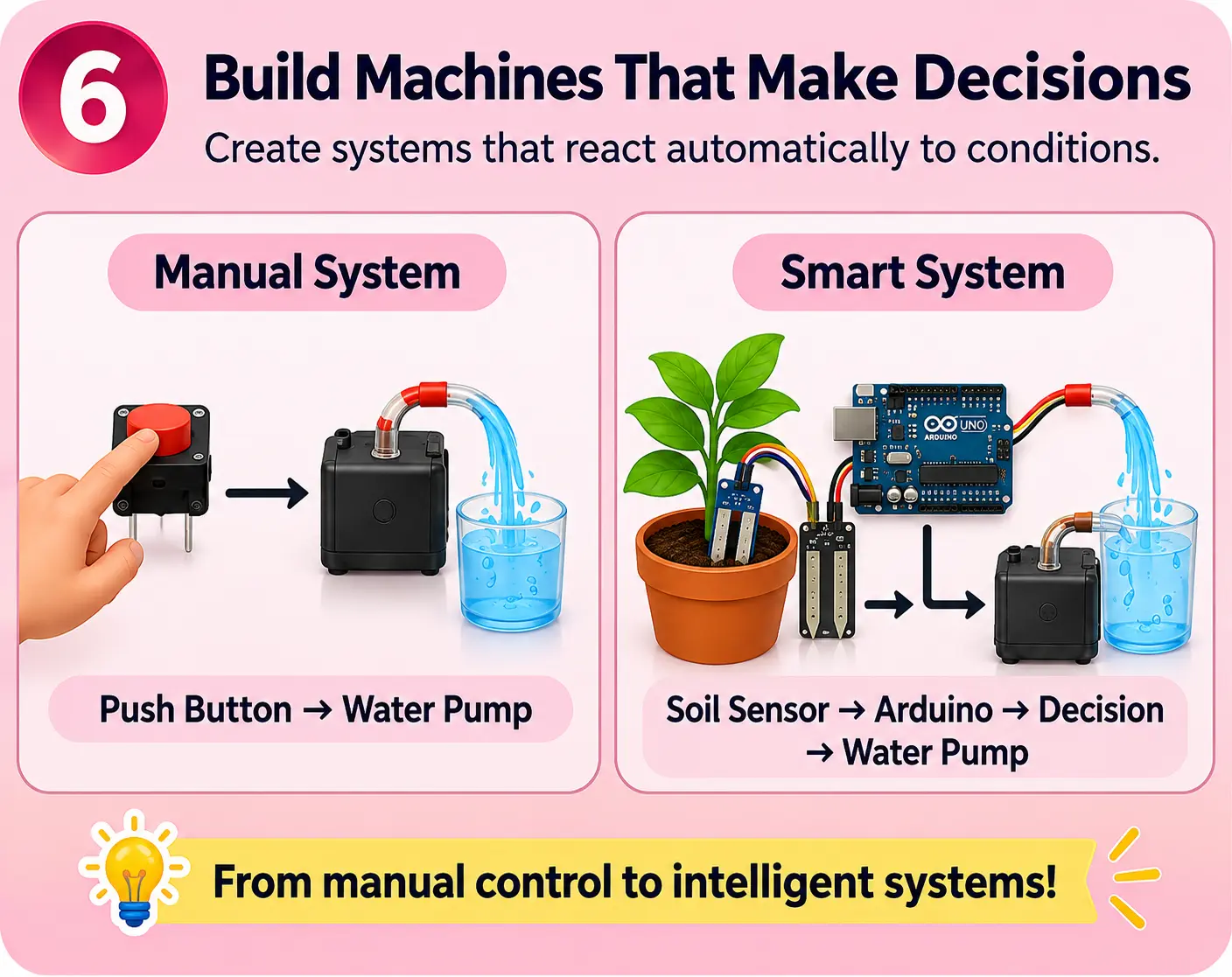
Build Machines That Make Decisions
Students move beyond manually controlled projects.
They learn how to create systems that react automatically according to conditions.
For example:
Manual System "Push Button → Water Pump"
becomes
Smart System "Soil Sensor → Arduino → Decision → Water Pump"
The student begins to understand that technology is not only about making something move; it is about making a system respond intelligently to its environment.
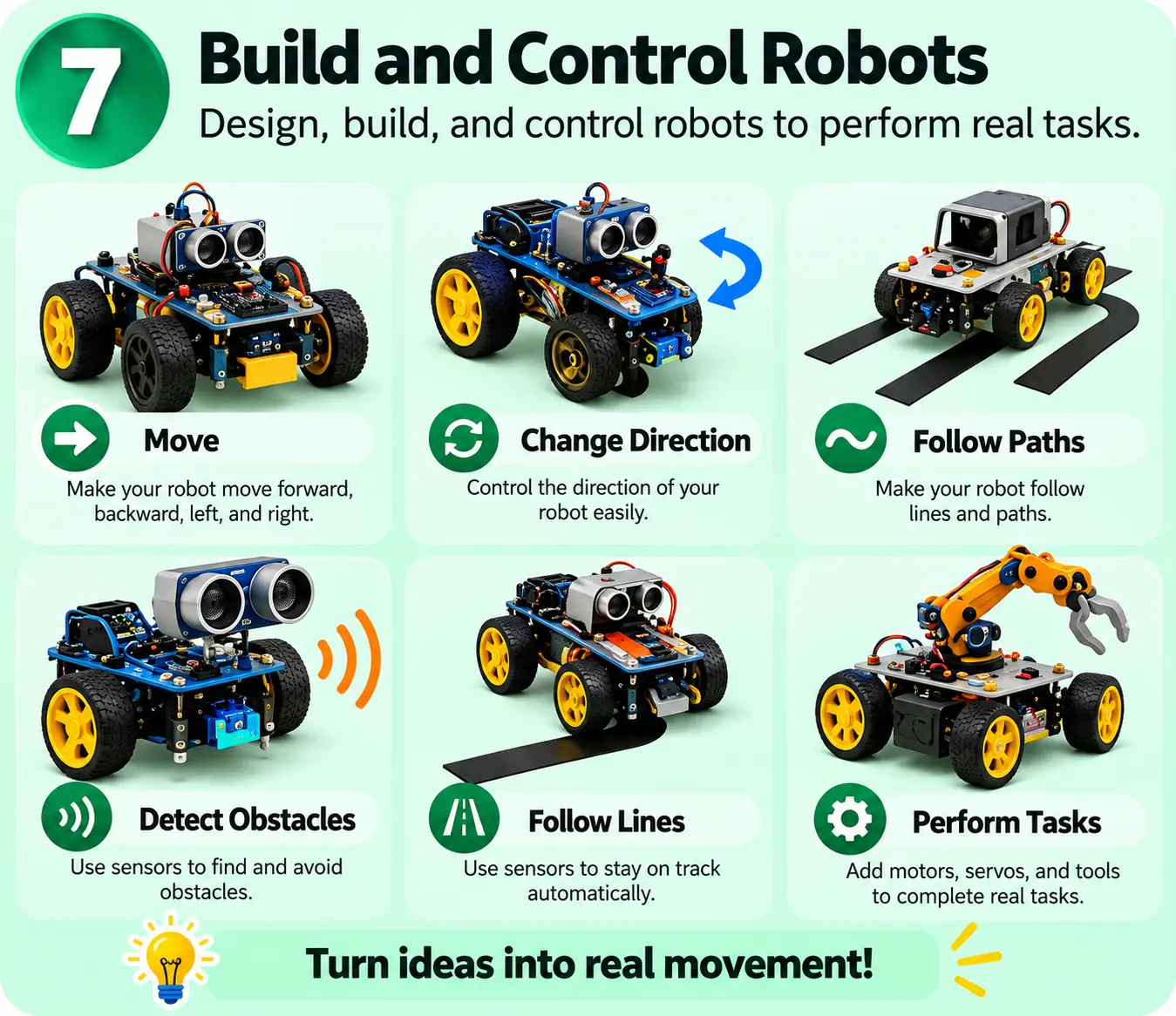
Build and Control Robots
By the end of the program, your child will have experience building robots that can:
Move • Change Direction • Follow Paths • Detect Obstacles • Follow Lines • Perform Tasks
They also learn the difference between a robot controlled by a person and a robot that can make simple decisions using sensors.
This prepares them for more advanced robotics in later stages.
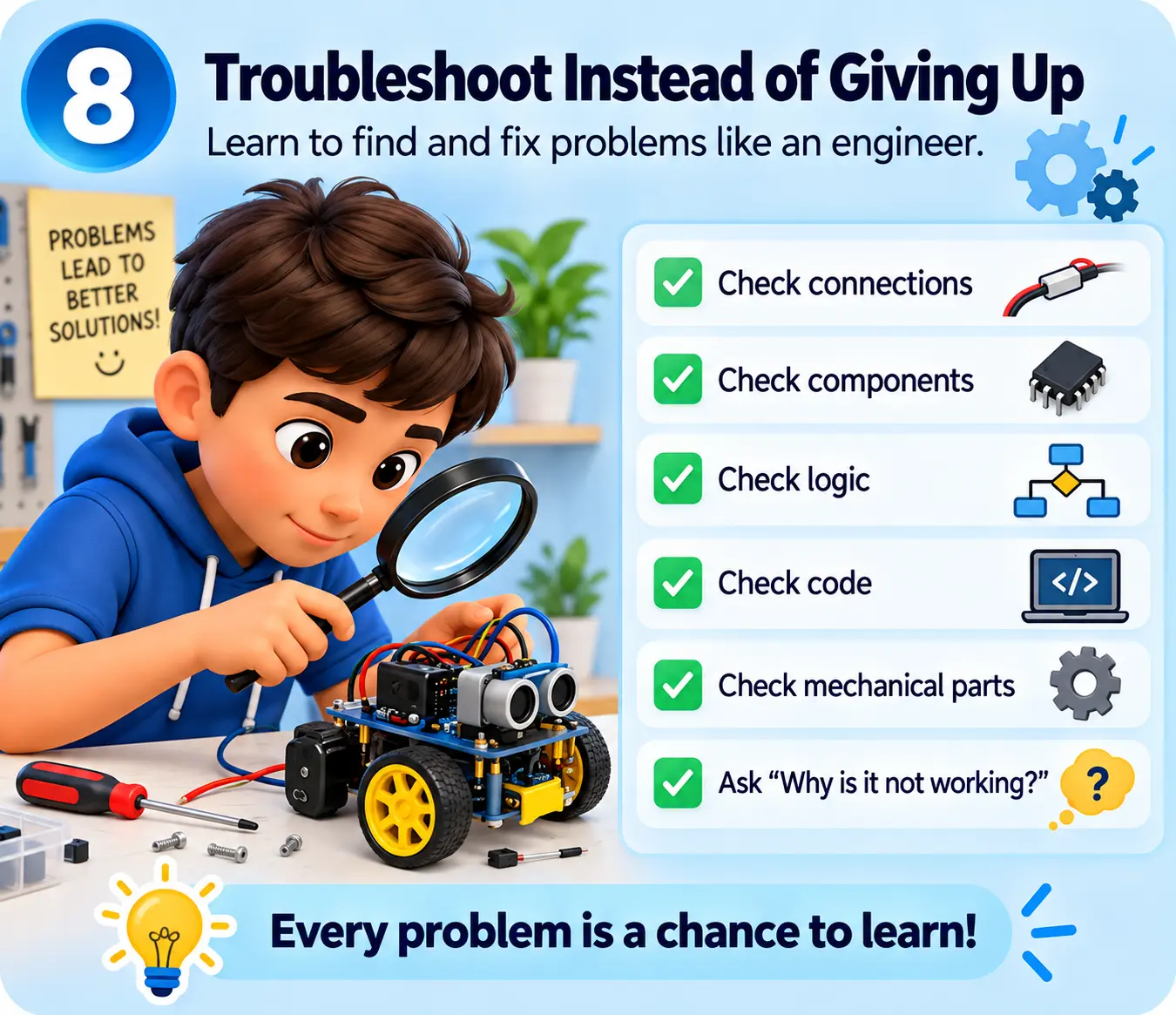
Troubleshoot Instead of Giving Up
Projects do not always work from the first attempt.
Students are encouraged to check:
Connections → Components → Logic → Code → Mechanical Parts
They learn that failure is part of the engineering process.
Instead of immediately asking for the answer, they begin to investigate:
“Why is it not working?”
This develops patience, persistence, observation, and problem-solving ability.
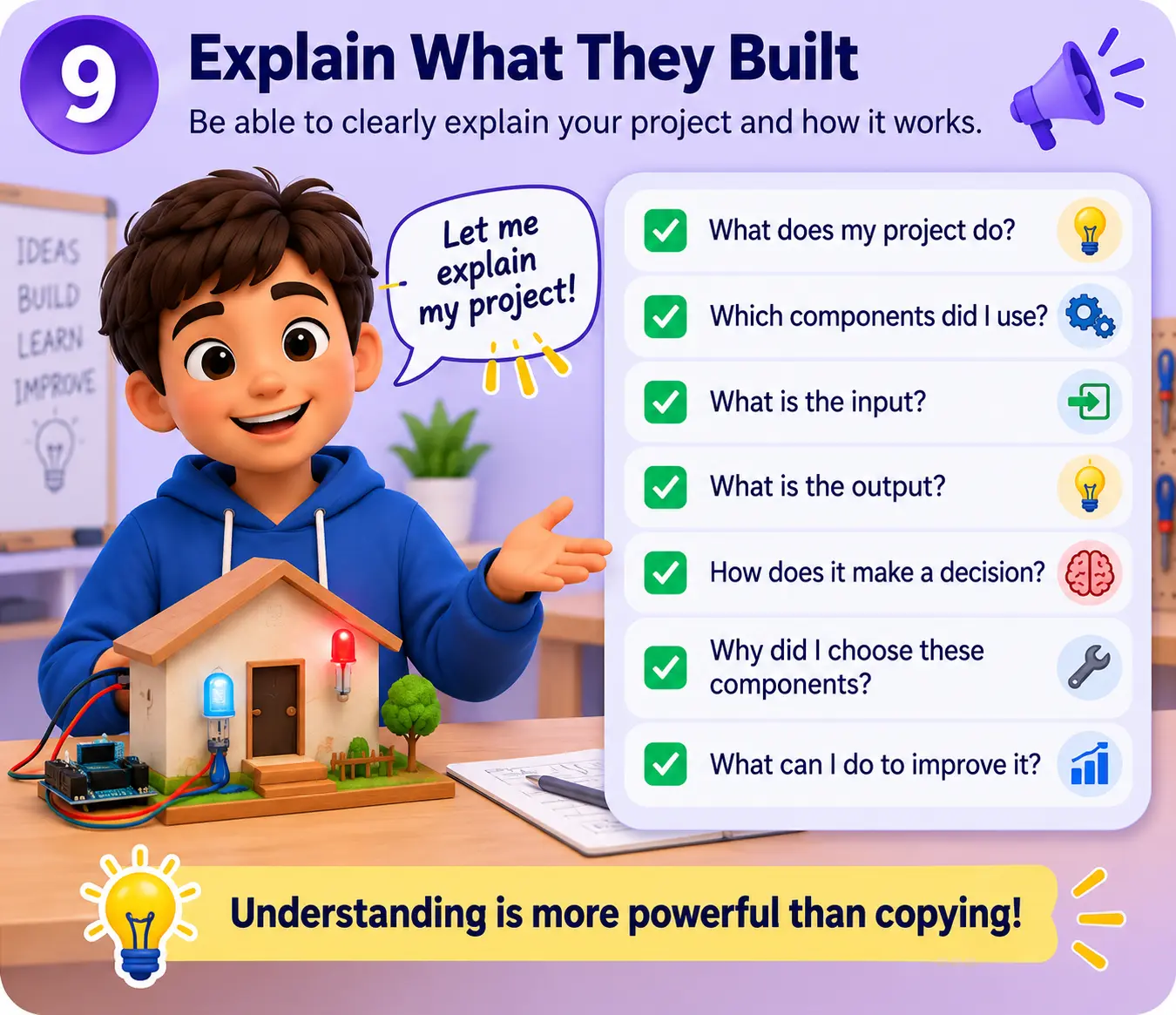
Explain What They Built
A major goal is for the student not only to build a project, but also to understand and explain it.
By the end of Junior, students should increasingly be able to explain:
- What their project does.
- Which components they used.
- What the input is.
- What the output is.
- How the machine makes a decision.
- Why a sensor or motor was needed.
- What they would change to improve the project.
This gives parents a clear sign that the child is understanding, not simply copying instructions.
What Skills Are We Building?
Building More Than Technical Skills
Curiosity
Encouraging children to explore how things work.
Logical Thinking
Understanding conditions, sequences and cause & effect.
Problem Solving
Finding out why something doesn't work and how to fix it.
Engineering Thinking
Breaking complex machines into understandable parts.
Creativity
Using learned concepts to create new ideas.
Confidence
Developing the confidence to build, test and explain their own creations.
Technical Vocabulary
Becoming comfortable with concepts such as sensors, motors, circuits, controllers, inputs, outputs, and robots.
Hands-On Ability
Learning by building, testing, changing, and experimenting.
What Parents Should Expect to Notice
Over time, parents may begin to notice that their child:
- Asks more questions about how devices work.
- Tries to understand what is inside machines.
- Recognizes electronic components they have used before.
- Explains simple technology using inputs and outputs.
- Suggests solutions when a project does not work.
- Connects projects learned at TechnoX with devices at home or in everyday life.
- Becomes more comfortable building and experimenting.
- Shows greater confidence when presenting something they created.
- Begins creating their own small project ideas instead of only following instructions.
They Don't Just Learn How to Use Technology.
They Begin to Understand How Technology Is Built.
And when they see a machine, we want their first thought to become:
“I think I understand how this works.”
“Maybe I can build something like it.”