Tous les cours
Introductory Programming Courses
This course is designed to introduce students to the basics of programming using C++. It is aimed at beginners with little to no programming experience, providing a solid foundation in C++ syntax, semantics, and programming techniques. By the end of the course, students will be able to write simple to moderately complex programs in C++.
In this course, They learn to write code that controls electronic components like sensors, and Actuators. This allows them to translate the voltage signals to code responding to the inputs, display information, and control movement.
Description:
Students move from building stationary embedded systems to designing complete autonomous machines.
They explore the engineering process behind a mobile robot, starting with its mechanical structure and chassis, then designing its electronic system and robot control board, integrating motors and sensors, and finally developing the software that controls its behavior.
Students learn that a robot is not simply a collection of components. It is an integrated engineering system in which mechanics, electronics, sensing, and programming must work together.
Different robotic challenges introduce students to navigation, environmental sensing, decision-making, and autonomous behavior.
By the end of the course, students experience the complete process of turning an engineering idea into a working autonomous robot.
Learning Objectives
By the end of the course, students will be able to:
- Understand the basic architecture of a mobile robot.
- Identify the mechanical, electronic, sensing, and software subsystems of a robot.
- Understand basic principles of robot locomotion.
- Design a mechanical chassis for a mobile robot.
- Consider component placement during mechanical design.
- Select and integrate motors and wheels.
- Understand basic robot power distribution.
- Design the electronic architecture of a robot.
- Design and assemble a robot control board.
- Interface motors with motor drivers.
- Integrate different sensors into a mobile robot.
- Control robot direction and movement.
- Use sensor information to control robot behavior.
- Develop autonomous decision-making logic.
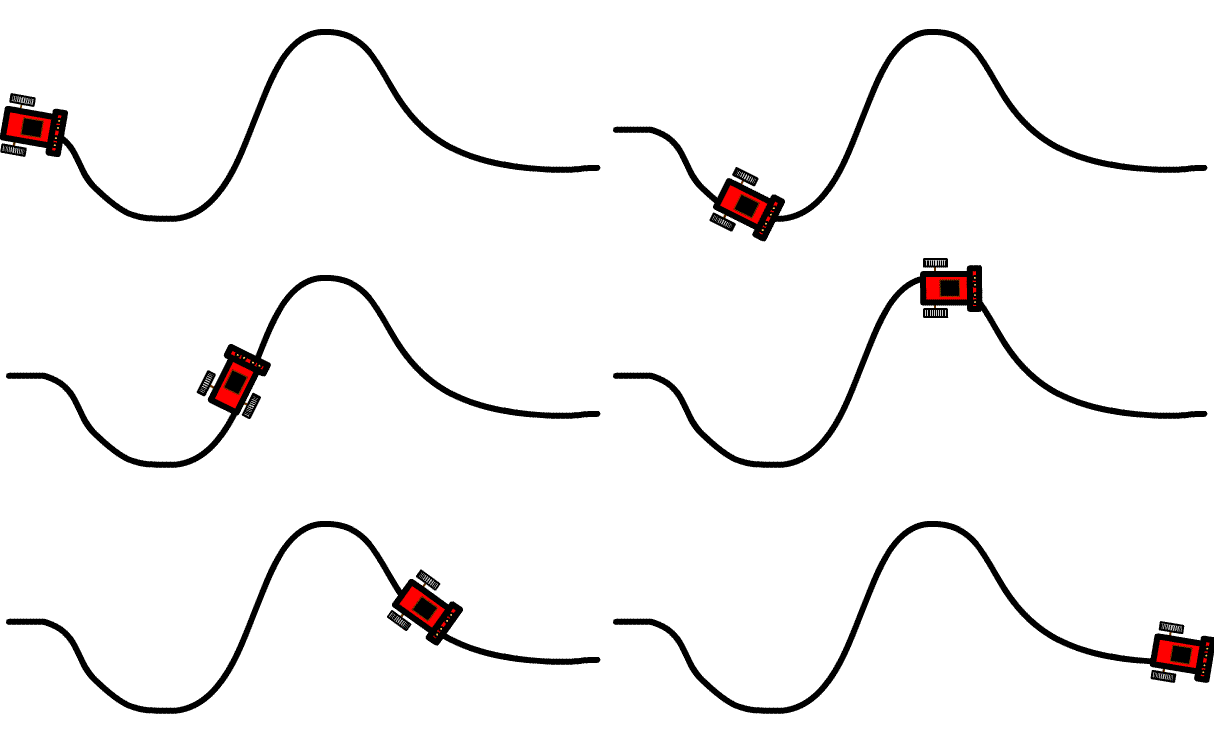
- Understand basic line-following behavior.
- Implement obstacle detection and avoidance.
- Design robot behavior according to a specific task.
- Test and troubleshoot mechanical, electronic, and software problems.
- Integrate mechanics, electronics, and programming into one complete robotic system.
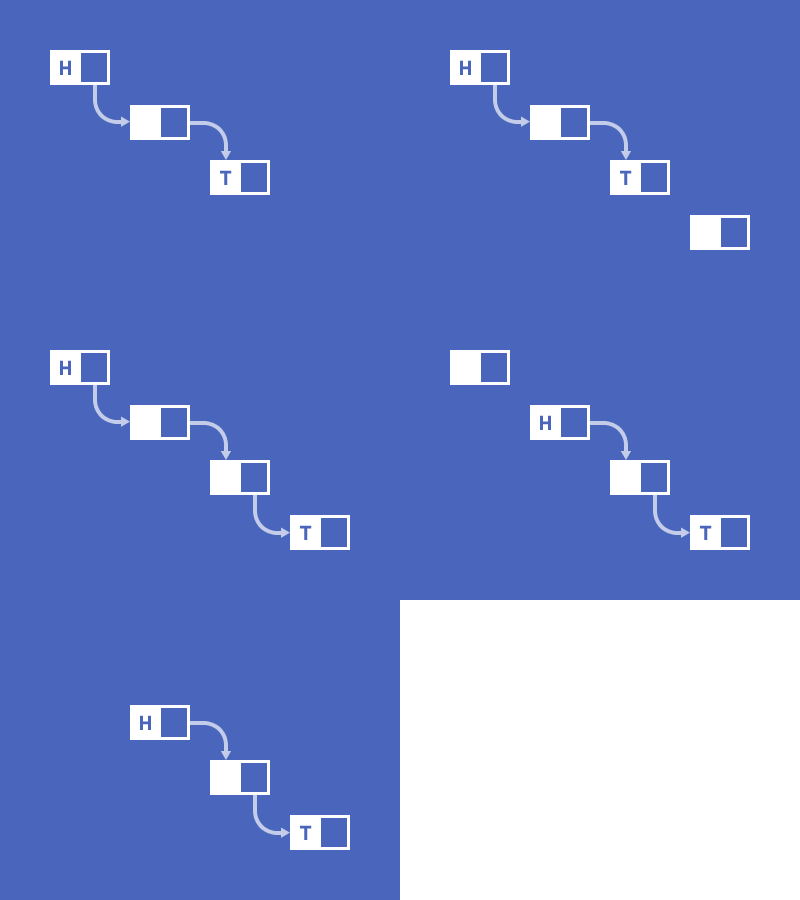
Data structure programming focuses on organizing and managing data efficiently using structures like arrays, lists, stacks, queues, and graphs. It helps optimize algorithms for tasks like searching, sorting, and mapping, forming the foundation for solving complex problems in computer science and software development.
Description
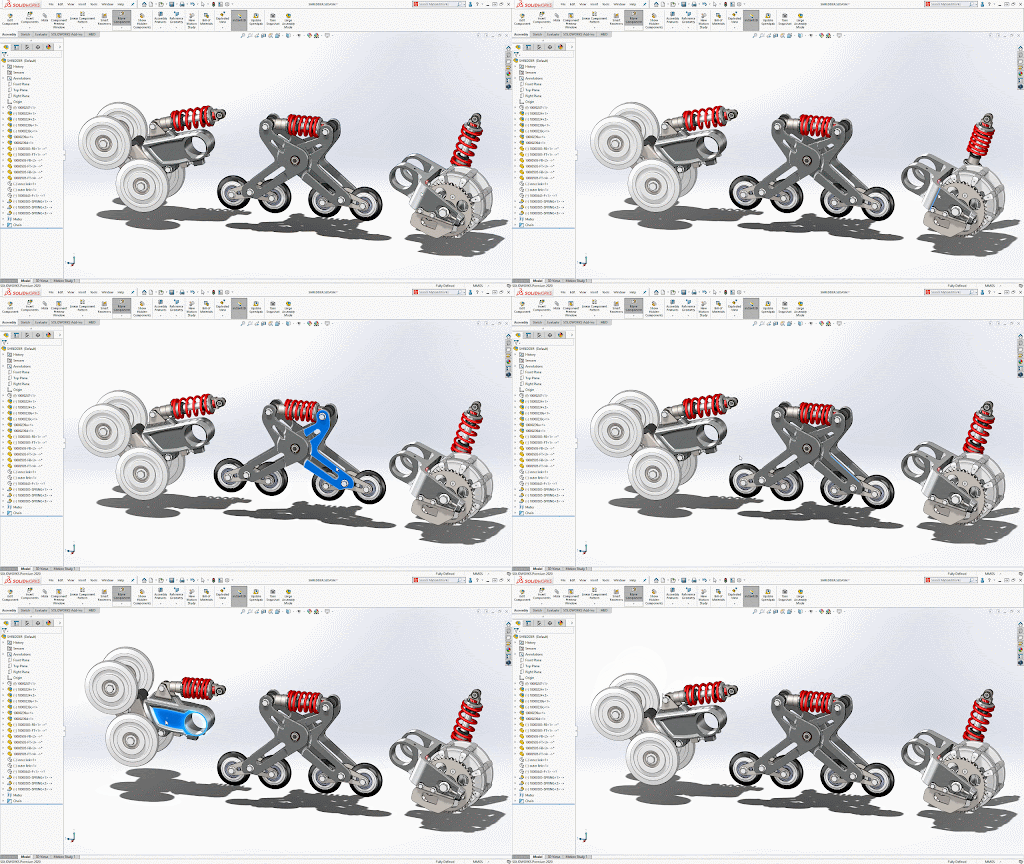
Students develop the skills required to design real mechanical parts, mechanisms, and complete machines using SolidWorks.
They learn how to analyze a mechanical part, create accurate and fully defined sketches, select the appropriate modeling features, and build professional parametric 3D models with strong Design Intent.
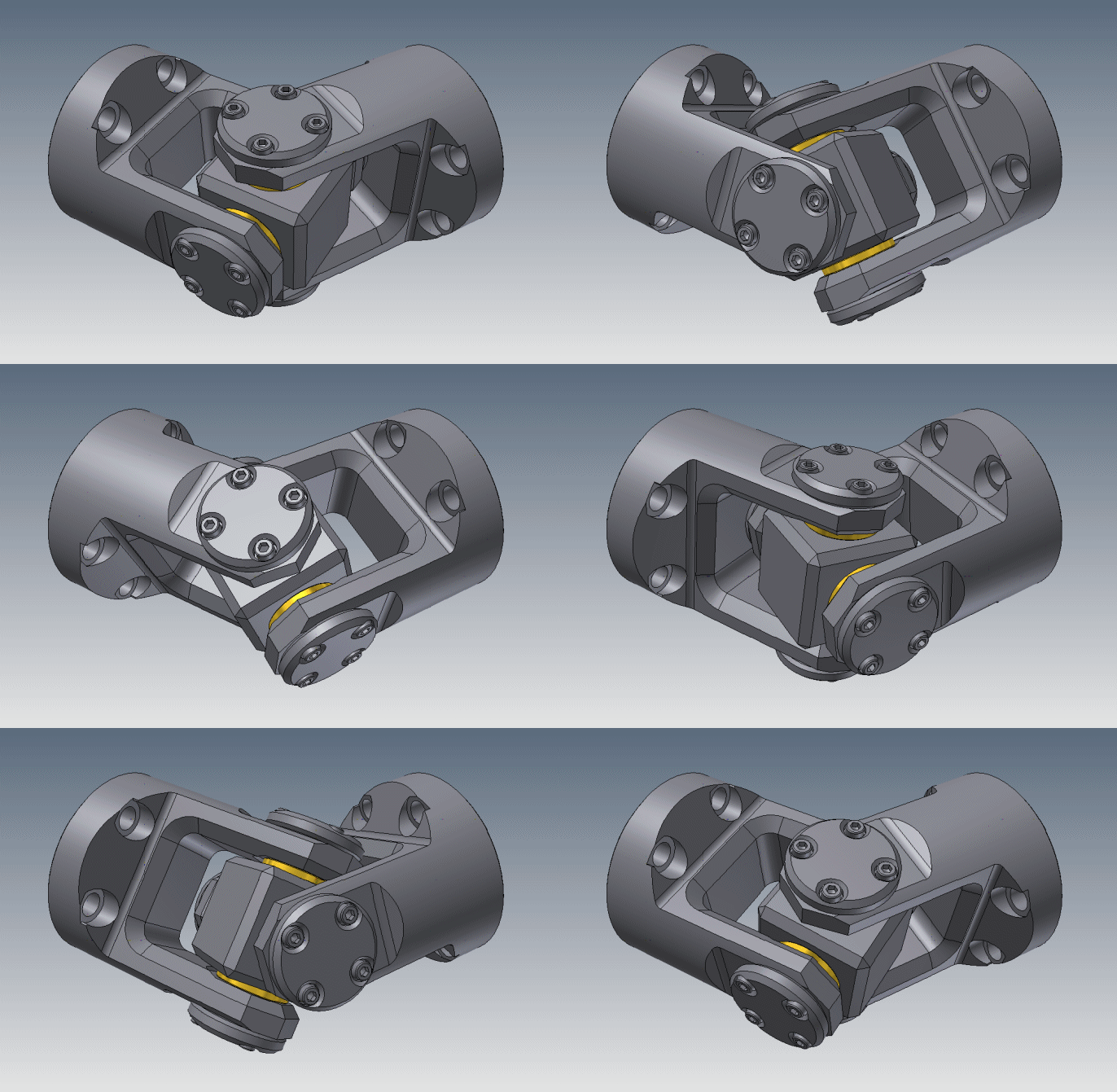
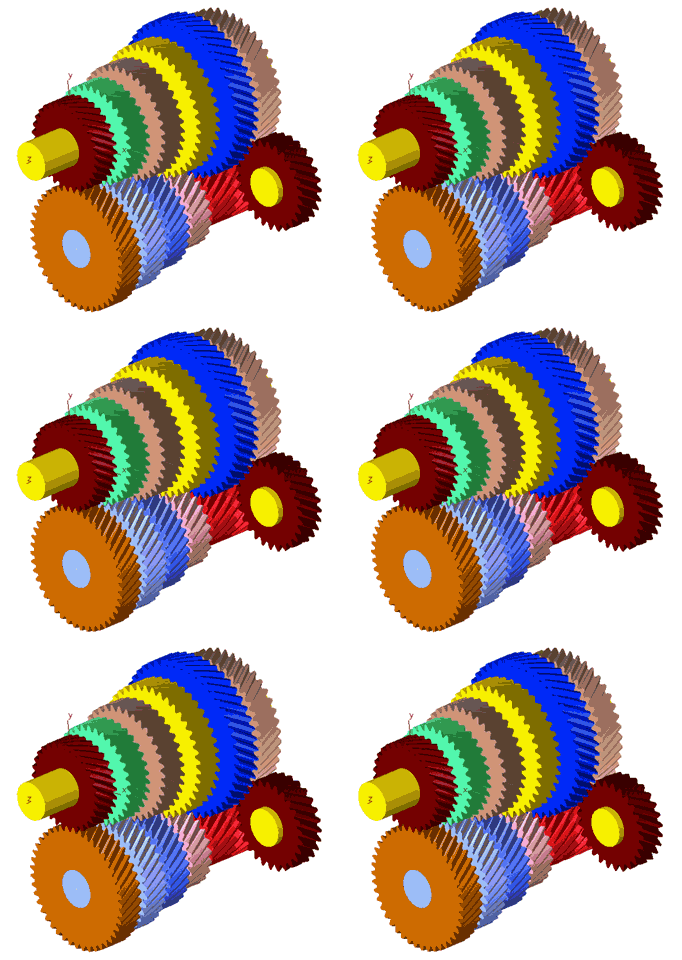
Alongside CAD skills, students explore essential machine components including Shafts, Bearings, Fasteners, Couplings, Pulleys, Belts, and Gears, understanding how these components work together to transmit motion and power inside real machines.
Students progress from individual parts to mechanisms, subassemblies, and complete machine assemblies while learning Engineering Drawing, Tolerances, Materials, Design for Manufacturing, Motion, Fits, and Assembly Design.
By the end of the course, students move beyond simply using SolidWorks tools to thinking as mechanical designers: analyzing requirements, selecting components, designing manufacturable parts, and integrating them into a complete functional machine.
Learning Objectives
By the end of the course, students will be able to:
- Understand the basic Mechanical Engineering Design Process.
- Read and interpret basic Engineering Drawings.
- Understand dimensions, measurement, tolerances, clearances, and fits.
- Analyze the geometry of a mechanical part before modeling it.
- Select the appropriate starting plane and modeling strategy for a part.
- Create accurate and Fully Defined Sketches.
- Apply geometric relations and dimensions correctly.
- Understand Parametric Modeling and Design Intent.
- Select the appropriate SolidWorks feature based on part geometry.
- Use Extrude, Cut, Revolve, Sweep, Loft, Shell, Rib, Pattern, Mirror, Fillet, Chamfer, and Hole features.
- Plan and organize a logical Feature Tree for mechanical parts.
- Design increasingly complex mechanical parts from engineering requirements.
- Measure and reverse-engineer simple physical components.
- Understand common engineering materials and their applications.
- Understand the fundamentals of 3D Printing, CNC Machining, and Laser Cutting.
- Design parts while considering real manufacturing limitations.
- Understand and design with Fasteners, Shafts, Bearings, Bushings, and Couplings.
- Understand Gears, Pulleys, Belts, and mechanical power transmission.
- Understand basic relationships between Speed, Torque, and Transmission Ratio.
- Design simple mechanisms for transmitting and converting motion.
- Select suitable mechanical components for a machine.
- Design motor mounts, bearing supports, shafts, frames, and other functional machine parts.
- Create mechanical Subassemblies and Complete Assemblies.
- Apply SolidWorks Mates and understand Degrees of Freedom.
- Analyze mechanical motion inside an assembly.
- Detect interference, clearance, and assembly problems.
- Modify parts based on assembly and manufacturing requirements.
- Create Engineering Drawings, Exploded Views, and Bills of Materials.
- Break a complete machine into Systems, Subsystems, Components, and Parts.
- Transform engineering requirements into a complete mechanical design.
- Integrate individually designed parts and standard components into a functional machine assembly.
- Complete the engineering workflow from Requirements → Concept → Part Design → Component Selection → Assembly → Verification → Manufacturing Documentation.
Description
Students begin Level 3 by mastering Python, one of the most widely used programming languages in engineering, automation, data processing, Computer Vision, and Artificial Intelligence.
The course progresses from Python fundamentals into more advanced programming concepts, giving students the ability to design larger and better-organized software systems.
Students learn how to solve problems algorithmically, organize programs into functions and modules, work with different data structures, handle files and data, manage errors, and develop increasingly complex applications.
Rather than learning Python syntax alone, students learn how to use programming as an engineering problem-solving tool.
This foundation prepares them for Raspberry Pi development, Linux-based engineering systems, Computer Vision, and AI applications in the following courses.
Learning Objectives
By the end of the course, students will be able to:
- Understand Python syntax and program structure.
- Work confidently with Variables and Data Types.
- Use arithmetic, logical, and comparison operators.
- Develop decision-making logic using Conditions.
- Use For and While Loops effectively.
- Understand and use Functions.
- Work with Lists, Tuples, Sets, and Dictionaries.
- Process Strings and structured data.
- Understand program scope.
- Organize larger programs into Functions and Modules.
- Work with Files and persistent data.
- Understand basic Exception Handling.
- Use external Python Libraries.
- Understand fundamental Object-Oriented Programming concepts.
- Create Classes and Objects.
- Develop structured multi-file Python applications.
- Apply algorithms to solve programming problems.
- Debug and troubleshoot Python programs.
- Read and understand library documentation.
- Prepare Python applications for engineering and AI projects.
This course, "Internet of Things (IoT) using Arduino Nano RP2040 & ESP32 on Arduino Cloud," is designed to introduce you to the world of IoT by leveraging popular microcontrollers and the Arduino Cloud platform. You'll learn how to set up, connect, and program Arduino Nano RP2040 and ESP32 to create smart devices that communicate over the internet. The course will guide you through cloud connectivity, data acquisition, and remote monitoring and control using the Arduino Cloud. You'll also work with a variety of sensors and actuators to build real-world IoT projects such as smart home automation, weather monitoring systems, and more. By the end of the course, you'll have hands-on experience with building, deploying, and managing IoT solutions, providing you with the knowledge and skills needed for IoT projects and applications.
Powertrain: Converts energy into movement using motors and gears, enabling the robot to move
Electronics: Provides the control system, including sensors, power management, and communication modules to handle signals and power distribution.
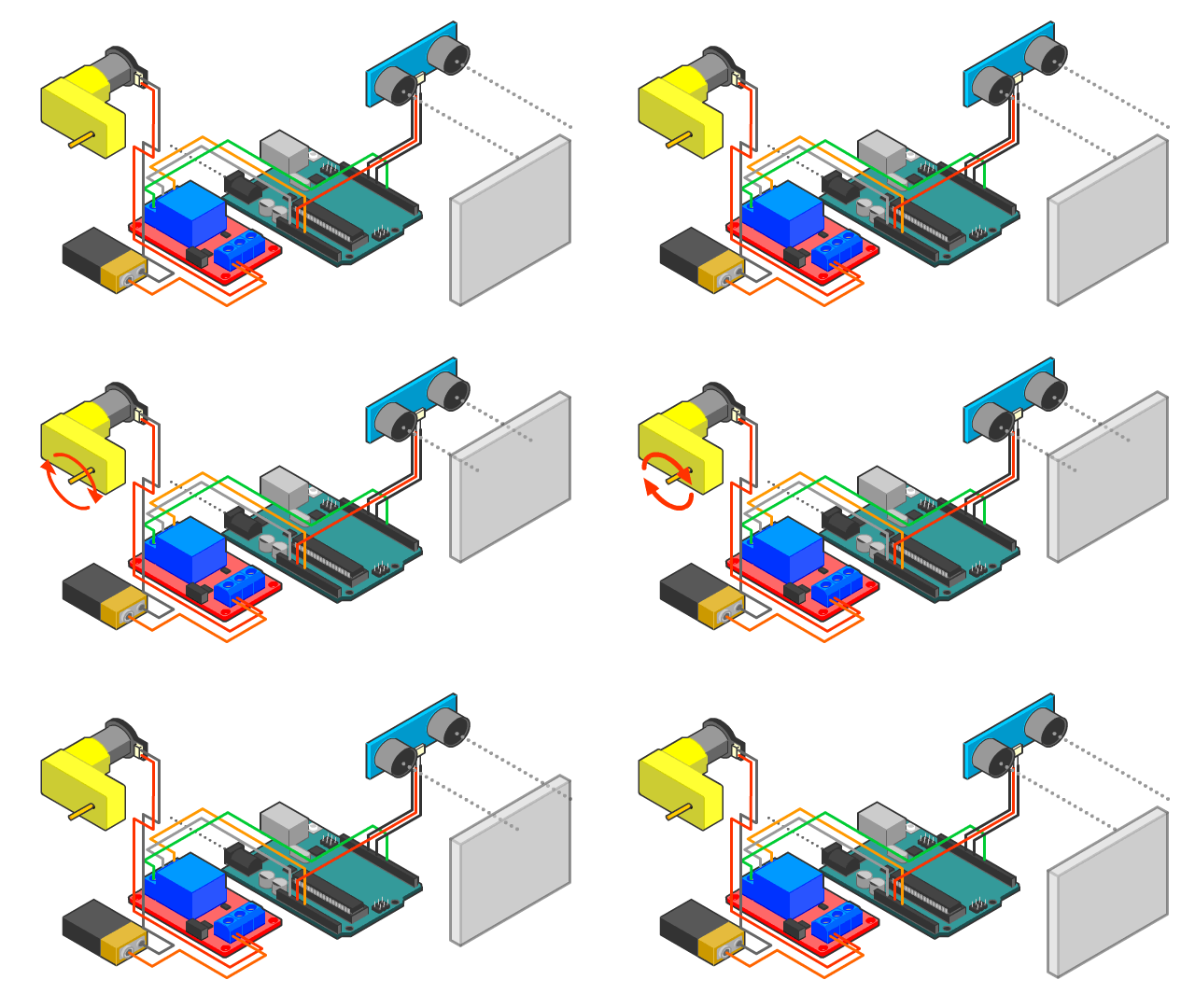
Arduino Interface: Acts as the main controller that processes inputs from sensors and controls the motors, allowing easy interaction between all hardware components.
Together, they create an intelligent and controllable system capable of interacting with the environment.
Intermediate Programming Courses
Design programming and algorithms focus on creating efficient solutions to problems. It involves structuring code and selecting the best algorithms to achieve optimal performance. Algorithms are step-by-step procedures used to process data, solve problems, or perform computations, while good design ensures clarity, efficiency, and scalability in the program's structure. Together, they form the foundation for building reliable, efficient software solutions.
Intermediate Programming Courses
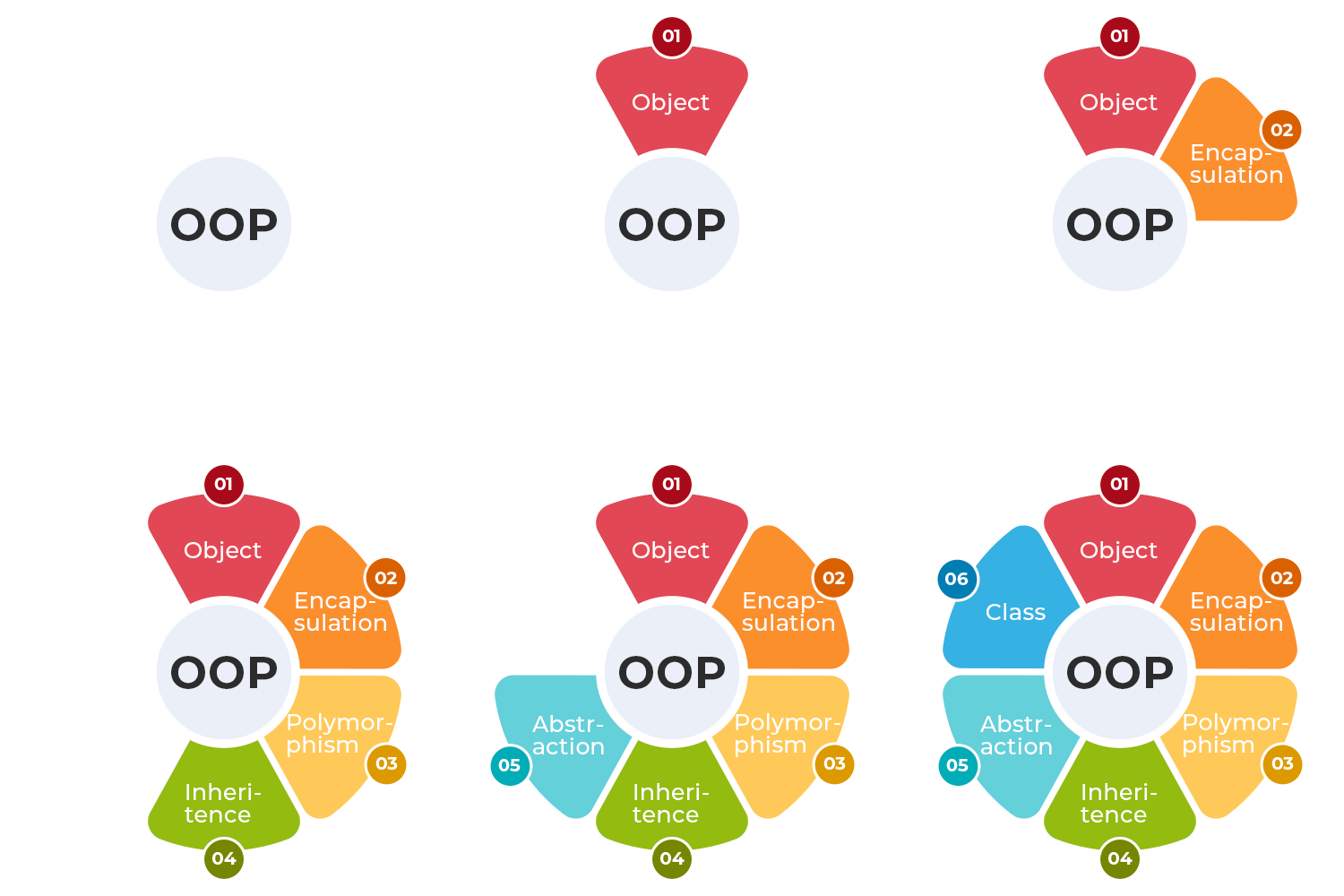
This course provides an in-depth exploration of Object-Oriented Programming (OOP) principles and practices using C++ and other object-oriented languages. It is designed for students with basic programming knowledge who want to deepen their understanding of OOP concepts and apply them to real-world problems.
Description
Students make an important transition from Microcontroller-Based Systems to Computer-Based Engineering Systems.
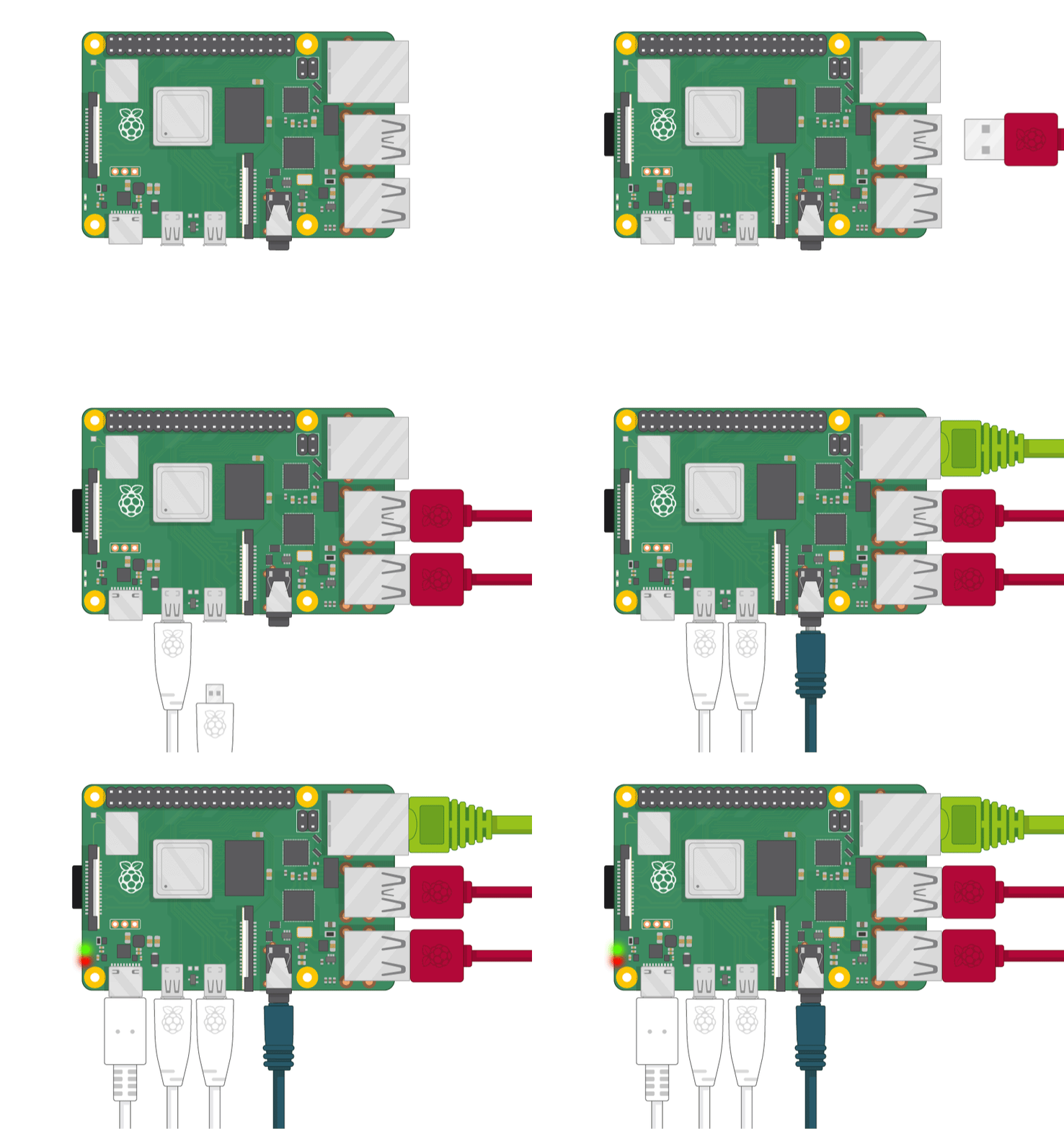
Using Raspberry Pi, students discover how a complete Linux computer can interact directly with electronic hardware.
They learn the fundamentals of the Linux Operating System, terminal commands, files and directories, software installation, Python environments, and the basic management of a Raspberry Pi system.
Students then connect their previous electronics knowledge to Raspberry Pi through GPIO, interfacing buttons, sensors, motors, displays, and other electronic devices.
However, unlike their earlier Arduino systems, students now have access to a full operating system, allowing them to run multiple software components, store and process larger amounts of data, connect to networks, and build richer applications.
Students also develop Graphical User Interfaces (GUI) for their engineering projects, allowing users to monitor and control machines through complete software interfaces.
Learning Objectives
By the end of the course, students will be able to:
- Understand the difference between a Microcontroller and a Single-Board Computer.
- Understand the basic architecture of Raspberry Pi.
- Install and configure Raspberry Pi OS.
- Understand the fundamentals of Linux.
- Navigate the Linux File System.
- Use common Terminal Commands.
- Create, move, copy, and manage files and directories.
- Install and manage software packages.
- Run and manage Python programs on Linux.
- Understand basic processes and system resources.
- Understand Raspberry Pi GPIO.
- Configure GPIO Pins as Inputs and Outputs.
- Interface Buttons and Digital Devices.
- Read sensors using Raspberry Pi.
- Control LEDs, Motors, Servos, and other Actuators.
- Interface external electronic modules.
- Understand basic communication between Raspberry Pi and external hardware.
- Store and process project data.
- Develop Python-based engineering applications.
- Build Graphical User Interfaces.
- Connect GUI controls to physical hardware.
- Display sensor and machine information through software dashboards.
- Integrate Hardware + Linux + Python + GUI into one complete system.
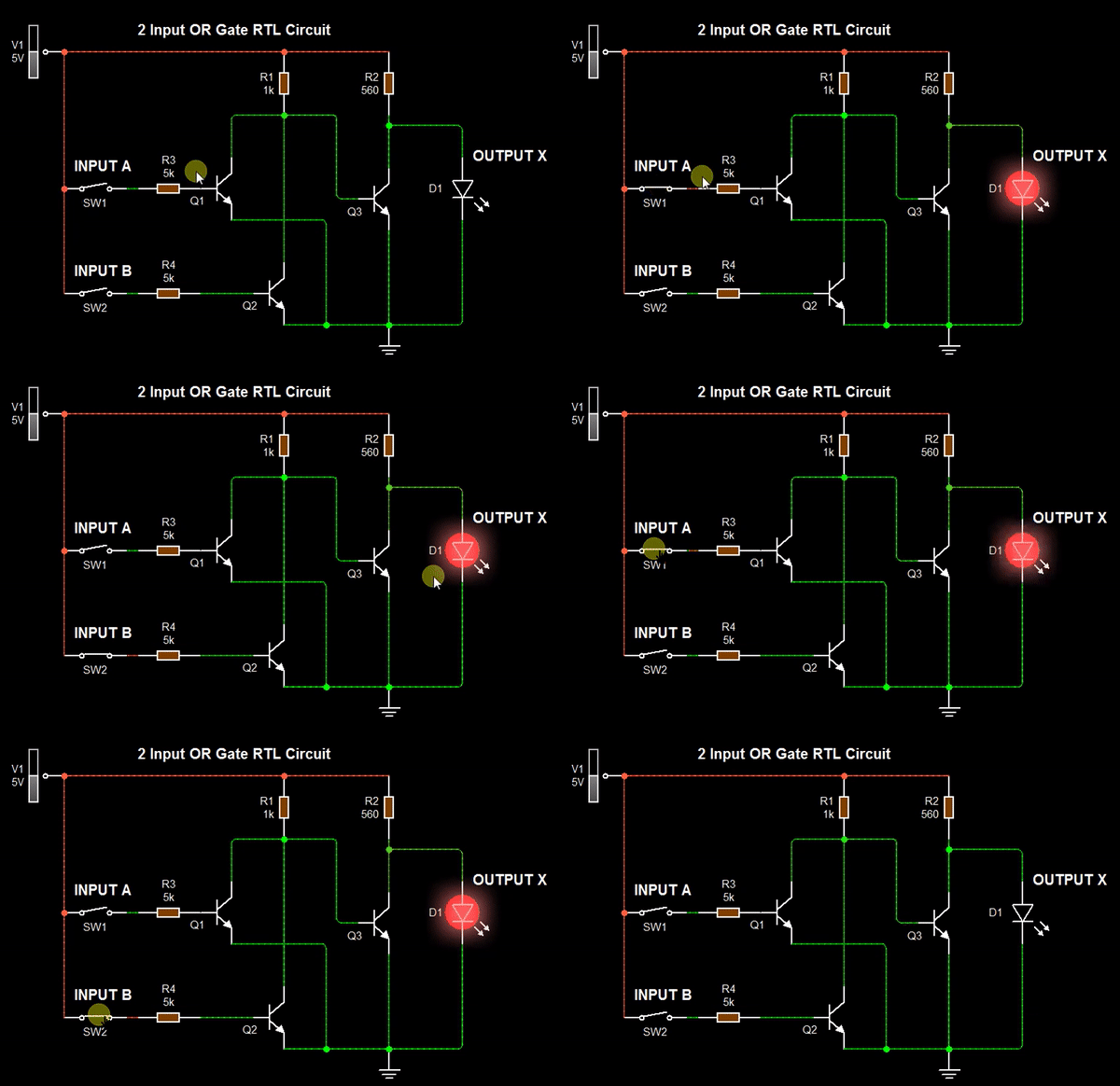
Learn the foundations of modern electronics and embedded systems through our Digital Electronics & Microcontrollers course.
In this program, students start by understanding number systems, logic gates, Boolean algebra, and digital circuit design. Then we move into practical microcontroller development using AVR, ATmega, PIC, and communication protocols such as UART, I²C, and SPI.
By the end of the course, students will be able to design, code, and build real embedded systems projects and control sensors, motors, and digital circuits with confidence.
A mechanical design course using Tinkercad for kids introduces them to 3D modeling and design, allowing them to create mechanical parts like gears and simple machines. Kids learn how to design in a virtual environment, and then use a 3D printer or laser cutting machine to manufacture their designs in real life and assembling the parts together.
Description
Advanced Mechatronics Projects challenges students to apply everything they have learned to the development of complete engineering machines.
Instead of focusing on individual concepts, students work through the architecture of real manufacturing equipment and discover how mechanics, electronics, motion systems, controllers, drivers, software, and fabrication processes must operate together.
Students design mechanical structures, build controlled motion axes, integrate Stepper Motors and Drivers, develop electronic control systems, configure machine movement, and calibrate the final system for accuracy.
Through building a CNC Router, Laser Cutting Machine, and 3D Printer, students discover that machines with very different applications can share similar engineering foundations.
The course represents the transition from building projects to building machines that can manufacture other products.
Learning Objectives
By the end of the course, students will be able to:
- Understand the architecture of digital manufacturing machines.
- Break complex machines into mechanical, electronic, and software subsystems.
- Understand linear and rotational motion systems.
- Design controlled motion axes.
- Integrate Stepper Motors and Motor Drivers.
- Understand multi-axis motion.
- Design mechanical machine structures.
- Integrate shafts, bearings, couplers, guides, and motion components.
- Understand machine coordinate systems.
- Understand the concept of machine Homing.
- Understand End Stops and motion limits.
- Build and wire machine control electronics.
- Understand basic machine calibration.
- Identify mechanical sources of positioning error.
- Improve motion accuracy through testing and calibration.
- Understand the fundamental operating principle of CNC machines.
- Understand the fundamental operating principle of Laser Cutting Machines.
- Understand the fundamental operating principle of FDM 3D Printers.
- Integrate mechanics, electronics, control, and software into a complete machine.
- Test, troubleshoot, calibrate, and improve complex mechatronic systems.
A mechanical design course using Tinkercad for kids introduces them to 3D modeling and design, allowing them to create mechanical parts like gears and simple machines. Kids learn how to design in a virtual environment, and then use a 3D printer or laser cutting machine to manufacture their designs in real life and assembling the parts together.
Introductory Programming Courses
This course is designed to introduce students to the basics of programming using C++. It is aimed at beginners with little to no programming experience, providing a solid foundation in C++ syntax, semantics, and programming techniques. By the end of the course, students will be able to write simple to moderately complex programs in C++.
Description:
Students begin their journey into embedded systems by learning the fundamentals of C++ programming and applying them directly to Arduino-based electronic systems.
They learn how a microcontroller interacts with the physical world through digital and analog inputs and outputs, sensors, motors, servos, displays, and other electronic devices.
Instead of learning programming and electronics as separate topics, students combine them to build complete systems that can sense their environment, make decisions, and perform actions.
Throughout the course, students progress from basic circuits and programs to real engineering projects such as automated irrigation, smart greenhouses, radar systems, parking systems, and elevators.
Learning Objectives
By the end of the course, students will be able to:
- Understand the basic structure and operation of a microcontroller-based system.
- Understand the fundamentals of C++ programming.
- Use variables, data types, operators, conditions, loops, functions, and arrays.
- Understand the structure of an Arduino program.
- Work with digital inputs and outputs.
- Read and process analog signals.
- Interface different sensors with Arduino.
- Control LEDs, buzzers, DC motors, and Servo Motors.
- Understand the difference between sensors and actuators.
- Read sensor data and convert it into useful information.
- Build decision-making logic based on sensor readings.
- Combine multiple inputs and outputs within one system.
- Break a large engineering problem into smaller programmable functions.
- Debug basic hardware and software problems.
- Design and build complete Arduino-based embedded systems.
Description
Students continue their embedded systems journey by exploring how modern electronic systems communicate, measure motion, determine position, and control movement accurately.
They learn wired and wireless communication concepts and work with technologies such as Bluetooth, NRF wireless communication, and Wi-Fi to exchange data between controllers and systems.
Students are introduced to navigation and motion sensing using IMU and GPS modules, allowing their systems to understand orientation, movement, and geographical position.
They also explore Wheel Encoders to measure motor movement and RPM and discover the difference between Open-Loop and Closed-Loop Control.
Using feedback from encoders, students are introduced to PID Control, learning how a system can continuously measure its error and automatically adjust its output to achieve more accurate and stable motion.
Stepper Motors and their drivers are also introduced, preparing students for precise motion-control applications used later in robotics and manufacturing machines.
Learning Objectives
By the end of the course, students will be able to:
- Understand the purpose of communication between embedded systems.
- Understand fundamental wired and wireless communication concepts.
- Work with common communication protocols.
- Establish communication between multiple microcontrollers.
- Use Bluetooth modules for wireless communication.
- Use NRF modules for wireless data transmission.
- Connect embedded systems through Wi-Fi.
- Send and receive structured data between devices.
- Understand the fundamentals of robot navigation.
- Interface GPS modules and process positioning data.
- Understand IMU-based motion and orientation sensing.
- Measure Roll, Pitch, and Yaw.
- Develop orientation-monitoring applications.
- Interface and control Stepper Motors.
- Use Stepper Motor Drivers for precise motion control.
- Understand the operation of Wheel Encoders.
- Measure wheel rotation and calculate RPM.
- Understand Open-Loop versus Closed-Loop Control.
- Understand the concept of feedback and error.
- Understand the fundamentals of PID Control.
- Apply feedback control to improve motor speed accuracy.
- Integrate communication, sensing, navigation, and control into complete embedded systems.