Skip to Content

All Courses

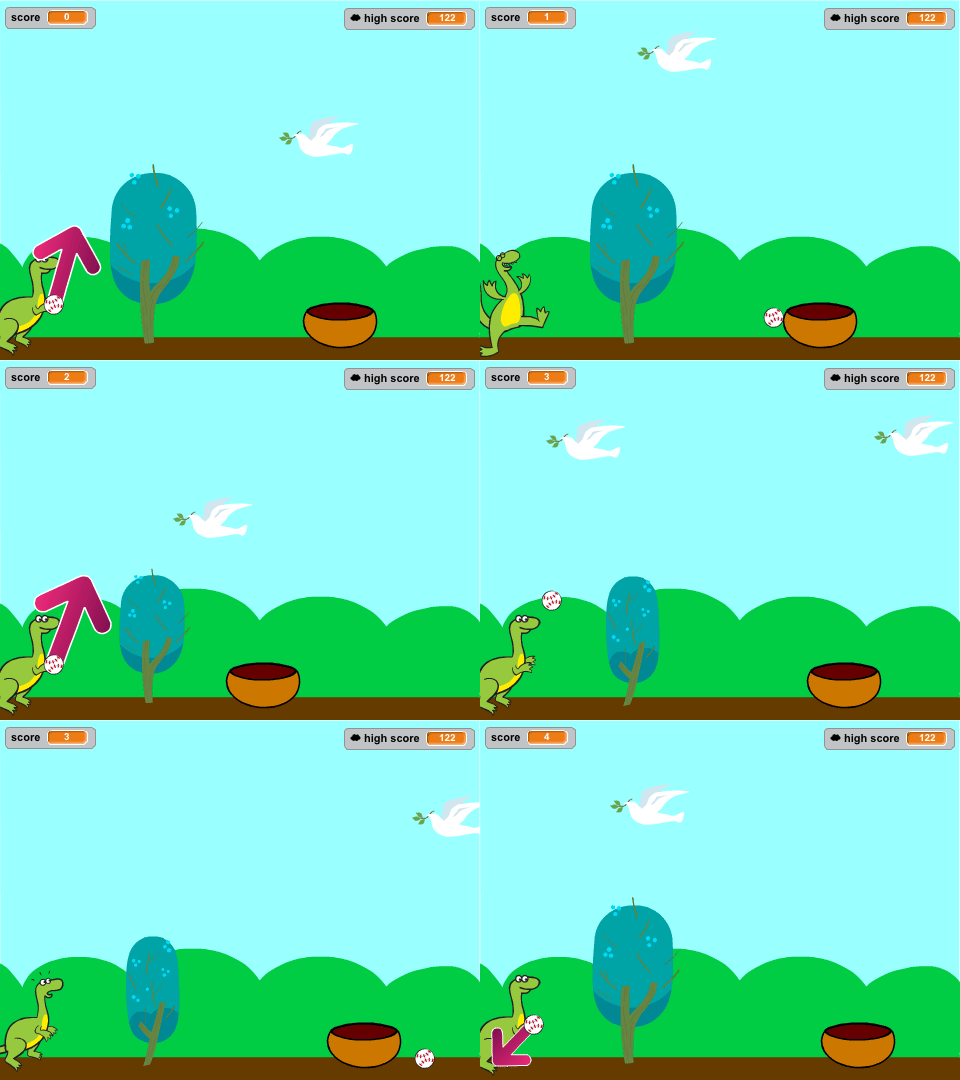
Block Coding using pictoblox

 Through this course, kids learn essential programming concepts such as sequencing, loops, conditionals, arithmetical operations, logical operations and variables. They develop computational thinking skills as they break down problems into smaller steps, plan the execution of actions, and control the behavior of their programs.


StarTec Level 1
Robotics
Robotics

Description

Students now bring programming, electronics, sensing, motion, and mechanical construction together to enter the world of Robotics.

Instead of simply operating ready-made robots, students learn how robots are built from the inside out.

They explore every major part of a robotic system, including the Controller, Motor Drivers, Motors, Sensors, Power System, electronic connections, and mechanical structure.

Students build their robots step by step and wire the electronic systems themselves, developing a deeper understanding of how software decisions become physical movement.

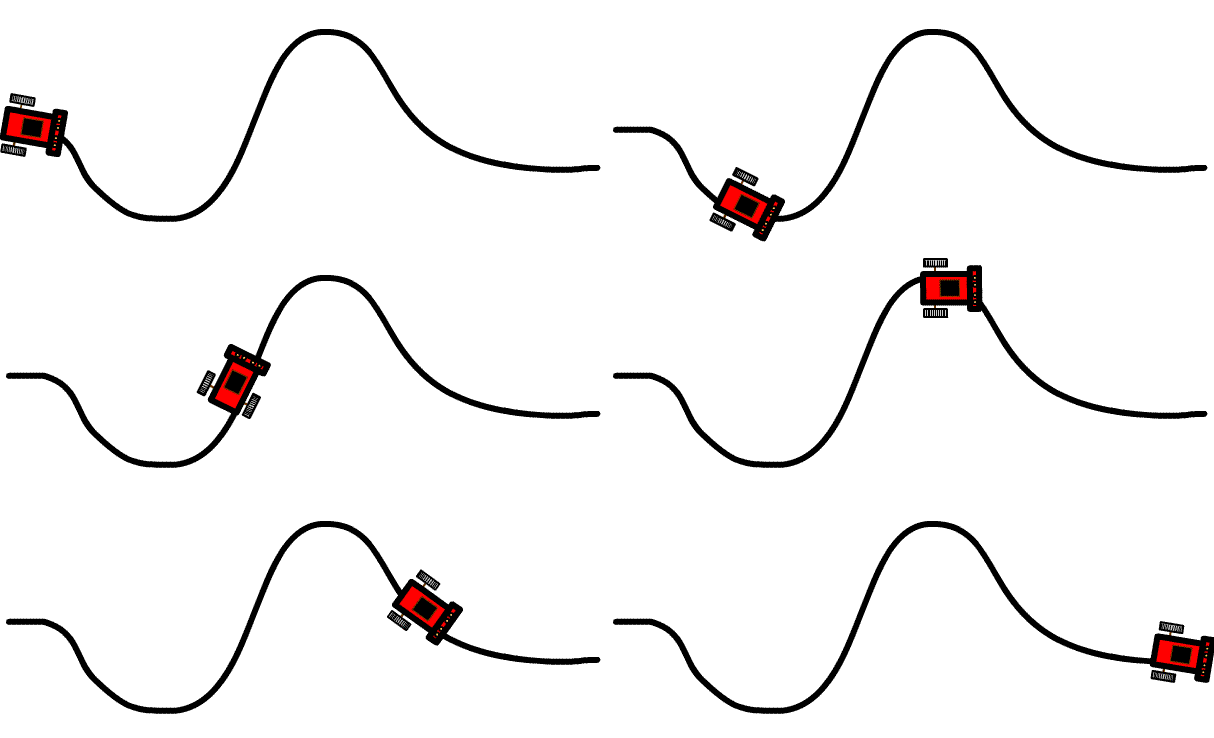
Through increasingly challenging robots, students explore Robot Motion, Navigation, Path Planning, Obstacle Avoidance, Line Following, Remote Control, and Autonomous Behavior.

Learning Objectives

By the end of the course, students will be able to:

  • Understand the basic architecture of a robotic system.
  • Identify the Controller, Sensors, Actuators, Power System, and Mechanical Structure of a robot.
  • Understand how electronics, programming, and mechanics interact inside a robot.
  • Build and wire a complete mobile robot.
  • Connect Arduino to Motor Drivers and DC Motors.
  • Control robot movement and direction.
  • Program Forward, Backward, Left, Right, and Stop movements.
  • Understand basic Differential Drive behavior.
  • Control robot speed and direction.
  • Understand the concept of Robot Navigation.
  • Plan simple movement paths.
  • Develop a Path Planning Robot.
  • Use Sensors to detect obstacles.
  • Program autonomous Obstacle Avoidance behavior.
  • Understand basic Line Detection.
  • Build and tune a Line Follower Robot.
  • Remotely control a robot through a Mobile Application.
  • Compare Manual, Remote-Controlled, and Autonomous Robots.
  • Design robots for specific tasks.
  • Build a Forklift Robot.
  • Build a Cleaner Robot.
  • Test and troubleshoot complete robotic systems.
  • Improve robot behavior through experimentation and iteration.
  • Understand the basic autonomous loop of Sense → Decide → Move → Re-evaluate.
  • Integrate Programming + Electronics + Sensors + Motion + Mechanics into one robotic system.
StarTec Level 1
Electronics Projects using Pictoblox

In this course, They learn to write code that controls electronic components like sensors, and Actuators. This allows them to translate the voltage signals to code responding to the inputs, display information, and control movement which makes them able to design and create the following Projects:

StarTec Level 1
Electronics & Arduino interface using C++

These projects for kids are introducing them to advanced robotics and control systems: 

  • Voice-Controlled Actuators: Kids use voice commands to control motors or LEDs, learning automation.
  • Bluetooth-Controlled Robot: A mobile app controls a 4-wheeled robot via Bluetooth, teaching wireless communication.
  • Lifter and Gripper for the Robot: Kids add a lifter and gripper to the robot, learning about robotics and motor control.

StarTec Level 2
UGV Robot using Pictoblox Part 2
Python Coding using Pictoblox

A Python course for kids introduces them to coding in a fun and easy-to-understand way. Kids will learn the basics of Python, including variables, loops, and conditionals, through interactive projects like games and simple programs. The course focuses on hands-on learning, helping kids develop problem-solving and logical thinking skills while making coding enjoyable and engaging. Python's simplicity makes it perfect for young beginners.

Level 2 StarTec
Electronic Circuits & PCB

An electronics course for kids introduces them to the basics of circuits and programming. Kids will use Tinkercad to design and simulate circuits with components like LEDs, resistors, and Arduino without needing physical parts. They will learn how to connect components, write simple code, and see their projects come to life.

StarTec Level 1 TopX
C++ & Arduino interface Part 1

هذه المشاريع للأطفال تعرفهم على الروبوتات المتقدمة وأنظمة التحكم: 

  • المحركات التي يتم التحكم فيها بالصوت: يستخدم الأطفال الأوامر الصوتية للتحكم في المحركات أو مصابيح LED .
  • روبوت يتم التحكم فيه بواسطة بلوتوث: يتحكم تطبيق الموبايل في روبوت ب 4 عجلات عبر البلوتوث ، لتعليم الاتصال اللاسلكي.
  • رافع وقابض للروبوت: يضيف الأطفال رافعا وقابضا إلى الروبوت ، و يتعلمون كيفية التحكم في المحركات.

StarTec Level 3
Electronics & Arduino interfacing using C++ part 1

Arduino programming involves using an Arduino board, which is a small electronic device, to create interactive projects. With Arduino, students learn how to write and upload code that controls various electronic components such as lights, sensors, motors, and more. This enables them to create programs that respond to input from sensors, display information on screens, or control the movement of motors.

StarTec Level 3
Robot Arm for Kids
Robot Arm for Kids

Description

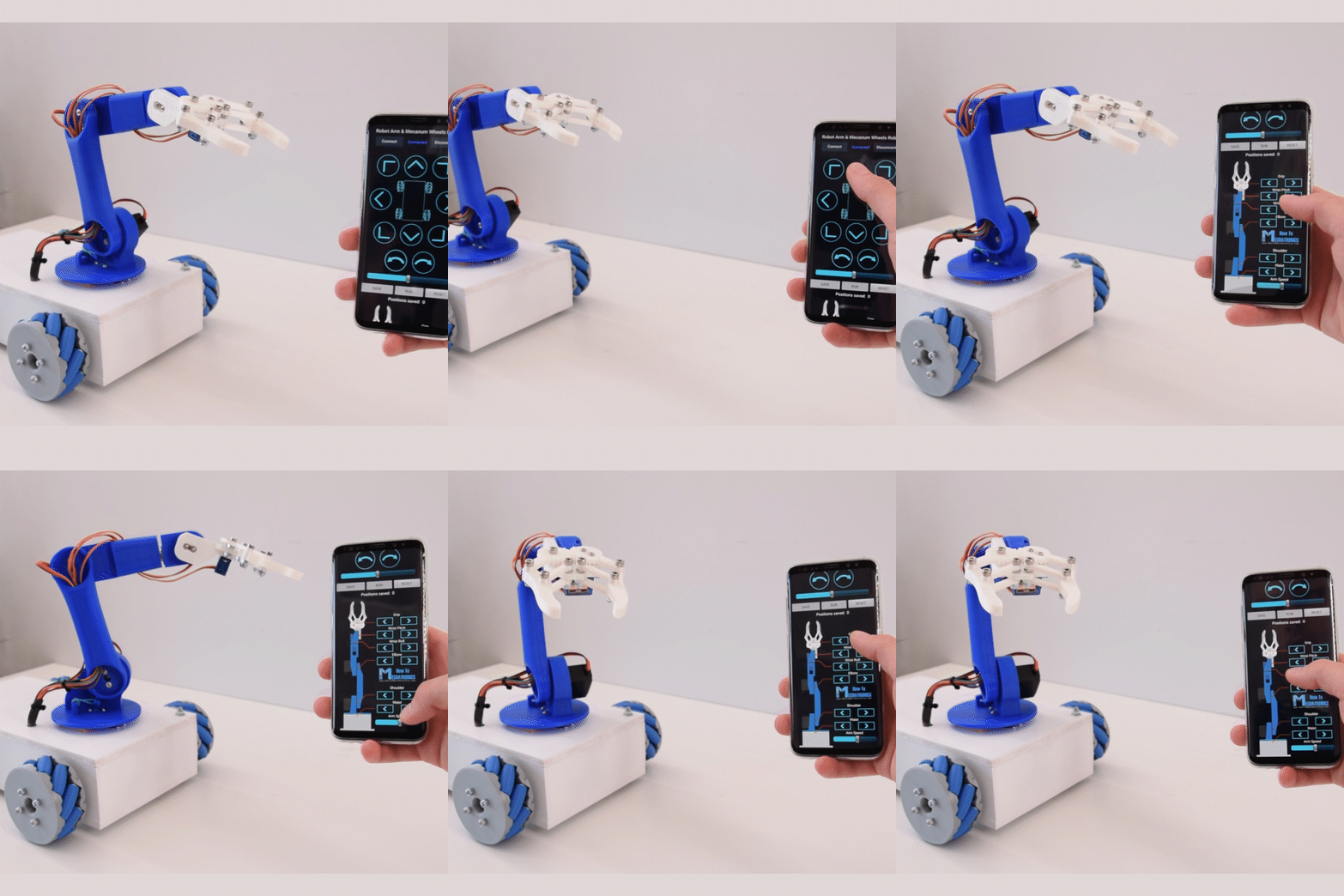
Students complete the StarTec journey by bringing mechanics, electronics, programming, and motion control together to build a complete robotic arm.

They explore how robotic arms are constructed using Links and Joints, how Servo Motors create controlled movement, and how a Gripper allows a robot to interact with physical objects.

Students assemble the mechanical structure, install the Servo Motors, connect the electronic system, and program individual joints before coordinating them to perform complete movements.

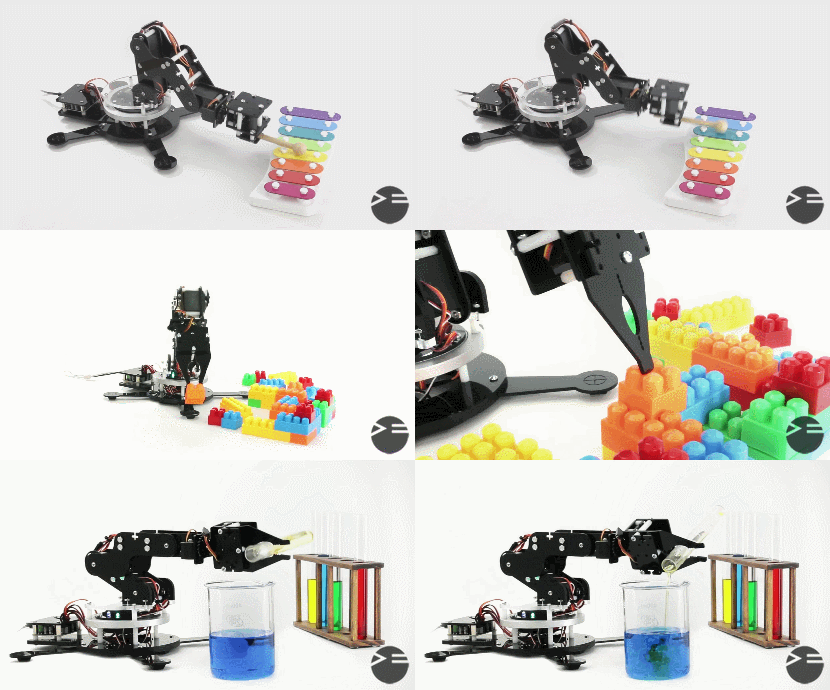
They progress from Manual Control to programmed Automatic Motion Sequences, ultimately enabling their robot arm to perform tasks such as Pick and Place.

The course introduces students to the foundations of Robotic Manipulation, giving them a first understanding of the engineering principles behind industrial robotic arms and automated manipulation systems.

Learning Objectives

By the end of the course, students will be able to:

  • Understand the basic structure of a Robotic Arm.
  • Identify the Base, Links, Joints, and End Effector.
  • Understand the role of each Joint in producing movement.
  • Understand the concept of Degrees of Freedom at an introductory level.
  • Understand the purpose of a robotic Gripper.
  • Assemble the mechanical structure of a Robot Arm.
  • Install Servo Motors within mechanical joints.
  • Connect multiple Servo Motors to the electronic control system.
  • Control Servo Motor angles using Arduino.
  • Control individual Robot Arm joints.
  • Coordinate multiple joints to create complete movements.
  • Understand basic Motion Sequences.
  • Define safe movement ranges for different joints.
  • Create a Manual Control Mode.
  • Control the Robot Arm through user inputs.
  • Create an Automatic Control Mode.
  • Program predefined sequences of robotic movements.
  • Control the opening and closing of a Gripper.
  • Perform basic Pick and Place operations.
  • Understand how a robot physically interacts with objects.
  • Test and improve Robot Arm movement.
  • Troubleshoot mechanical, electronic, and programming problems.
  • Integrate Mechanical Design + Electronics + Programming + Motion Control into one system.
  • Understand the foundations of Robotic Manipulation.

StarTec Level 2
Mechanical Designing using TinkerCad

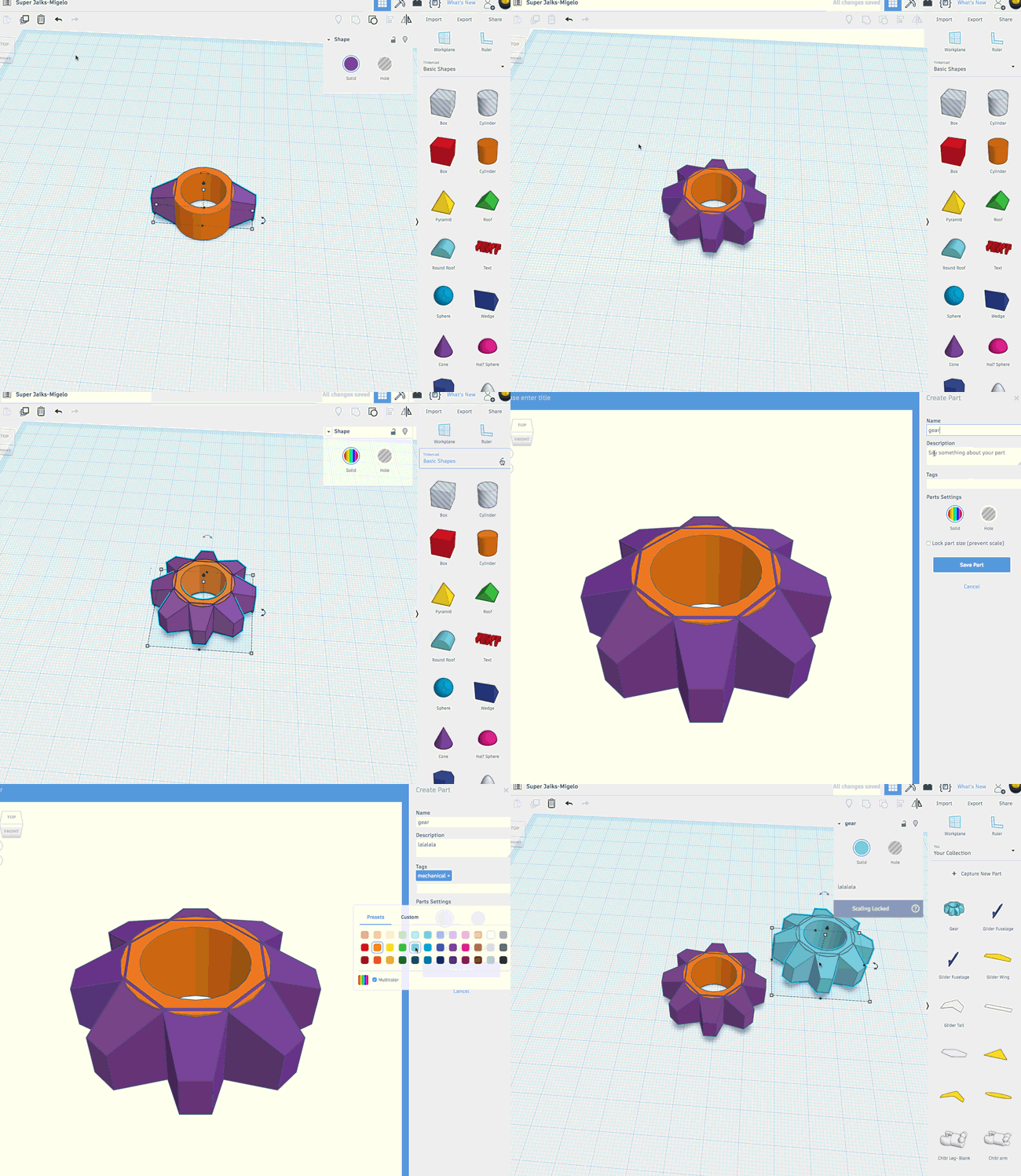
 A mechanical design course using Tinkercad for kids introduces them to 3D modeling and design, allowing them to create mechanical parts like gears and simple machines. Kids learn how to design in a virtual environment, and then use a 3D printer or laser cutting machine to manufacture their designs in real life and assembling the parts together.

StarTec Level 1 TopX
PCB Design & Fabrication

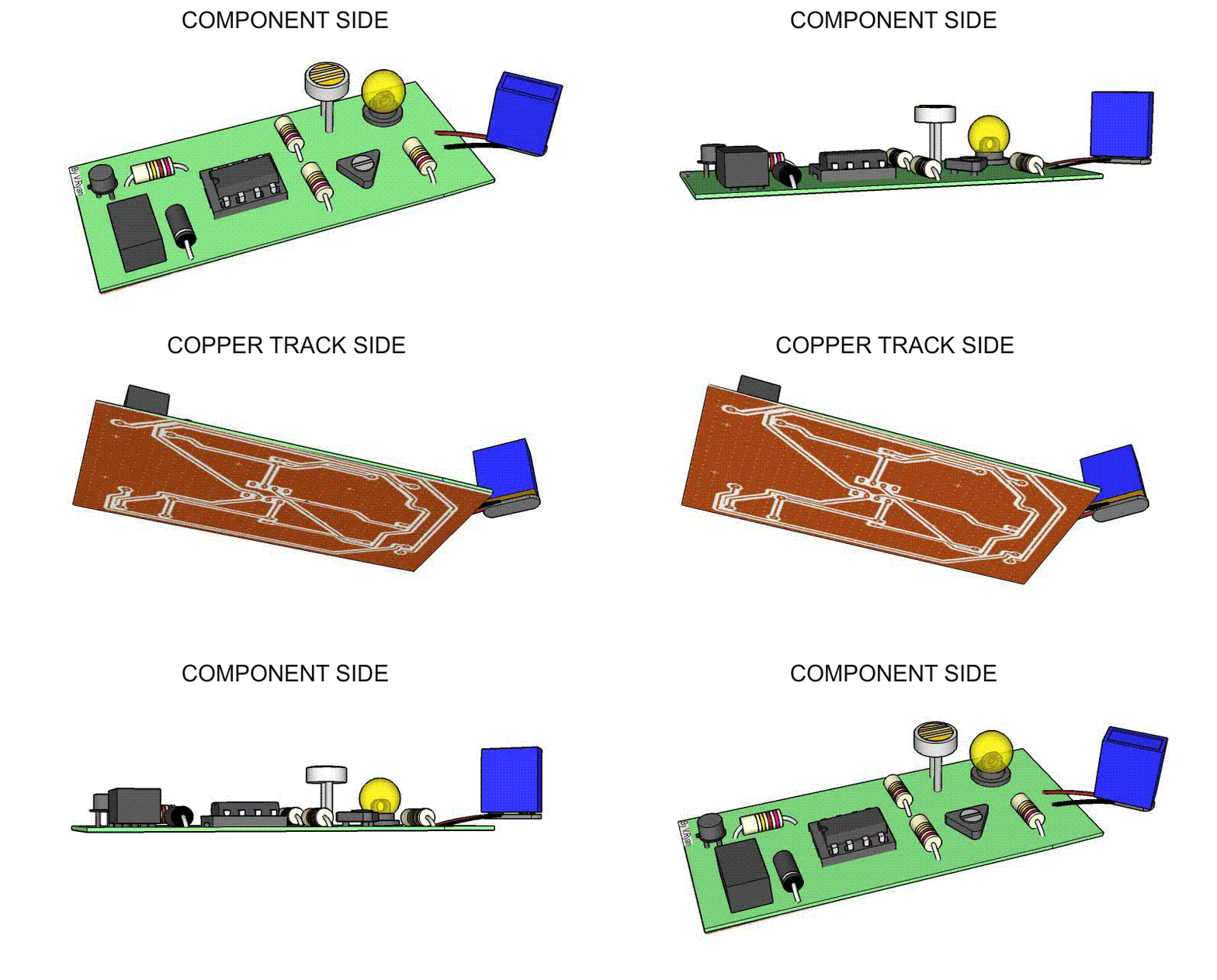
 Introduces kids to the basics of creating printed circuit boards (PCBs) in a fun and interactive way. Students will learn how to design circuits, arrange components, and create PCB layouts using Fritzing's user-friendly interface. The course covers essential concepts like electrical connections and soldering, allowing kids to bring their designs to life by fabricating real PCBs.

StarTec TopX Level 2
UGV & Robot Arm using C++

Students will learn C++ programming to interface sensors, motors, and controllers to create a UGV that can navigate its environment. They will also program a robot arm to perform tasks like picking and placing objects.  

StarTec Level 3
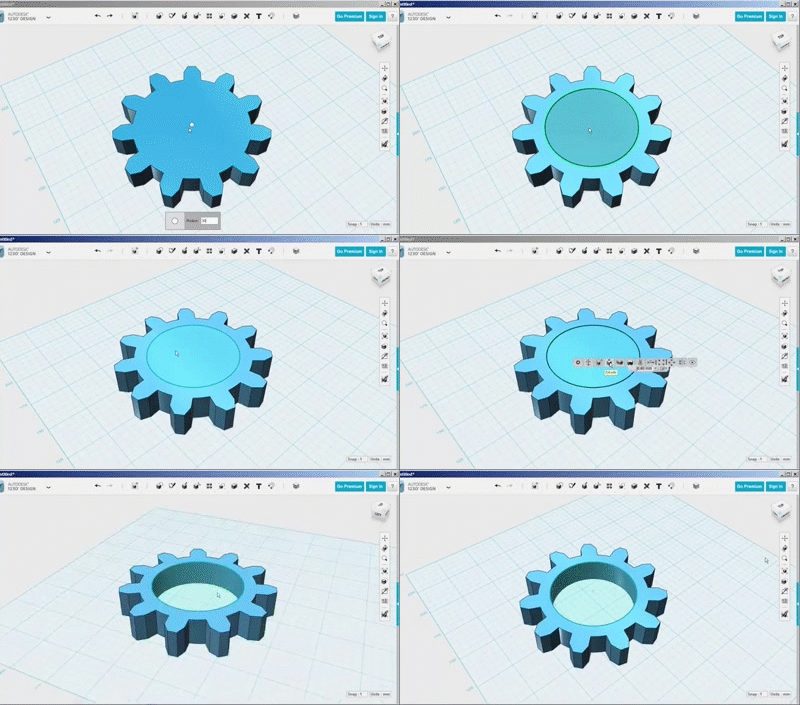
Mechanical Designing using 123D

  Students will learn how to create and manipulate 3D shapes, design mechanical parts, and assemble them into complex models. Through hands-on projects, they will explore concepts like dimensions, tolerances, and design aesthetics. This course encourages creativity and critical thinking while providing a solid foundation in engineering principles, making mechanical design engaging and accessible for young learners.

StarTec TopX Level 3 Level 4
Front-End Development

 A mechanical design course using Tinkercad for kids introduces them to 3D modeling and design, allowing them to create mechanical parts like gears and simple machines. Kids learn how to design in a virtual environment, and then use a 3D printer or laser cutting machine to manufacture their designs in real life and assembling the parts together.

Level 3 Level 4 StarTec TopX
Arduino & Blocks coding

Description

Students begin their StarTec journey by exploring the foundations of programming, electronics, and computational thinking using Arduino and TinkerCAD Blocks Coding.

They learn how electronic systems receive information through inputs, process that information using programmed logic, and control outputs to produce a physical response.

Starting with LEDs, Push Buttons, Slider Switches, and Potentiometers, students gradually explore Digital and Analog concepts while developing essential programming skills such as Variables, Conditions, Logical and Arithmetic Operations, Functions, Flowcharts, and Serial Communication.

Rather than learning coding as an isolated subject, students immediately use their programs to control real electronic systems and make them respond intelligently to different inputs.

Learning Objectives

By the end of the course, students will be able to:

  • Understand the basic architecture of Input → Processing → Output systems.
  • Distinguish between Digital and Analog signals.
  • Configure and control Digital Inputs and Outputs using Arduino.
  • Read Push Buttons and Slider Switches.
  • Read variable Analog values using a Potentiometer.
  • Control LED brightness using PWM.
  • Use Variables to store and manipulate information.
  • Apply Arithmetic Operations within programs.
  • Use if conditions to create decision-making systems.
  • Combine multiple conditions using Logical Operations.
  • Design simple Flowcharts before building a program.
  • Create and use Functions to organize programs.
  • Send information through Serial Communication.
  • Receive simple commands through Serial Communication.
  • Combine multiple Inputs and Outputs within one system.
  • Test, troubleshoot, and improve simple Arduino programs.
  • Translate a simple real-world problem into programmable logic.
  • Build a strong foundation in Programming Logic and Electronic Control.
Level 1 StarTec
Electronics & Arduino interfacing

Introductory Programming Courses

This course is designed to introduce students to the basics of programming using C++. It is aimed at beginners with little to no programming experience, providing a solid foundation in C++ syntax, semantics, and programming techniques. By the end of the course, students will be able to write simple to moderately complex programs in C++.  

StarTec Level 2 Programming
Arduino & Electronics Interfacing

Description

Students expand their Arduino knowledge by learning how electronic systems sense and interact with the physical world.

They explore a wide range of Sensors for measuring distance, light, temperature, soil conditions, movement, gases, and other environmental variables.

Students then learn how Arduino uses this information to control Actuators such as DC Motors, Servo Motors, Relays, and other electrical loads.

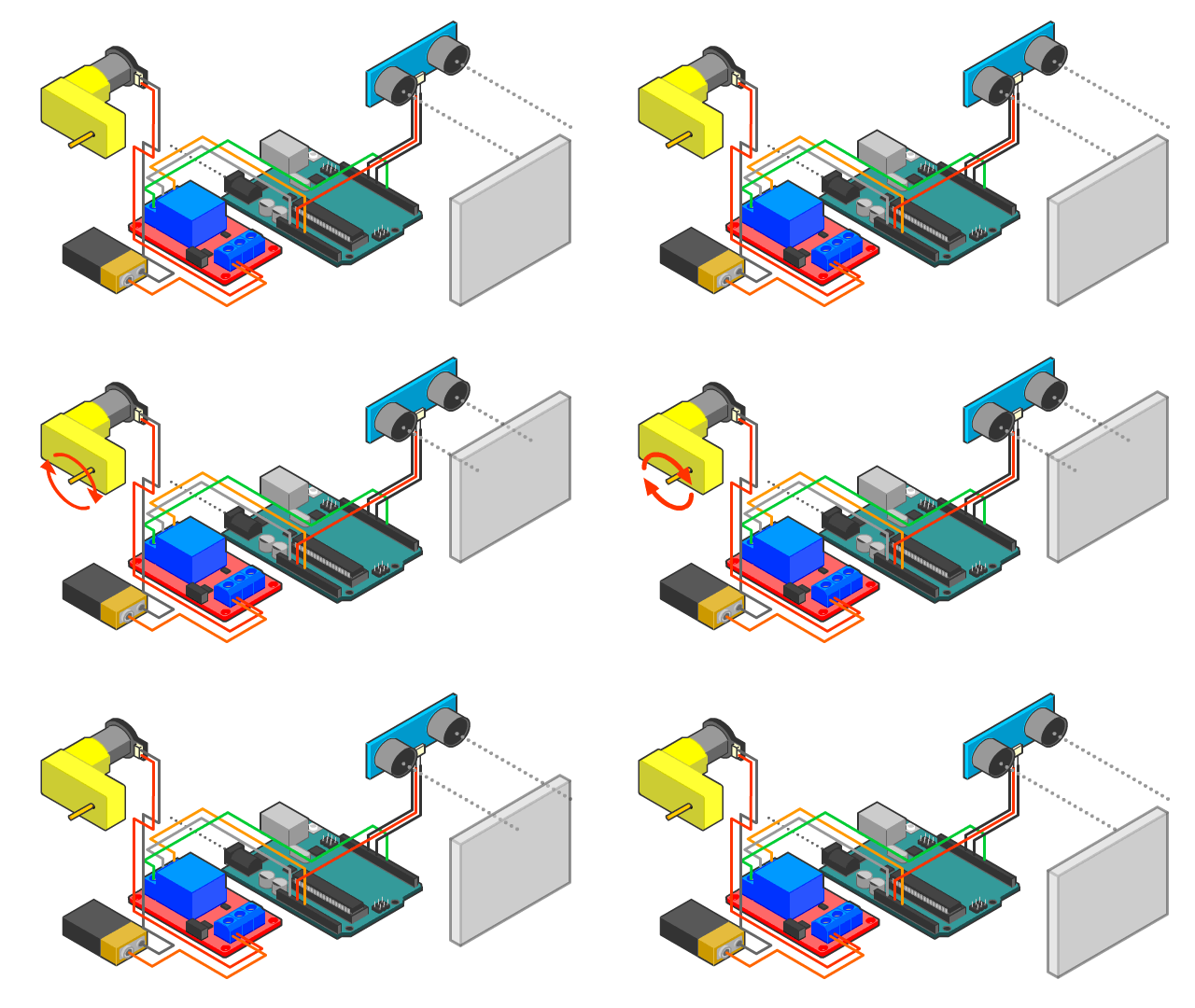
The course also introduces Motor Drivers, Transistors, Relays, and Bluetooth communication, allowing students to progress from individual component experiments to complete Smart Systems.

Through projects such as Smart Greenhouses, Irrigation Systems, Fire Fighting Systems, Radars, and Railway Crossing Gates, students begin understanding the foundations of Sensing, Control, Automation, and System Integration.

Learning Objectives

By the end of the course, students will be able to:

  • Understand the role of Sensors and Actuators in electronic systems.
  • Understand the concept of converting physical conditions into electrical data.
  • Interface different Sensors with Arduino.
  • Measure distance using an Ultrasonic Sensor.
  • Detect objects using IR Sensors.
  • Measure light intensity using an LDR.
  • Read Temperature Sensors.
  • Monitor soil conditions using a Soil Moisture Sensor.
  • Use Tilt and Gas Sensors.
  • Process Sensor data and use it to make decisions.
  • Control DC Motors using Arduino.
  • Control Servo Motor position.
  • Understand why Motor Drivers are required.
  • Use Motor Drivers to control motor direction and movement.
  • Understand the basic operation of a Transistor as an electronic switch.
  • Understand the purpose and operation of Relays.
  • Control external loads through Relays.
  • Use HC-05 Bluetooth communication.
  • Control electronic systems through Mobile Applications.
  • Combine multiple Sensors and Actuators within one project.
  • Develop basic Sensing and Decision-Making Systems.
  • Build complete automated systems based on environmental conditions.
  • Troubleshoot Sensors, Actuators, and electronic connections.
  • Understand the basic architecture of a Smart System: Sense → Process → Decide → Act.

StarTec Level 1
Advanced Arduino Projects

Description

Students progress from building individual circuits and robots to designing complete engineering and automation systems.

At this stage, the challenge is no longer simply learning how a component works. Students must determine how multiple components, inputs, outputs, operating conditions, and actions should work together to achieve a complete engineering objective.

Through advanced projects such as Smart Parking Systems, Sorting Machines, Elevators, Money Safes, Vending Machines, and Cranes, students explore concepts including Sequential Control, State-Based Logic, Safety Conditions, Automation, and System Integration.

Students begin approaching projects as engineers: analyzing the problem, dividing it into subsystems, designing the operating logic, building the system, testing its behavior, and improving the final solution.

Learning Objectives

By the end of the course, students will be able to:

  • Analyze a complex engineering problem.
  • Identify the Inputs, Outputs, and Processing requirements of a system.
  • Divide a large project into smaller functional subsystems.
  • Create system Flowcharts before implementation.
  • Design Control Logic for multi-step systems.
  • Work with multiple Inputs and Outputs simultaneously.
  • Understand the concept of System States.
  • Develop simple State-Based behavior.
  • Understand Sequential Control.
  • Program operations that occur in a specific sequence.
  • Use Timing and Delays appropriately within automated systems.
  • Create operating conditions and logical dependencies.
  • Understand basic Safety Conditions.
  • Apply simple Interlocking Logic to prevent incorrect operations.
  • Coordinate Sensors, Motors, Servos, Displays, and other Actuators.
  • Understand how machines move from one operating state to another.
  • Build automated systems capable of completing multi-step tasks.
  • Test complete systems under different operating conditions.
  • Identify faults and perform systematic Troubleshooting.
  • Modify and optimize system behavior.
  • Develop a Smart Street Light system.
  • Develop a Smart Parking System.
  • Develop a Sorting Machine.
  • Develop an Elevator Control System.
  • Develop a Money Safe.
  • Develop a Vending Machine.
  • Develop a Crane system.
  • Understand the foundations of Automation, Sequential Control, Safety & Interlocking, and System Integration.
StarTec