All Courses
These projects for kids are introducing them to advanced robotics and control systems:
- Voice-Controlled Actuators: Kids use voice commands to control motors or LEDs, learning automation.
- Bluetooth-Controlled Robot: A mobile app controls a 4-wheeled robot via Bluetooth, teaching wireless communication.
- Lifter and Gripper for the Robot: Kids add a lifter and gripper to the robot, learning about robotics and motor control.
Description
Students begin Level 3 by mastering Python, one of the most widely used programming languages in engineering, automation, data processing, Computer Vision, and Artificial Intelligence.
The course progresses from Python fundamentals into more advanced programming concepts, giving students the ability to design larger and better-organized software systems.
Students learn how to solve problems algorithmically, organize programs into functions and modules, work with different data structures, handle files and data, manage errors, and develop increasingly complex applications.
Rather than learning Python syntax alone, students learn how to use programming as an engineering problem-solving tool.
This foundation prepares them for Raspberry Pi development, Linux-based engineering systems, Computer Vision, and AI applications in the following courses.
Learning Objectives
By the end of the course, students will be able to:
- Understand Python syntax and program structure.
- Work confidently with Variables and Data Types.
- Use arithmetic, logical, and comparison operators.
- Develop decision-making logic using Conditions.
- Use For and While Loops effectively.
- Understand and use Functions.
- Work with Lists, Tuples, Sets, and Dictionaries.
- Process Strings and structured data.
- Understand program scope.
- Organize larger programs into Functions and Modules.
- Work with Files and persistent data.
- Understand basic Exception Handling.
- Use external Python Libraries.
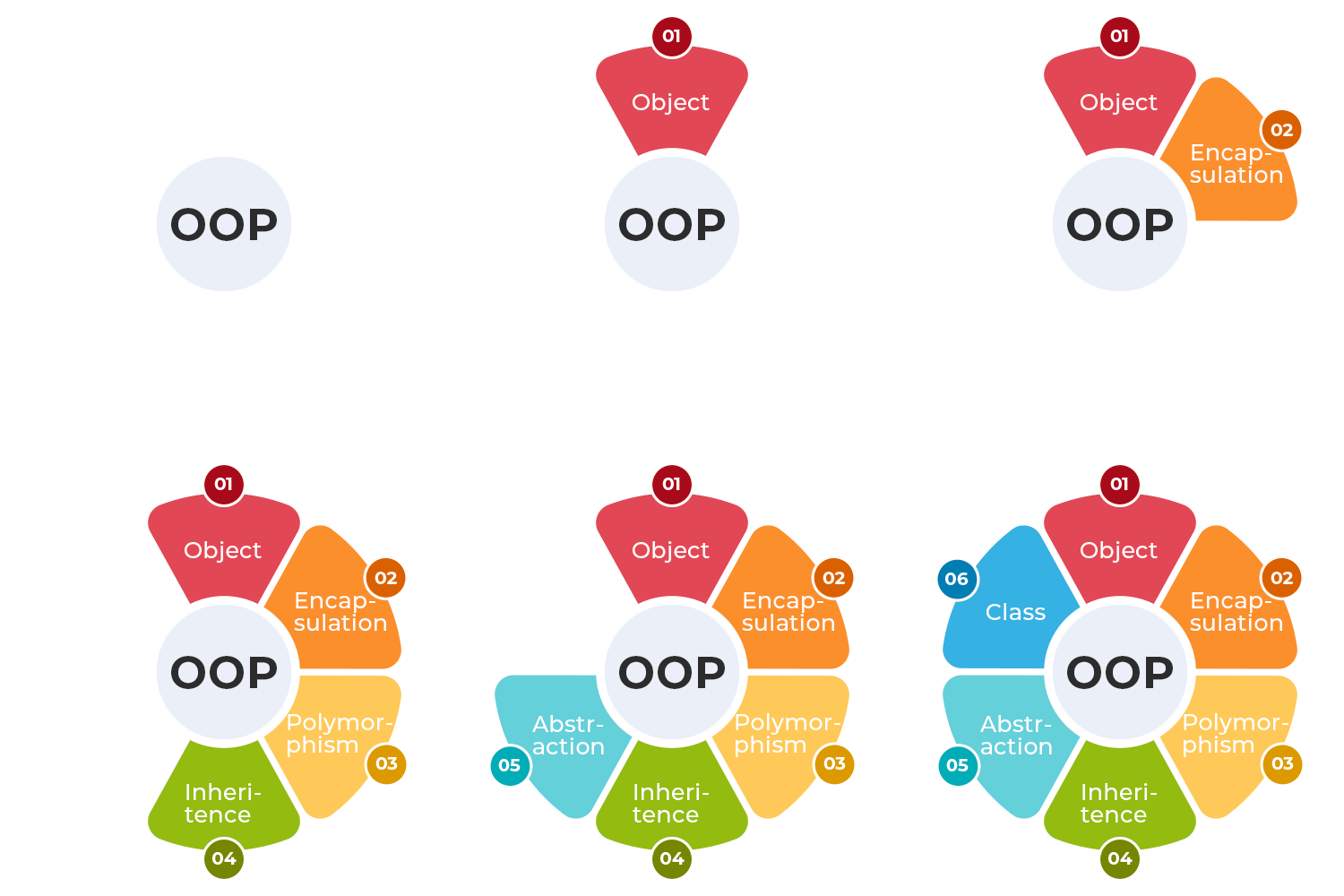
- Understand fundamental Object-Oriented Programming concepts.
- Create Classes and Objects.
- Develop structured multi-file Python applications.
- Apply algorithms to solve programming problems.
- Debug and troubleshoot Python programs.
- Read and understand library documentation.
- Prepare Python applications for engineering and AI projects.
A Python course for kids introduces them to coding in a fun and easy-to-understand way. Kids will learn the basics of Python, including variables, loops, and conditionals, through interactive projects like games and simple programs. The course focuses on hands-on learning, helping kids develop problem-solving and logical thinking skills while making coding enjoyable and engaging. Python's simplicity makes it perfect for young beginners.
Intermediate Programming Courses
This course provides an in-depth exploration of Object-Oriented Programming (OOP) principles and practices using C++ and other object-oriented languages. It is designed for students with basic programming knowledge who want to deepen their understanding of OOP concepts and apply them to real-world problems.
Description
Students make an important transition from Microcontroller-Based Systems to Computer-Based Engineering Systems.
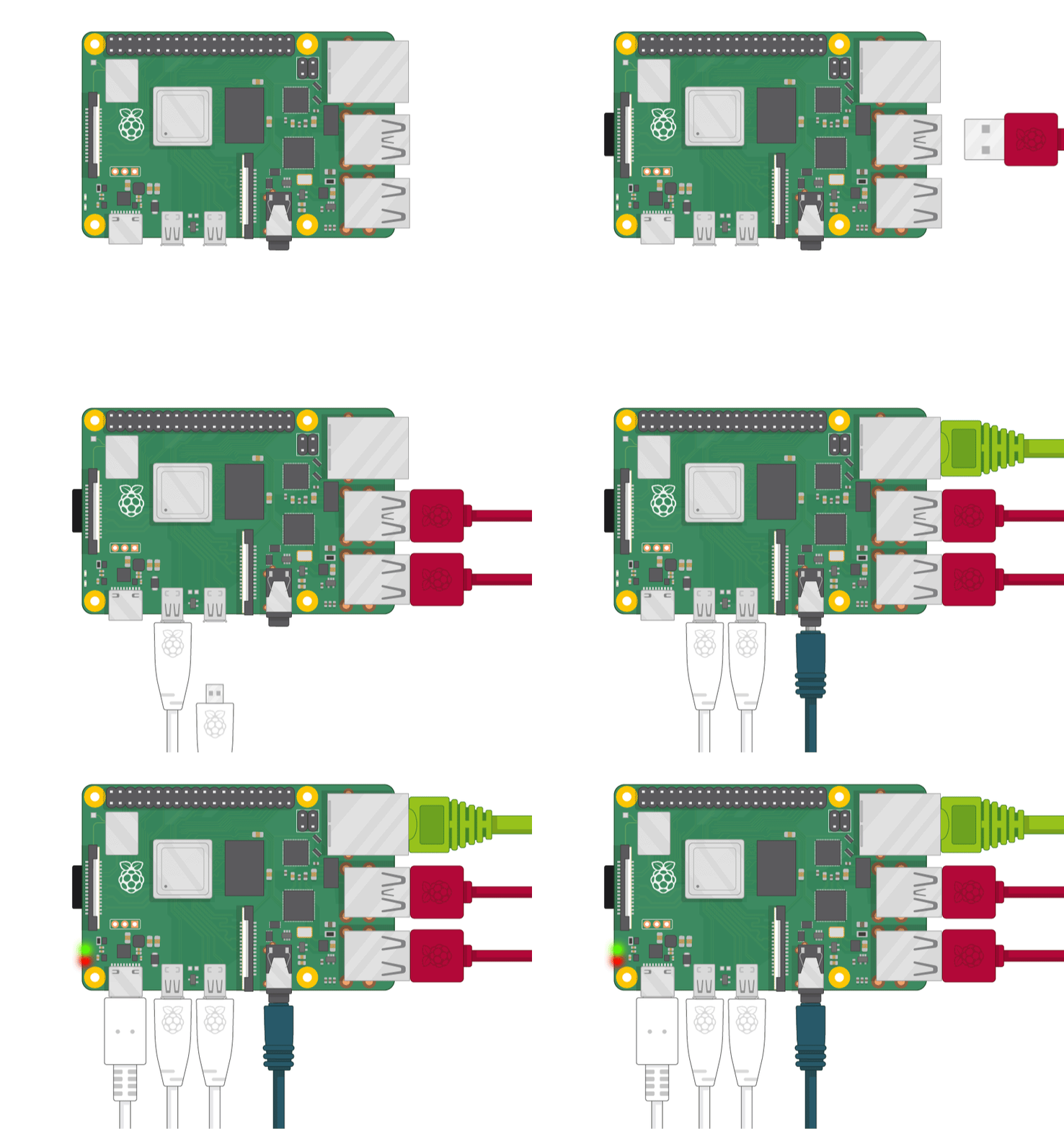
Using Raspberry Pi, students discover how a complete Linux computer can interact directly with electronic hardware.
They learn the fundamentals of the Linux Operating System, terminal commands, files and directories, software installation, Python environments, and the basic management of a Raspberry Pi system.
Students then connect their previous electronics knowledge to Raspberry Pi through GPIO, interfacing buttons, sensors, motors, displays, and other electronic devices.
However, unlike their earlier Arduino systems, students now have access to a full operating system, allowing them to run multiple software components, store and process larger amounts of data, connect to networks, and build richer applications.
Students also develop Graphical User Interfaces (GUI) for their engineering projects, allowing users to monitor and control machines through complete software interfaces.
Learning Objectives
By the end of the course, students will be able to:
- Understand the difference between a Microcontroller and a Single-Board Computer.
- Understand the basic architecture of Raspberry Pi.
- Install and configure Raspberry Pi OS.
- Understand the fundamentals of Linux.
- Navigate the Linux File System.
- Use common Terminal Commands.
- Create, move, copy, and manage files and directories.
- Install and manage software packages.
- Run and manage Python programs on Linux.
- Understand basic processes and system resources.
- Understand Raspberry Pi GPIO.
- Configure GPIO Pins as Inputs and Outputs.
- Interface Buttons and Digital Devices.
- Read sensors using Raspberry Pi.
- Control LEDs, Motors, Servos, and other Actuators.
- Interface external electronic modules.
- Understand basic communication between Raspberry Pi and external hardware.
- Store and process project data.
- Develop Python-based engineering applications.
- Build Graphical User Interfaces.
- Connect GUI controls to physical hardware.
- Display sensor and machine information through software dashboards.
- Integrate Hardware + Linux + Python + GUI into one complete system.
These projects for kids are introducing them to advanced robotics and control systems:
- Voice-Controlled Actuators: Kids use voice commands to control motors or LEDs, learning automation.
- Bluetooth-Controlled Robot: A mobile app controls a 4-wheeled robot via Bluetooth, teaching wireless communication.
- Lifter and Gripper for the Robot: Kids add a lifter and gripper to the robot, learning about robotics and motor control.
Description:
Junior Robotics brings together everything students have learned throughout the Junior journey.
Students explore robot movement, navigation, remote control, sensing, autonomous behavior, and task-based robotics.
Instead of treating robots as toys, students begin understanding robots as machines that receive information, make decisions, move, and perform useful tasks.
Learning Objectives
By the end of the course, students will be able to:
- Understand the basic structure of a robot.
- Identify a robot's controller, sensors, actuators, and mechanical structure.
- Control robot movement and direction.
- Understand Forward, Backward, Left, Right, and Stop commands.
- Understand basic robot navigation.
- Plan simple paths for a robot.
- Remotely control a robot.
- Use sensors for autonomous navigation.
- Understand obstacle detection and avoidance.
- Understand basic line sensing and line-following behavior.
- Build robots designed for specific tasks.
- Compare manually controlled and autonomous robots.
- Test and improve robot behavior.
- Solve simple navigation and movement challenges.
- Integrate electronics, programming, sensors, and mechanics into one robotic system.
Description
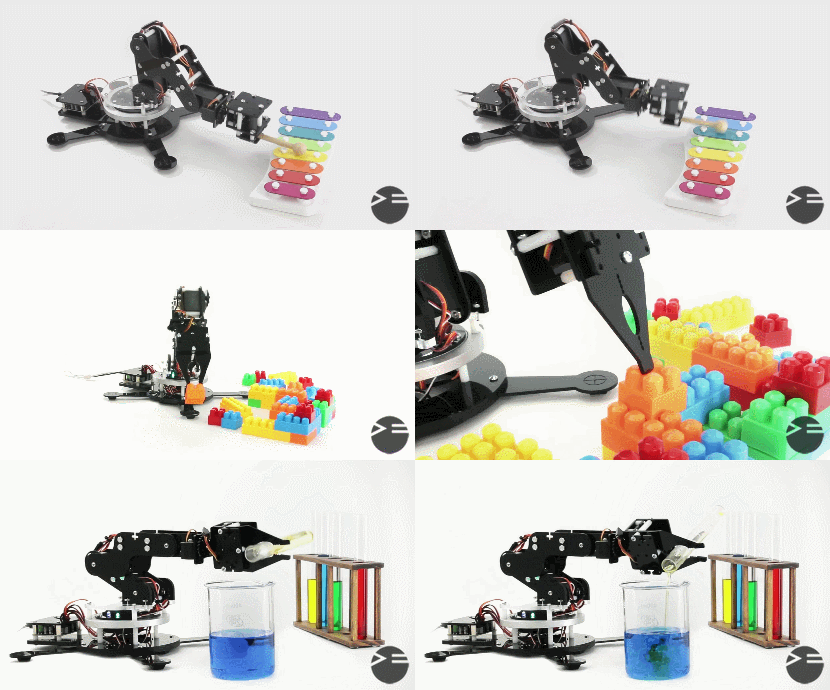
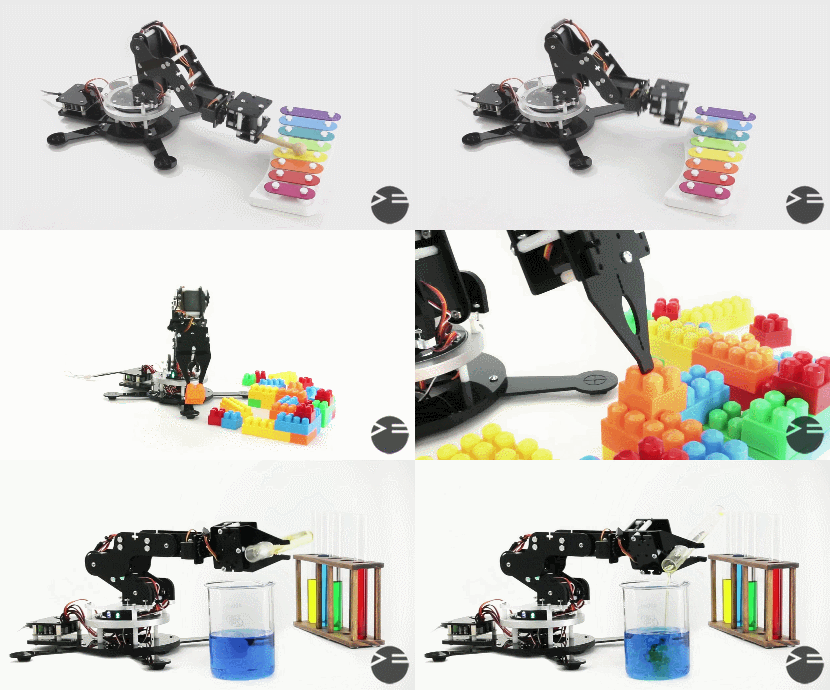
Students complete the StarTec journey by bringing mechanics, electronics, programming, and motion control together to build a complete robotic arm.
They explore how robotic arms are constructed using Links and Joints, how Servo Motors create controlled movement, and how a Gripper allows a robot to interact with physical objects.
Students assemble the mechanical structure, install the Servo Motors, connect the electronic system, and program individual joints before coordinating them to perform complete movements.
They progress from Manual Control to programmed Automatic Motion Sequences, ultimately enabling their robot arm to perform tasks such as Pick and Place.
The course introduces students to the foundations of Robotic Manipulation, giving them a first understanding of the engineering principles behind industrial robotic arms and automated manipulation systems.
Learning Objectives
By the end of the course, students will be able to:
- Understand the basic structure of a Robotic Arm.
- Identify the Base, Links, Joints, and End Effector.
- Understand the role of each Joint in producing movement.
- Understand the concept of Degrees of Freedom at an introductory level.
- Understand the purpose of a robotic Gripper.
- Assemble the mechanical structure of a Robot Arm.
- Install Servo Motors within mechanical joints.
- Connect multiple Servo Motors to the electronic control system.
- Control Servo Motor angles using Arduino.
- Control individual Robot Arm joints.
- Coordinate multiple joints to create complete movements.
- Understand basic Motion Sequences.
- Define safe movement ranges for different joints.
- Create a Manual Control Mode.
- Control the Robot Arm through user inputs.
- Create an Automatic Control Mode.
- Program predefined sequences of robotic movements.
- Control the opening and closing of a Gripper.
- Perform basic Pick and Place operations.
- Understand how a robot physically interacts with objects.
- Test and improve Robot Arm movement.
- Troubleshoot mechanical, electronic, and programming problems.
- Integrate Mechanical Design + Electronics + Programming + Motion Control into one system.
- Understand the foundations of Robotic Manipulation.
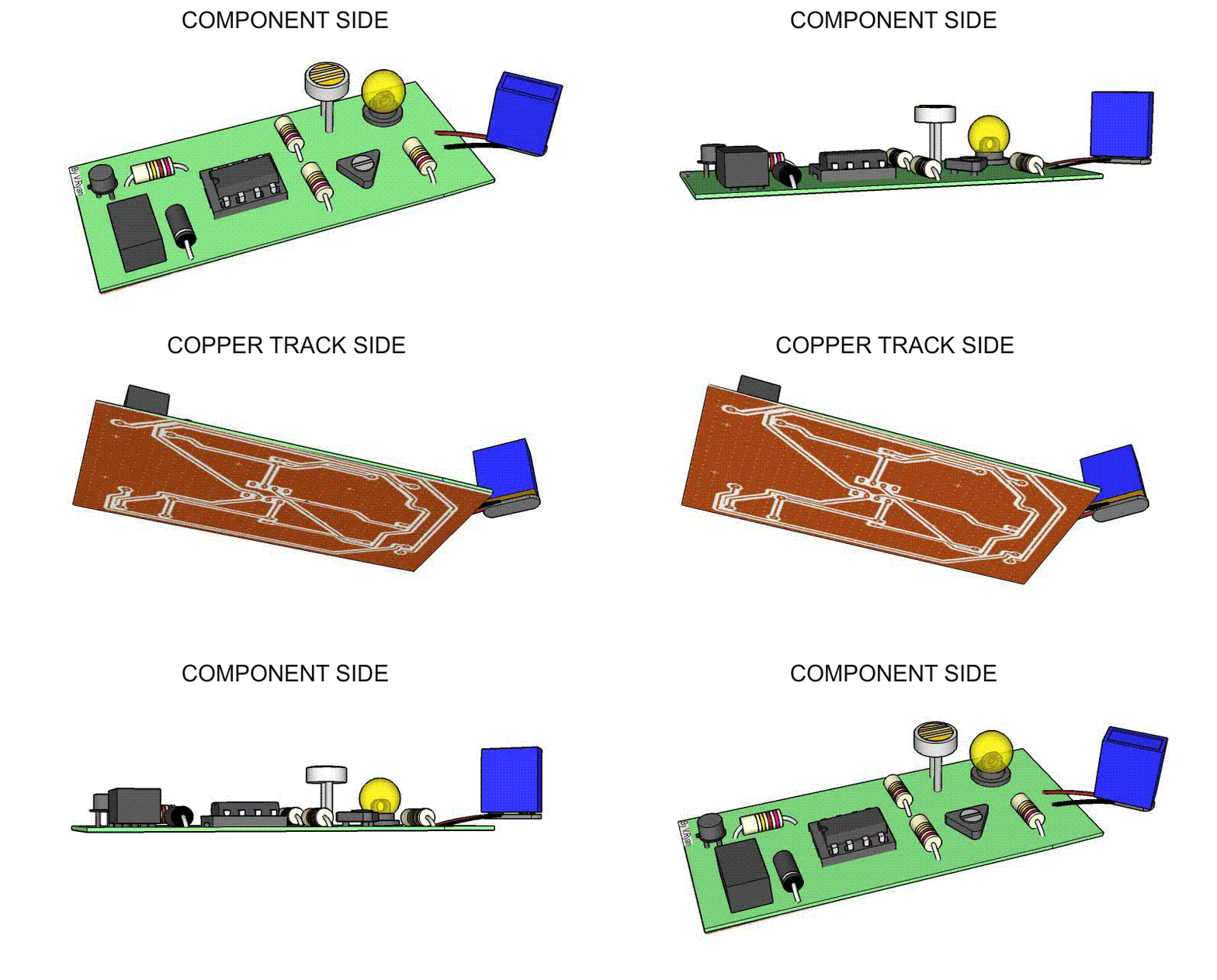
Introduces kids to the basics of creating printed circuit boards (PCBs) in a fun and interactive way. Students will learn how to design circuits, arrange components, and create PCB layouts using Fritzing's user-friendly interface. The course covers essential concepts like electrical connections and soldering, allowing kids to bring their designs to life by fabricating real PCBs.
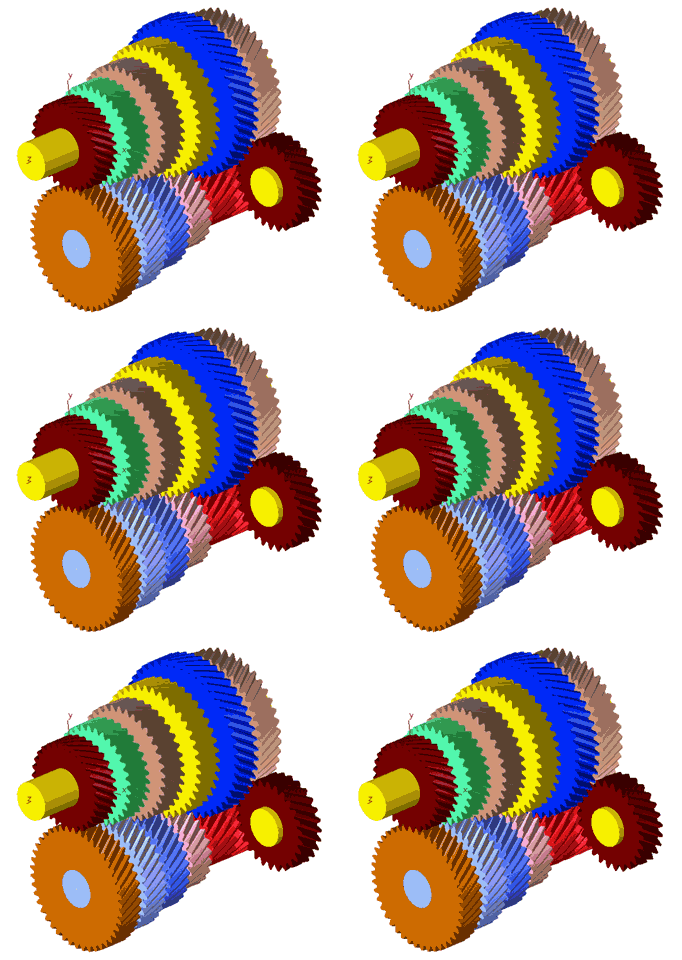
A mechanical design course using Tinkercad for kids introduces them to 3D modeling and design, allowing them to create mechanical parts like gears and simple machines. Kids learn how to design in a virtual environment, and then use a 3D printer or laser cutting machine to manufacture their designs in real life and assembling the parts together.
Description
Advanced Mechatronics Projects challenges students to apply everything they have learned to the development of complete engineering machines.
Instead of focusing on individual concepts, students work through the architecture of real manufacturing equipment and discover how mechanics, electronics, motion systems, controllers, drivers, software, and fabrication processes must operate together.
Students design mechanical structures, build controlled motion axes, integrate Stepper Motors and Drivers, develop electronic control systems, configure machine movement, and calibrate the final system for accuracy.
Through building a CNC Router, Laser Cutting Machine, and 3D Printer, students discover that machines with very different applications can share similar engineering foundations.
The course represents the transition from building projects to building machines that can manufacture other products.
Learning Objectives
By the end of the course, students will be able to:
- Understand the architecture of digital manufacturing machines.
- Break complex machines into mechanical, electronic, and software subsystems.
- Understand linear and rotational motion systems.
- Design controlled motion axes.
- Integrate Stepper Motors and Motor Drivers.
- Understand multi-axis motion.
- Design mechanical machine structures.
- Integrate shafts, bearings, couplers, guides, and motion components.
- Understand machine coordinate systems.
- Understand the concept of machine Homing.
- Understand End Stops and motion limits.
- Build and wire machine control electronics.
- Understand basic machine calibration.
- Identify mechanical sources of positioning error.
- Improve motion accuracy through testing and calibration.
- Understand the fundamental operating principle of CNC machines.
- Understand the fundamental operating principle of Laser Cutting Machines.
- Understand the fundamental operating principle of FDM 3D Printers.
- Integrate mechanics, electronics, control, and software into a complete machine.
- Test, troubleshoot, calibrate, and improve complex mechatronic systems.
A mechanical design course using Tinkercad for kids introduces them to 3D modeling and design, allowing them to create mechanical parts like gears and simple machines. Kids learn how to design in a virtual environment, and then use a 3D printer or laser cutting machine to manufacture their designs in real life and assembling the parts together.
Introductory Programming Courses
This course is designed to introduce students to the basics of programming using C++. It is aimed at beginners with little to no programming experience, providing a solid foundation in C++ syntax, semantics, and programming techniques. By the end of the course, students will be able to write simple to moderately complex programs in C++.